
To give care coordinators like intake and behavioral health specialists quick access to assessments, add the Assessment component to pages. Record pages show assessments related to a particular patient, and app home pages show assessments for all of a user’s assigned patients.
Required Editions
|
Available in: Lightning Experience Available in: Enterprise and Unlimited Editions with Health Cloud or Life Sciences Cloud |
| User Permissions Needed | |
|---|---|
| To add a component in App Builder: | Edit access for the page layout of the object where you’re adding the component |
- From Setup, enter App Builder in the Quick Find box, then select Lightning App Builder.
-
Select Edit next to a page.
You can add the Assessment component to a patient record page, care plan activity, case, clinical service request, or app home page.
- Add a custom tab labeled Assessments for the Assessment component.
- Drag the Assessment component to the new Assessments tab.
-
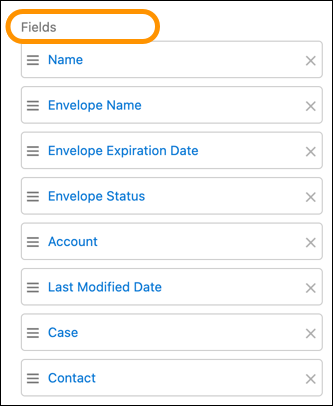
Select the Assessment and Assessment Envelope fields to display on the Assessment
component.
The Assessment component supports standard fields only.
-
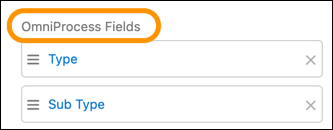
Select the OmniProcess fields to display on the Assessment card.
- Save your changes and then activate the page.
