---
schema_version: "1"
id: 507674dfa5070c685263fae04e8674d06c4e58f55d0b8d895f778f02ffc33daa
title: Create Channel Program Levels
collection: admin
version: current
locale: en-us
portal_url: https://docs.salesforce.com/admin/current/en-us/experience/264-0-0/networks_program_levels.md
canonical_url: https://help.salesforce.com/s/articleView?id=experience.networks_program_levels.htm&release=264.0.0&type=5
source_site: help.salesforce.com
content_type: documentation
content_hash: aed0c0159df0e5c50ad30589bd8bffe189c1fda6082c6c16d86f1708c8e22b88
description: Motivate partner users to meet Key Performance Indicators (KPIs) using program levels. Create multiple levels within a program, and assign each partner user to a level that is based on their performance. Different levels can offer different incentives. For example, the Gold level can provide access to market development funds, which can be used to help the partner make more sales. Channel program members assigned to the Silver level can work toward the Gold level to gain access to market development funds.
products:
- Experiences
release: "264"
---
# Create Channel Program Levels
Motivate partner users to meet Key Performance Indicators (KPIs) using program levels. Create multiple levels within a program, and assign each partner user to a level that is based on their performance. Different levels can offer different incentives. For example, the Gold level can provide access to market development funds, which can be used to help the partner make more sales. Channel program members assigned to the Silver level can work toward the Gold level to gain access to market development funds.
### Required Editions
Available in: Salesforce Classic and Lightning Experience
Available in: Enterprise, Performance, Unlimited, and Developer Editions
User Permissions Needed
To create channel program level
Create on channel program level
Channel Programs are available to users with Partner Community licenses.

Note The My Channel Program list view shows levels of channel programs owned by and shared with a user.
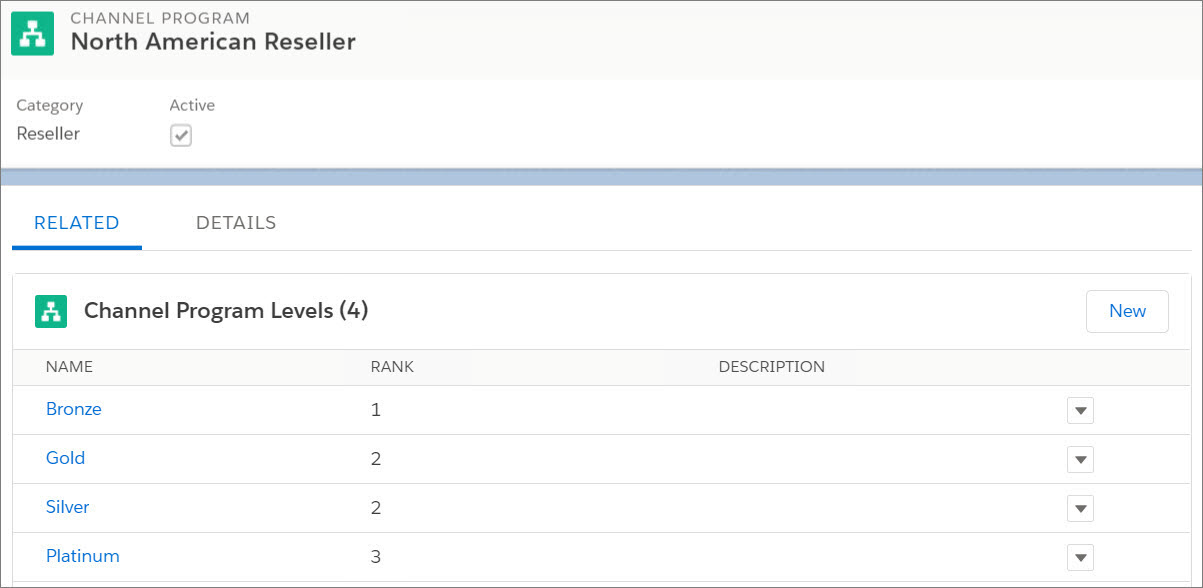
Channel program levels help you organize members of a program into groups that are based on their performance and share different resources with different groups.
1. From the App Launcher, find and open **Channel Program Levels**.
2. Click **New** and enter the name, channel program, rank, and a description.
3. Save the channel program level.