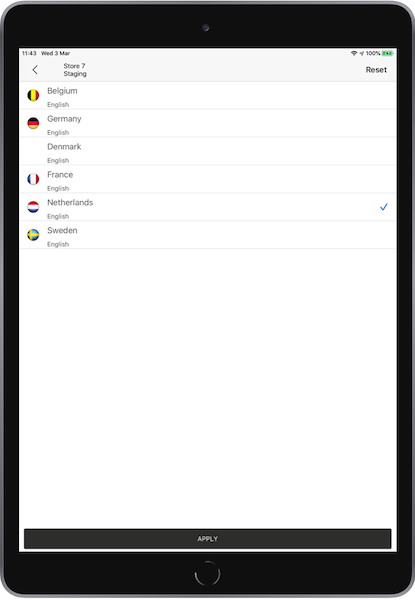
Localize the POS app to make sure that your users see the correct language and region. Change the language in the app by setting the language in the device or by using the region deep link to switch the app language, independent of the device's language.
Configure Merchant Language
The language designation that needs to occur after the merchant account is created. For CMS configuration, refer to the Multi-Language article.
This language selection is tied to the product feeds, receipt templates, layouts, and special strings localized on the CMS.
For language support during merchant creation, contact your Customer Success Manager for further assistance.
Backend Localization
In some cases, errors reported by the backend system are shown to the user. In such cases, localize the error strings returned by the backend.
Configure the Language and Region in the POS app
Set the language and region in the Regtail Cloud Point of Sale (POS) app to localize the user experience. The app renders in the selected language by using the device settings or a region deep link. Use the device settings to change the language or region.
Configure Device Settings
You can switch languages and regions on the POS app if you set multi language and regions during merchant creation.
Change the language but stay in the same region
-
On your iPad, go to .
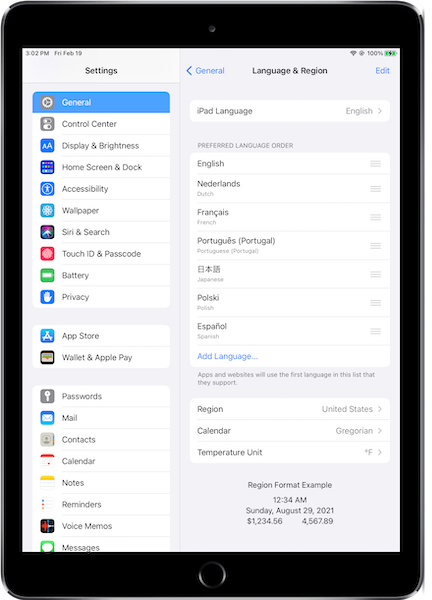
-
Select the iPad language of your choice.
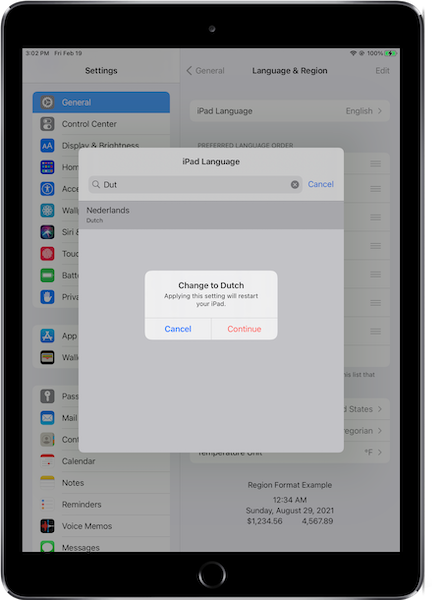
-
Log In to your POS app. The language updates to your choice, while the region remains the
same.
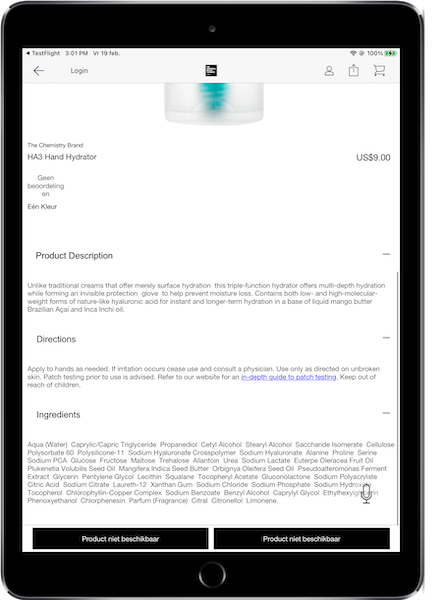
Change the language and the region
The language changes accordingly, and the app switches to the app configuration under the selected region. It shows the system's default language (English) if the selected language isn’t supported.
-
On your iPad, go to .
-
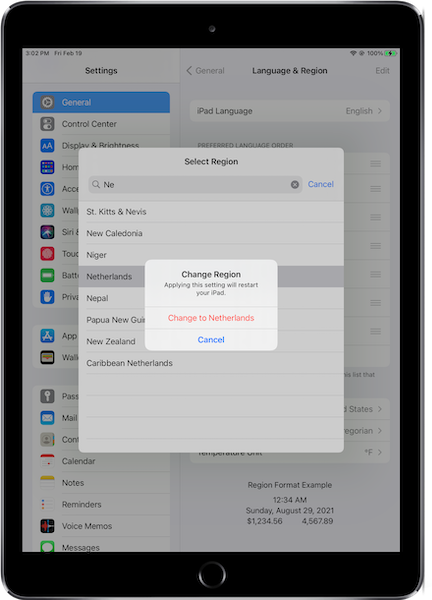
Select the iPad language and select the region of your choice.
-
Log In to your POS app. The language and region update to the ones you selected.
Region Picker
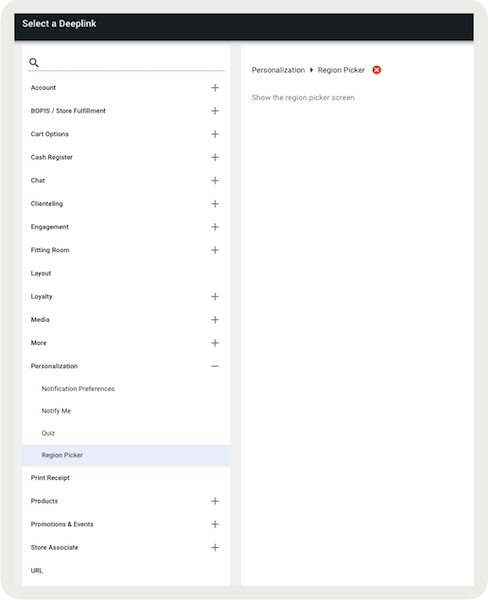
The is a functionality provided by the Modern POS platform. Merchants can embed this deep link in a hamburger menu or a layout.
If the app is running and the store associates select this deep link, the app
presents a language and region selection. Configure these regions and languages on the backend.
In the screenshot, is supported, so only one option is shown.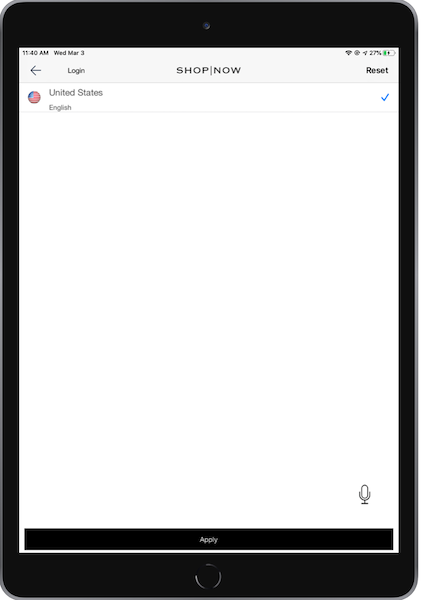
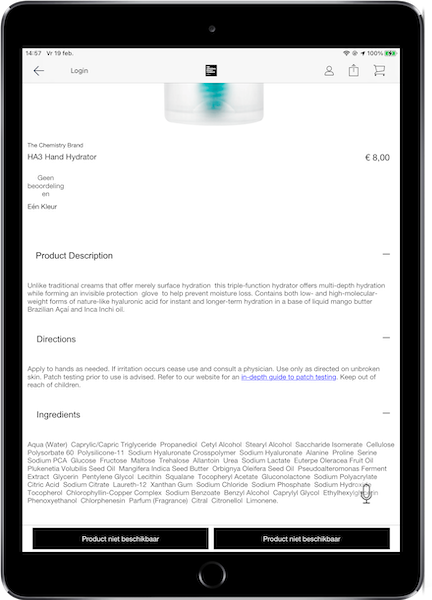
In a different merchant app, the merchant supports multiple regions, so the UI shows all possible regions to select from.