
Point of Sale allows for the customization of receipt printer connection types at both the store and register level.
Connection Types
The receipt printer connection types allowed for configuration are:
- USB
- BTLE (bluetooth)
- IP
- AirPrint
| Manufacturer | Setting | Model |
|---|---|---|
| Star | IP Connection | mc-Print3 |
| Star | USB Connection | mc-Print3 |
| Star | Bluetooth Connection | mPop |
| Epson | IP Connection | TM88 Models |
| Epson | Bluetooth | TM Models |
| A4 Printers | AirPrint | Most Models |
Configure Connection at the Register Level
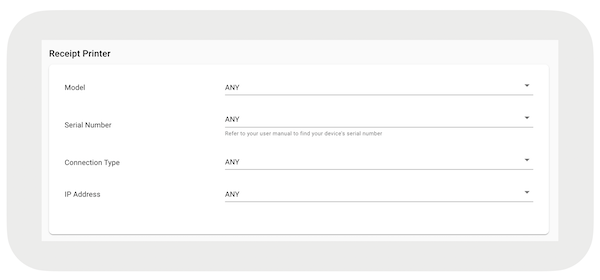
Select the register which you want to modify and scroll to . Under , select the type using the dropdown.
Configure Connection at the Store Level
In the, search for . Select the connection type from the list and save your changes.
