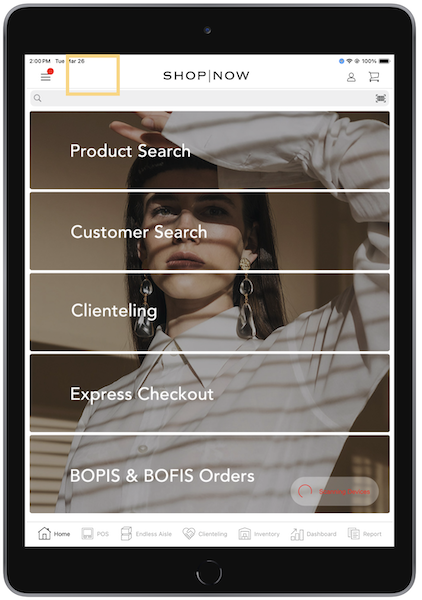
Use the Point of Sale (POS) app to customize the navigation bar’s display settings, tabs, and hamburger menu.
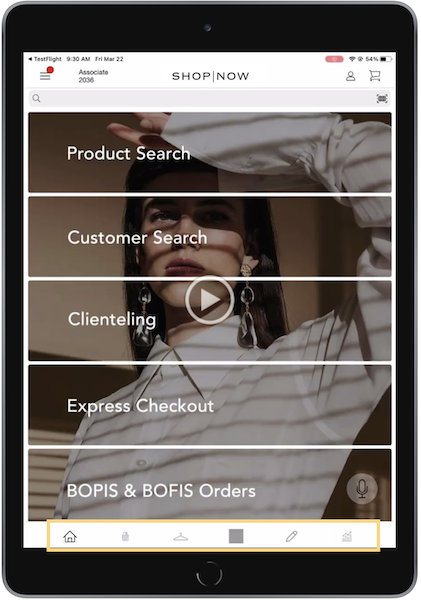
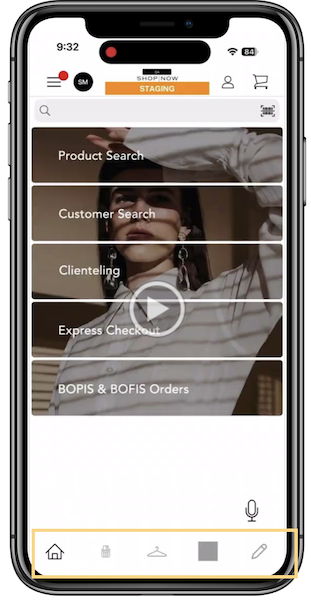
- Hide Home Screen Tab Icon (enabled)
- Hide Home Screen Tab Title (enabled)
If the above settings are configured, icons display on the POS app.
iPad
iPhone
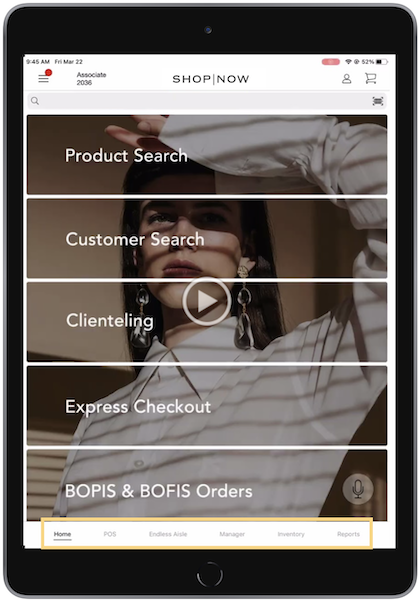
- Hide Home Screen Tab Icon (enabled)
- Hide Home Screen Tab Title (disabled)
If the above settings are configured, text will display.
iPad
iPhone
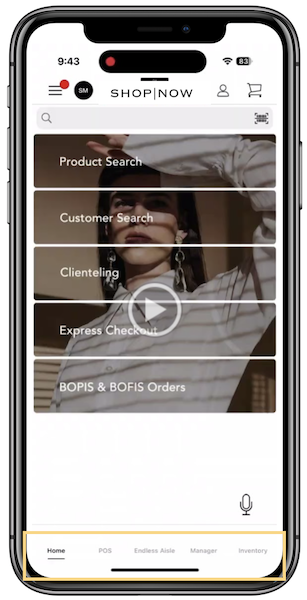
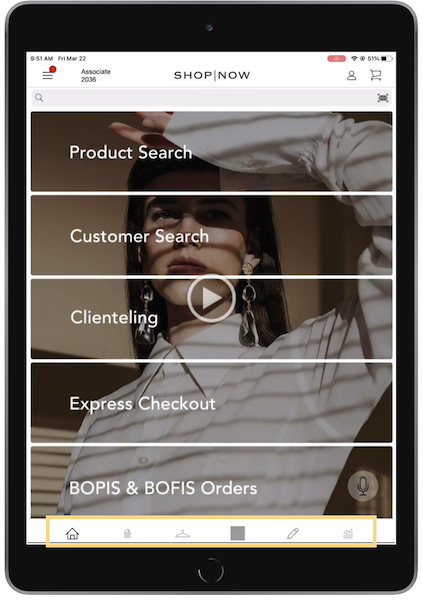
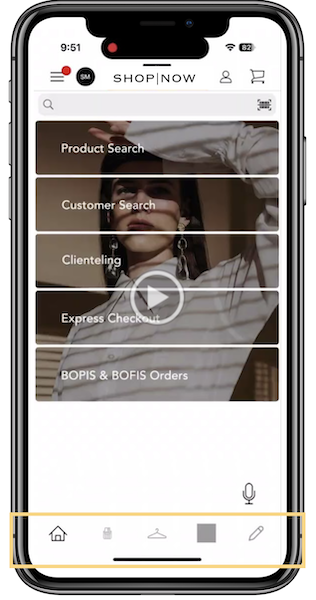
- Hide Home Screen Tab Icon (disabled)
- Hide Home Screen Tab Title (enabled)
If the above settings are configured, icons display.
iPad
iPhone
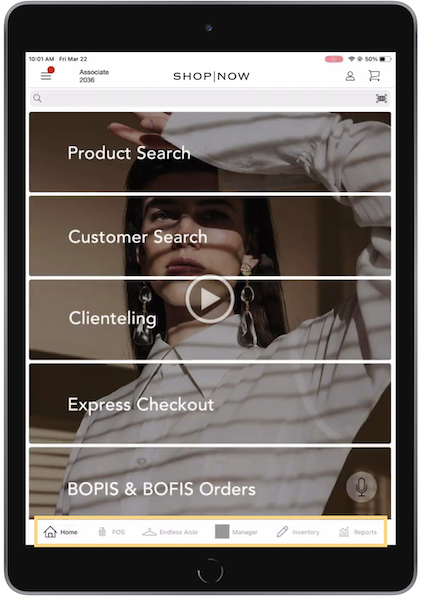
- Hide Home Screen Tab Icon (disabled)
- Hide Home Screen Tab Title (disabled)
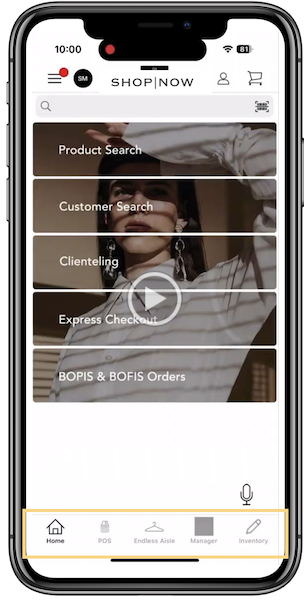
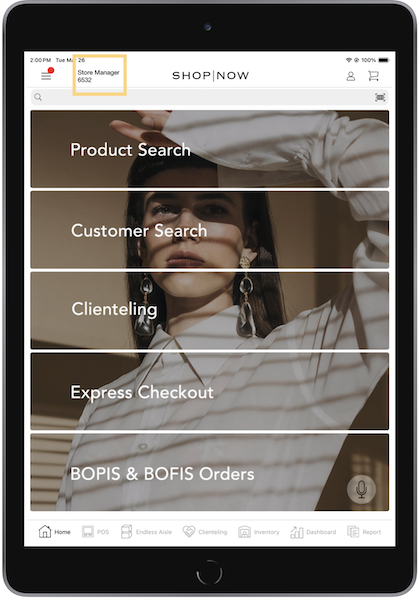
If the above settings are configured, text and icons display. For iPads, text and icons are displayed next to each other while for iPhones, they are stacked.
iPad
iPhone
Show Logged In User on Top Bar (enabled)
Show Logged In User on Top Bar (disabled)