Create cycle counts, show the history of cycle counts, and get completed cycle count reports in the Point of Sale (POS) app.
Prerequisites:
- Modern POS App Build: 6.3.4 or later
- Supported POS Device
- Offline Support: No
Create Cycle Count History Deep Link
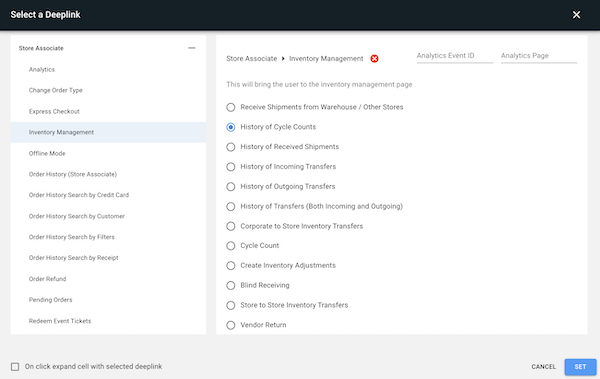
Cycle Count History is exposed in the Modern POS app with a deeplink. The deeplink can be launched from a layout or from the hamburger menu.
- Open the deeplink picker (in a Layout or Hamburger Menu).
- Select .
-
Select .
In App Usage
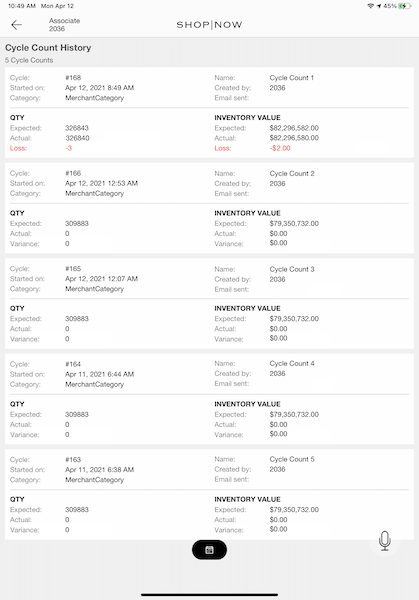
If you tap the link in the app, a list of completed cycle counts shows. This list has different information about each cycle count.
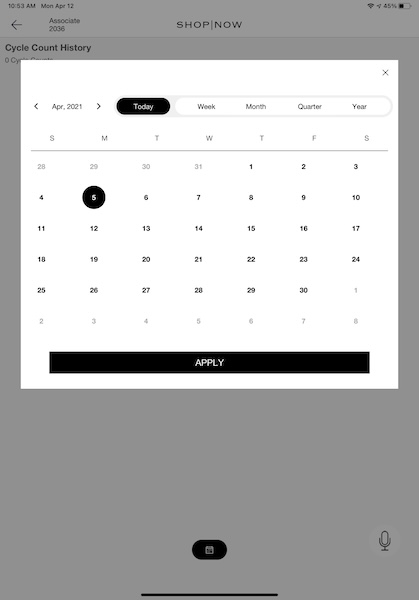
To change the date range of the cycle counts displayed, the user can access the date filter by tapping the calendar icon at the bottom of the screen. By default, the date filter shows cycle counts from the past 90 days (from 90 days before today to today). This is a rolling date range, so the From Date advances by one day each calendar day. The date picker opens on the Custom tab to reflect this default range. Cycle counts with dates in the future don't appear in the default view until the current date reaches them.