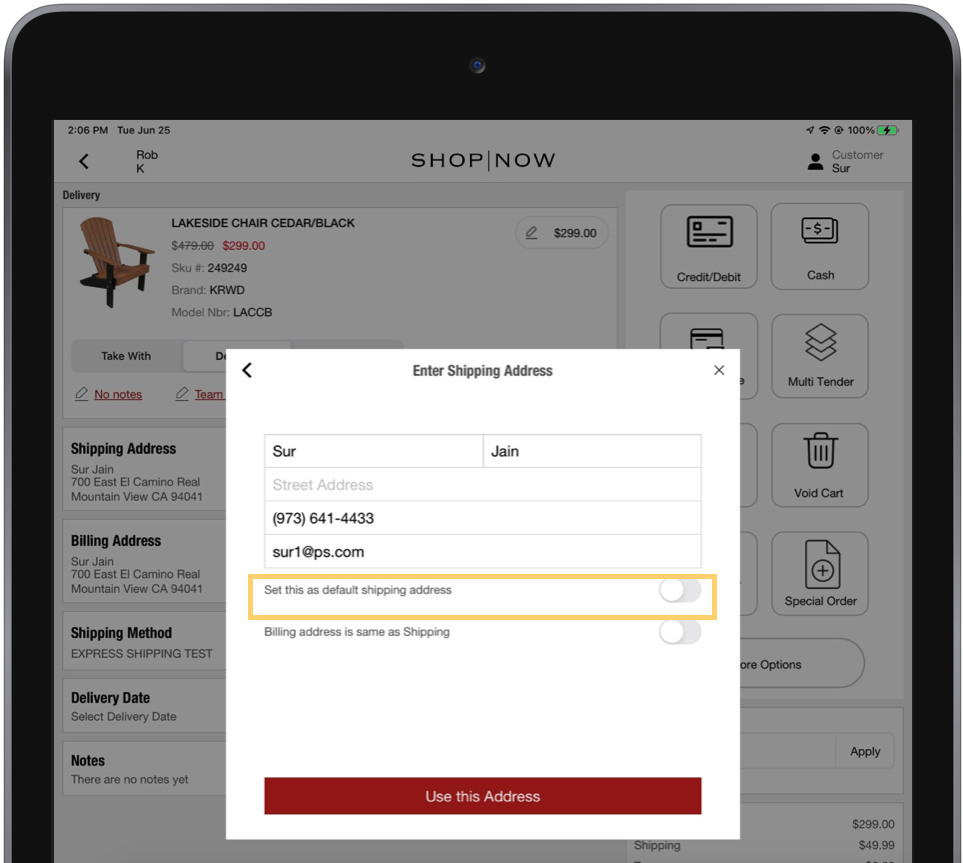
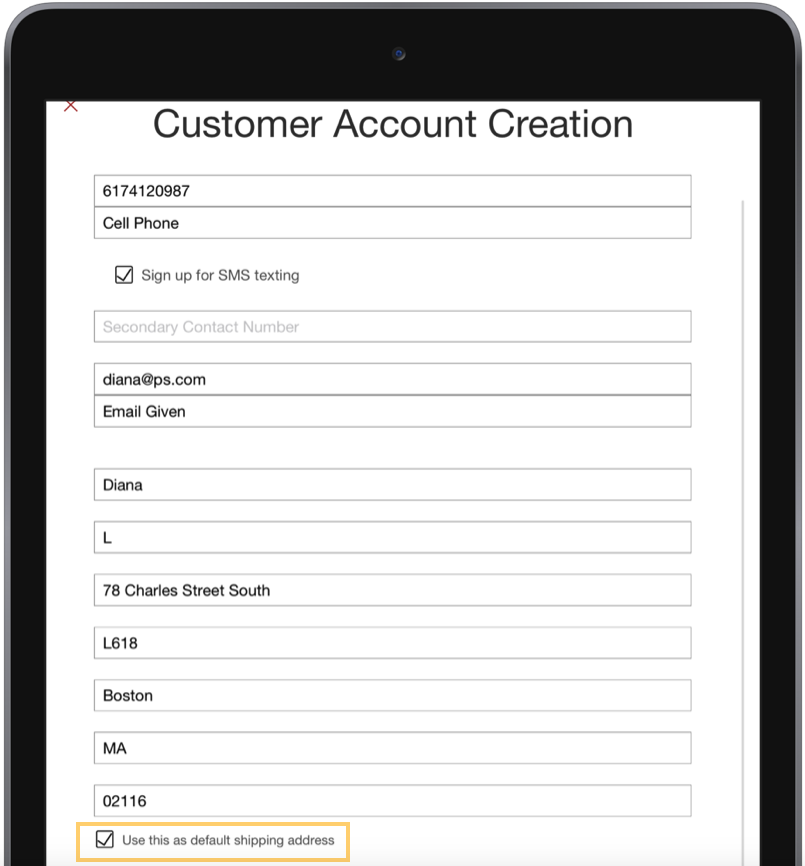
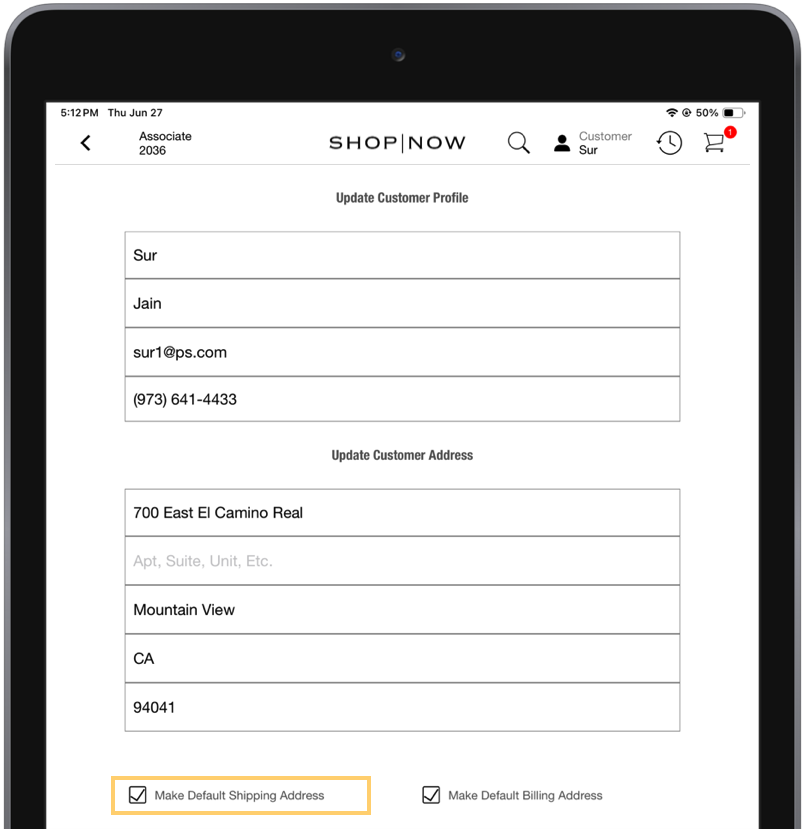
Point of Sale allows merchants using NetSuite to set default addresses on the POS app. This can be done when adding a new shipping address in the cart for online products, signing up a customer, or updating a customer's profile address. When a shipping address is set as the default, it updates the customer's profile address both in the POS app and in NetSuite.
- Modern POS App Build: 10.1.1 or greater
- Platform Support: iPhone & iPad
- Offline Support: No
Save Default Shipping Address on Shipment Info
Allow store associates to save a customer's address as a default when setting their shipment address.
- Go to Apps and edit an app config.
- Go to .
- Enable the flag, Save Address as Default in User's Profile (SaveAddressAsDefault).
- Save your changes.
Save Default Shipping Address on Customer Signup
Allow store associates to save a customer's address as a default when they sign up or updating their profile.
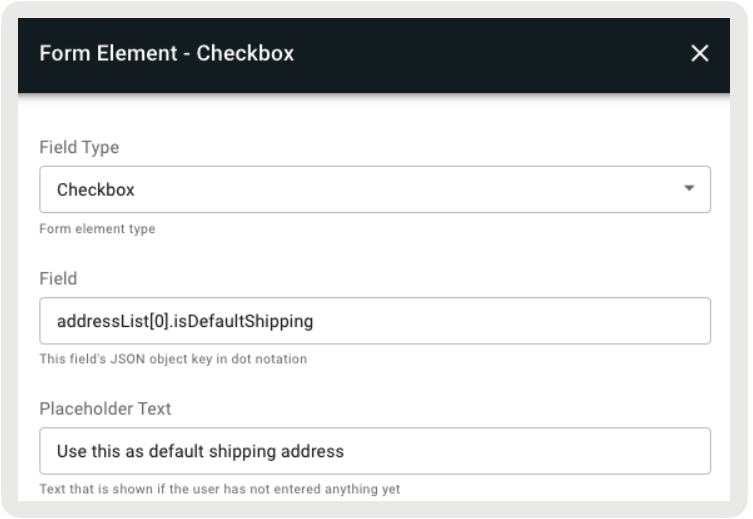
- Edit the Customer Signup and Customer Profile layouts.
- Add a cell with a Cell Content as "Form Element".
- Under Field Type, select "Checkbox."
- Under Field, enter the JSON key for saving default addresses (e.g., "addressList[0].isDefaultShipping").
-
Under Placeholder Text, enter the text that will appear on the POS app.
POS Behavior
Update Default Shipping Address on Cart
When an online product is added to the cart and a customer is logged in, their profile
address automatically populates the shipping address. The store associate can enter a new
address in the modal. There is also a toggle in the modal to save the new address as the
default one.