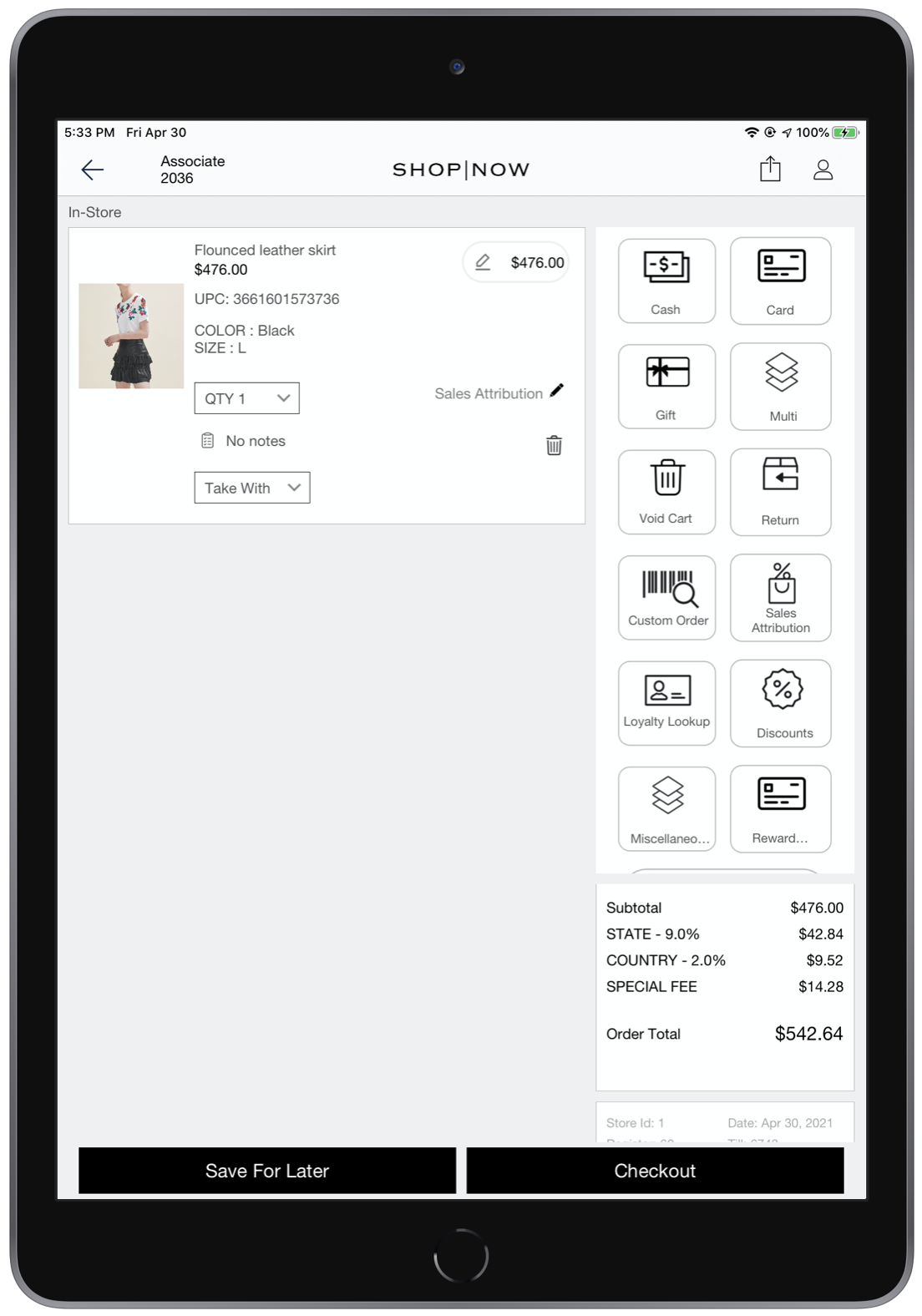
The POS app can support special fees that are levied only in certain stores based on the location of the store. These fees can include public improvement or franchise fees,
- Modern POS App Build: 6.5.1 or later
- Platform Support: iPad and iPhone
- Offline Support: Offline is supported for OneSource only

Note This feature is not available for the native tax engine.
Configure Mobile Config Settings
- In CMS, go to .
- Hover over the app config and click EDIT.
- Go to the Modules tab and open Cart.
- Under Tax, enable Show Multiple Tax Breakdown.
Upload the Tax Feed
A special tax feed is mandatory for this feature to support Special Fees by OneSource and to support the feature in Offline mode.
- Create a tax feed file by following the spec provided in Tax Rates Feed & Setup. Look at
chargeTypeandnonRefundablefeed fields in the article to support Special Fees feature. - Run the tax feed file either manually in CMS or it should be scheduled to upload from an SFTP server (see Run Feeds Manually and Schedule Feed Runs in Point of Sale CMS).