
When scanning in inventory items during Blind Receiving or a Cycle Count, the PS POS app allows the user to manually enter a quantity for a scanned item so that each individual item does not need to be scanned. This is most helpful in scenarios where a large number of the same item must be scanned.
POS Build, Platform Support & Technical Prerequisites:
- Modern POS App build: 6.5.1 or above
- Platform Support: iPhone & iPad
- Offline Support: No
-
To enable Inventory Bulk Quantity, ensure that the
hasInventoryBulkQuantityflag is enabled from Store Settings in the CMS. -
When the
hasInventoryBulkQuantityflag is enabled in the CMS, the interstitial shown below will be presented after each item is scanned during Blind Receiving or a Cycle Count. After entering the appropriate amount in the text field and tapping Confirm, the amount entered will be added to the quantity of the scanned product.
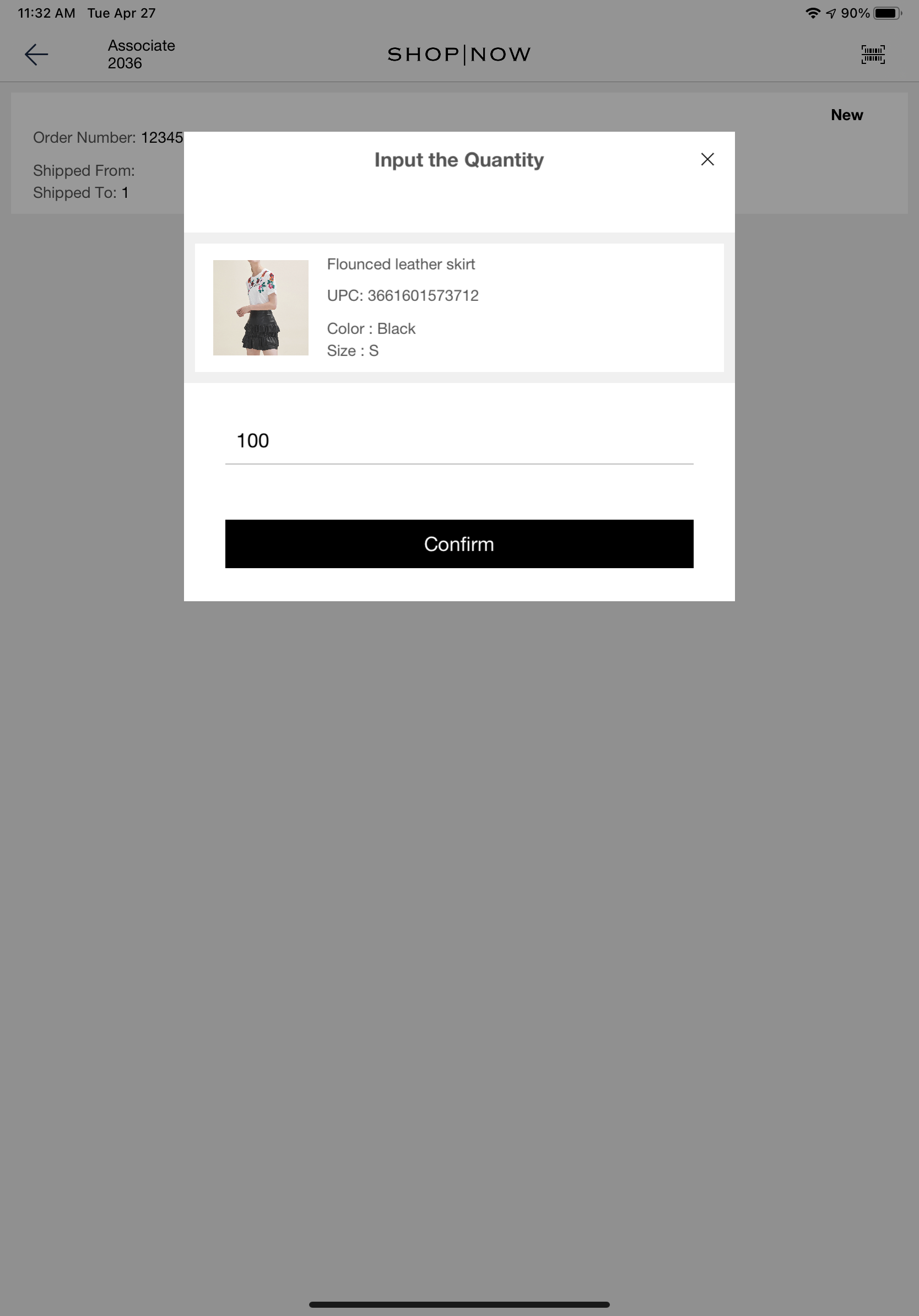
Note that when serialized inventory is enabled and a serialized product is scanned, the user will not be shown this interstitial and the user will not be able to manually input the quantity for such a product.