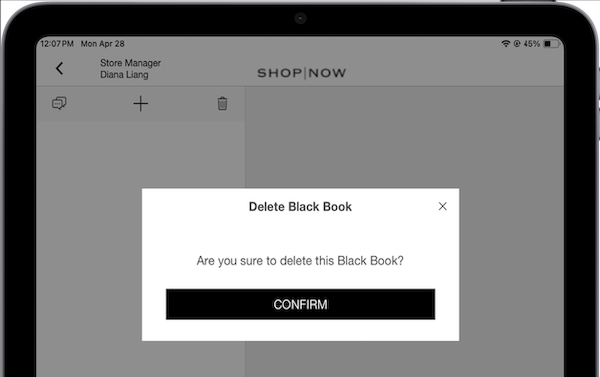
Remove a preferred customer list in the POS app Tap the Black Book deep link in the app. Tap on a black book. Tap the trash icon and then confirm.
Remove a preferred customer list in the POS app Tap the Black Book deep link in the app. Tap on a black book. Tap the trash icon and then confirm.