
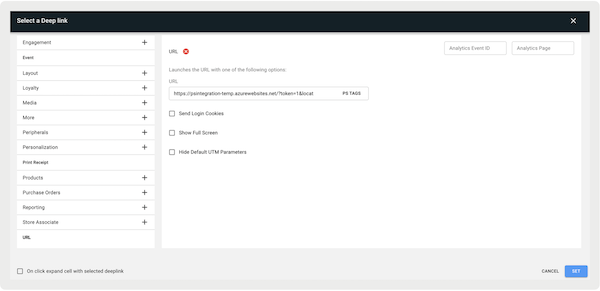
Set up a URL deep link to access WebViews so you can create appointment booking services within the Point of Sale (POS) app.
Prerequisites
- POS App Build: 9.9.1 and later
- Platform Support: iPad & iPhone
- Offline Support: no
- Technical Requirements: merchant-provided URL to WebView
Configure Customer Search Login Event in Point of Sale CMS
Set a customer login event in Point of Sale CMS to happen whenever a WebView loads.
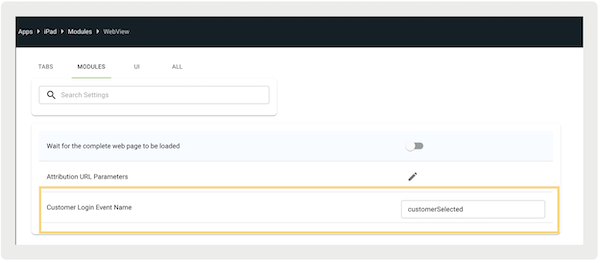
Configure Customer Login Event Name
Configure the customer login event that triggers as a WebView loads. The POS app uses this event to extract the customer ID from the event data and initiate a customer login API call.
- In CMS, go to .
- Edit an app configuration.
- Go to .
-
Under , enter the event name (for example ).
View Customer Search Webview in the POS App
The Point of Sale app flow in determines how the app responds to customer ID information.
Match Found
If Point of Sale receives the Salesforce customer ID, it initiates a lookup in Salesforce using the provided ID.
If a match is found in Salesforce, the customer is added to the cart. This is like how customers are chosen using our native search connector. Subsequently, the store associate is automatically redirected to the cart for further action.
No Match Found
If no match is found for the customer ID in Salesforce, the system refrains from adding the
customer to the cart. Instead, a message prompts the store associate with: "Customer not
found, please search again."
Response Without Customer ID
In case the response doesn't include a customer ID, Point of Sale skips the Salesforce lookup process altogether.