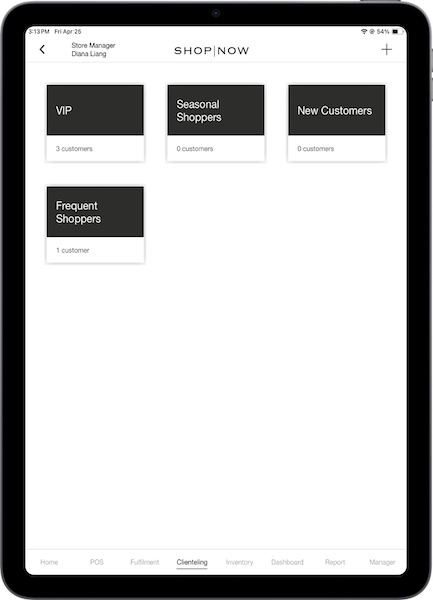
Access your black book on the POS app by configuring a deep link in CMS.
- Edit a layout, hamburger menu, or tab.
- Using the deep link picker, select .
- Set and save your changes.
-
On the POS app, tap the deep link in the app. The black book screen is where you can see and manage your
black books.