Offer discounted pricing to customers who belong to a qualifying customer group, such as loyalty program members. Configure the customer group in CMS, and the POS app automatically applies member pricing during checkout.
This feature is available in POS app builds 12.5.1 and later.
-
Configure member pricing for the POS app.
- In CMS, go to .
- Expand Membership.
- In the Membership Customer Group field, enter the string value of the customer group that you want to treat as members.
- Save your changes.
-
Show member pricing on the POS app.
- To show member prices in the app, in CMS go to and turn on Display Store Price.
- To control how member prices derive from your feeds, in CMS go to and configure Enrich Store Pricing to Product.
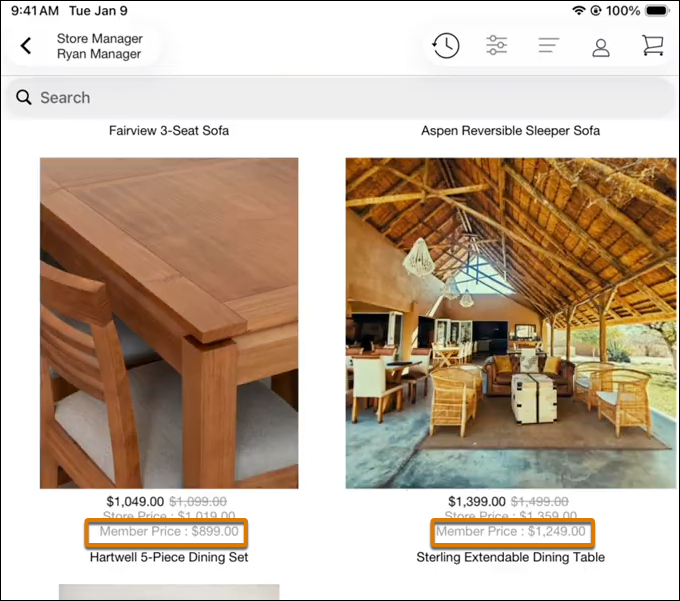
On the product list and product detail pages, the member price appears automatically for products that have one.
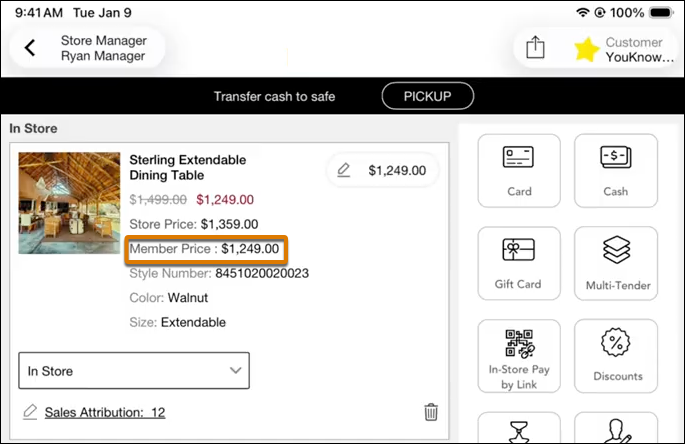
In the cart, member prices apply when a store associate logs in a member customer or scans a membership card.