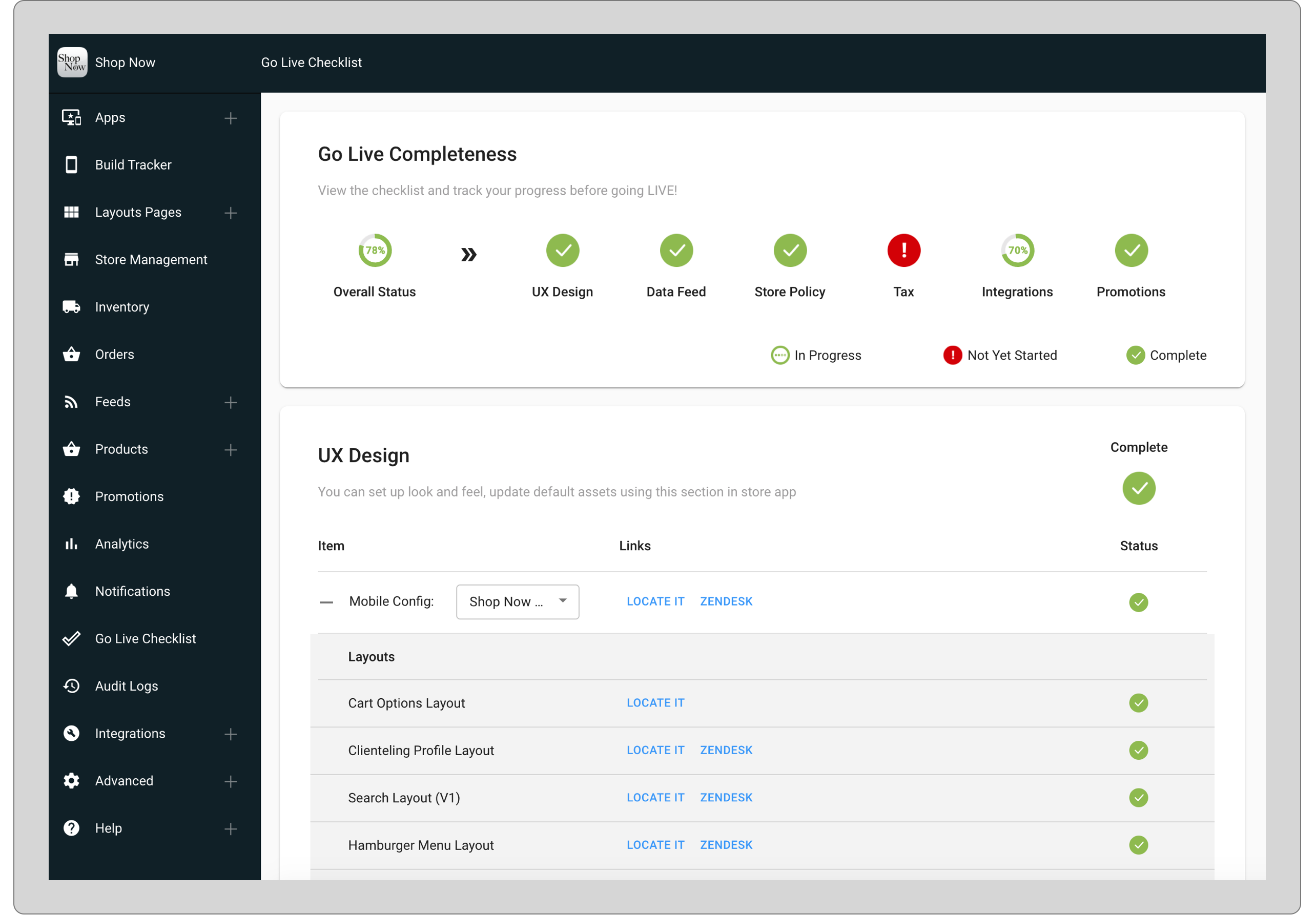
The Go-Live Checklist in the Point of Sale CMS provides a clear overview of a merchant's readiness for launch, ensuring a smooth transition to live operations. Users can quickly access and complete specific checklist items, with easy links to help articles for guidance. This tool streamlines the go-live process, helping users efficiently manage

Accessing the Tool
Any user who has at least "SETTINGS" permission or higher access rights would be able to access this tool. For more information about roles/permissions refer to CMS User Management.
To access the tool in CMS, open Go Live Checklist from the sidebar menu. The tool will be readily available to analyze the status of the merchant's go-live readiness.
Understanding the Tool
There are many tasks and checklist items that are required before the merchant goes live. This tool divides all the checklist items into a few main sections. After all the checklist items are done, the main section of those checklists gets updated as completed.
Supported Status
There are three different statuses for each section and for each checklist item under those sections.
- In Progress
- Not Yet Started
- Completed
Understanding the Sections in This Tool
Go Live Completeness: This section summarizes the overall status of the entire checklist for merchant readiness.
- UX and Settings: Contains checklist items related to settings, look, and feel of the store app.
- Data Feed: Contains checklist items related to the data feed for the current store.
- Store Policy: Checklist to set various configurations for store setup.
- Tax: Tax configuration for the store.
- Integrations: Checklist for various third-party and in-house integrations.
- Promotions: Promotion-related integration for store.
Known Issues & Restrictions
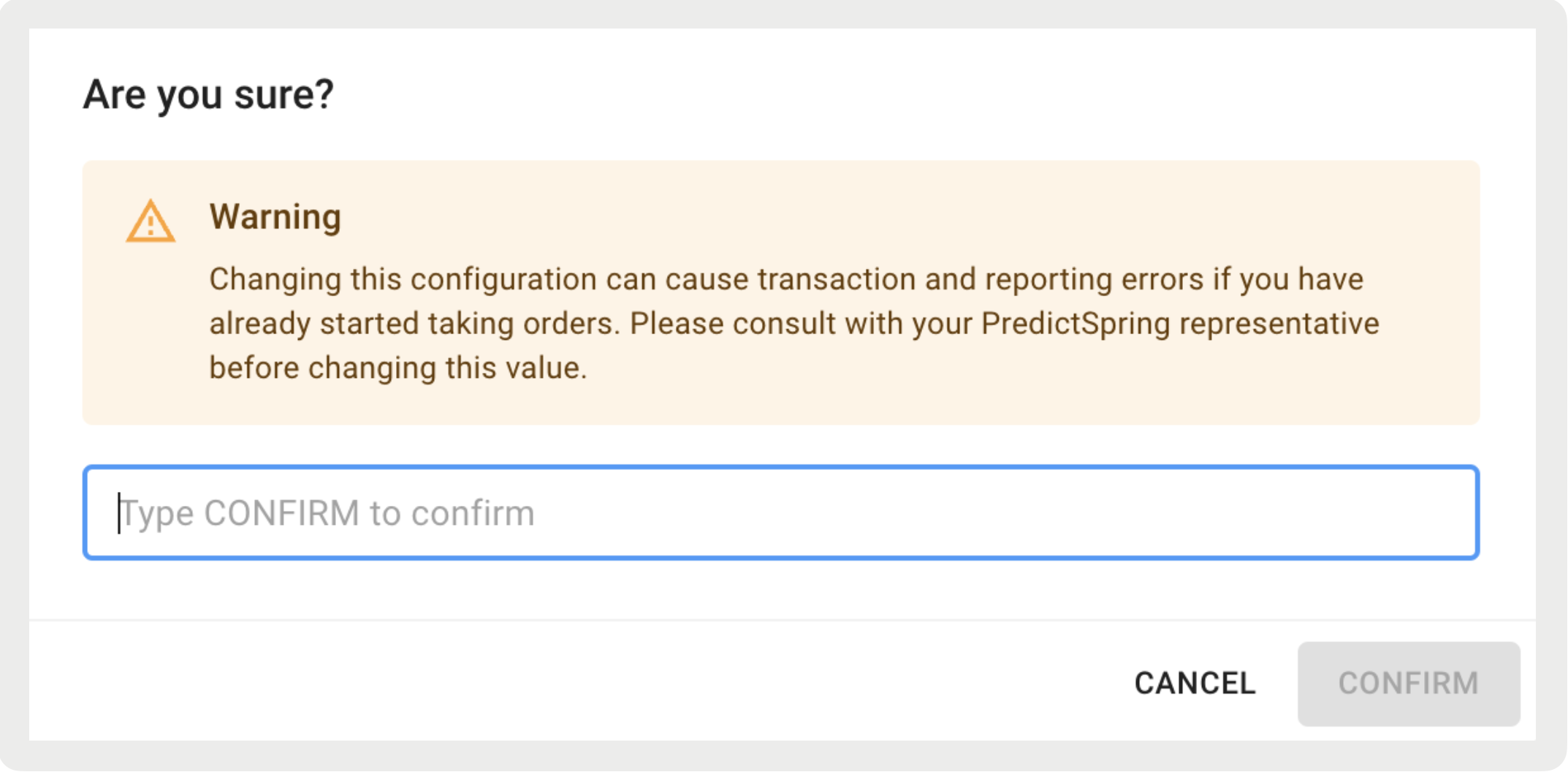
Resetting order IDs in the Order Number Range Configuration ( from the CMS sidebar menu) before going live may lead to errors caused by
duplicate order IDs. You will receive a confirmation prompt if you choose to ignore the
warning and proceed.