
Enable Franchise Management in Point of Sale CMS for the Merchant Location Region (MLR).
- Log in to the Point of Sale CMS as a corporate admin.
- Go to Advanced | Merchant Config and edit the configuration.
- Go to the General Settings tab and turn on Enable Franchise Management.
- Save your changes.
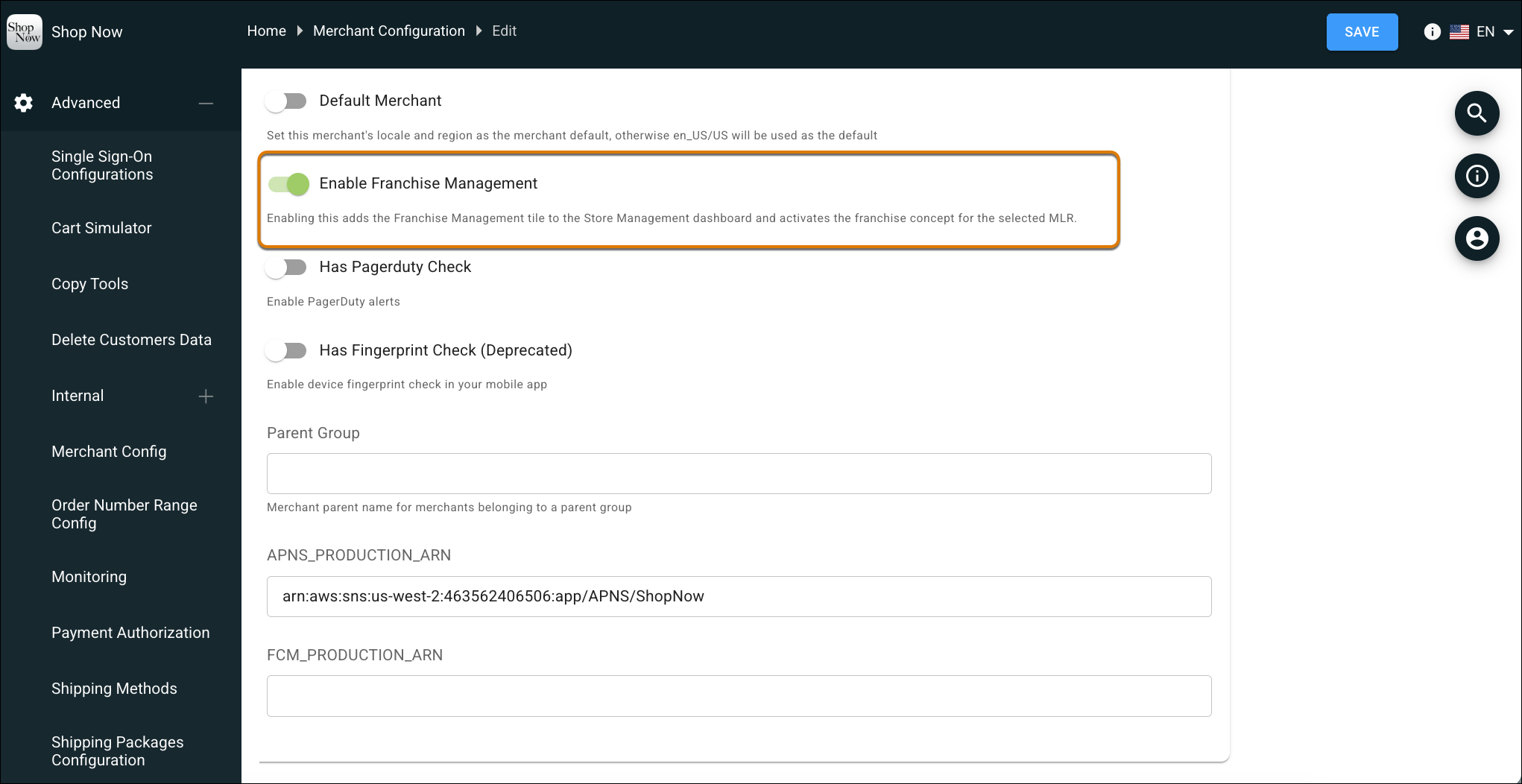

Important Enabling this setting activates the franchise concept across the entire MLR. Franchise ID becomes a mandatory field in store feeds and APIs.