
Upload store details to the Point of Sale backend.
Stores and store details like location, contact information, and hours are fed into the Point of Sale backend through a feed file.
- Create a store feed file (specification).
- Map the attributes in the feed file with Point of Sale fields using Field Mappings.
- Run the feed using Manual Upload or Scheduled Upload.
After your stores have been uploaded through a feed, you can view them in Point of Sale CMS by
going to .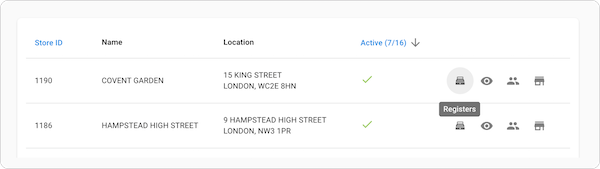
From this list view, you can view and search for stores. You can also find additional information about each store, for example, store associates, registers, and inventory.