Order Reconciliation in Point of Sale provides real time key sales audit metrics within the Sales Audit Dashboard, acting as a central hub for delving into specific reports.
The Sales Audit Dashboard
To Access Point of Sale's select . Users can configure the dashboard's date range, choosing from preset options
like yesterday, the last seven days, the current month, last month, or year-to-date (YTD).
The default date range will display data up to the current day. A custom date range can also
be applied.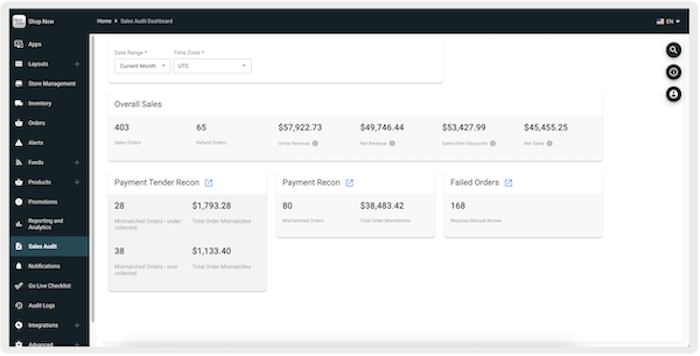
Sales Audit Widgets
Sales Audit Dashboard provides real time key sales audit metrics within Point of Sale. It acts as a central hub for users to delve into specific reports. This includes a snapshot overview of your sales and orders, allowing you to drill down into details and highlight discrepancies that require further analysis. The dashboard exclusively focuses on Point of Sale orders, excluding ecommerce orders.
Overall Sales
This section displays the overall metrics of a business. It includes metrics such as total
sales orders, total refund orders, gross revenue, net revenue, sales after discounts, and
net sales. For details on how these metrics are calculated, refer to this article.
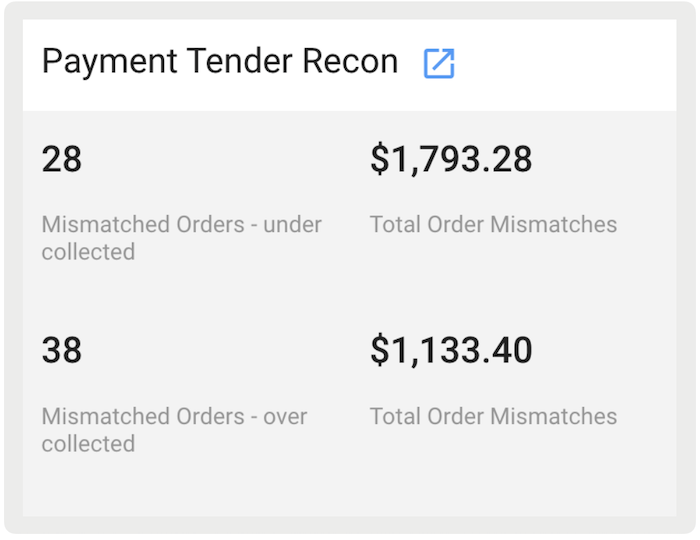
Payment Tender Recon
This section displays the number of orders with mismatched sales reconciliation and the total dollar amount of these discrepancies. It highlights discrepancies where the value of an order doesn't match the value of collected tenders. For example, if only $69 was collected for a sale of $70 in merchandise, a mismatch shows up. You can drill down into specific orders and mismatches, comparing merchandise totals against tender totals. The link on this widget will direct you to the Tender Reconciliation Report that drills down into specific orders that have mismatched collections.
Payment Recon
This metric matches collected tenders against those requested from payment gateways. It
indicates the number of orders with payment reconciliation issues and the total dollar value
of these discrepancies. You can access detailed analysis through the Payment
Reconciliation report.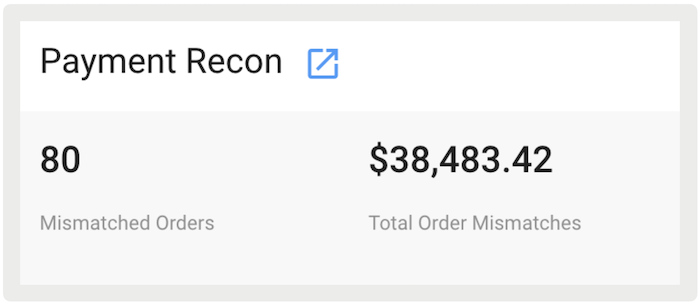
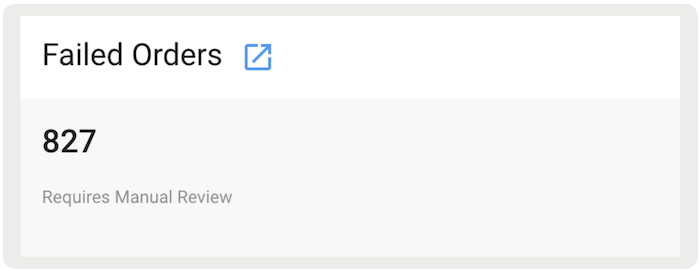
Failed Orders
This section represents failed orders requiring manual review from the merchant. It shows the number of failed orders requiring manual review and provides a link to the corresponding report for failed orders. Orders marked for manual review can require manual processing for refunds or collections with customers.