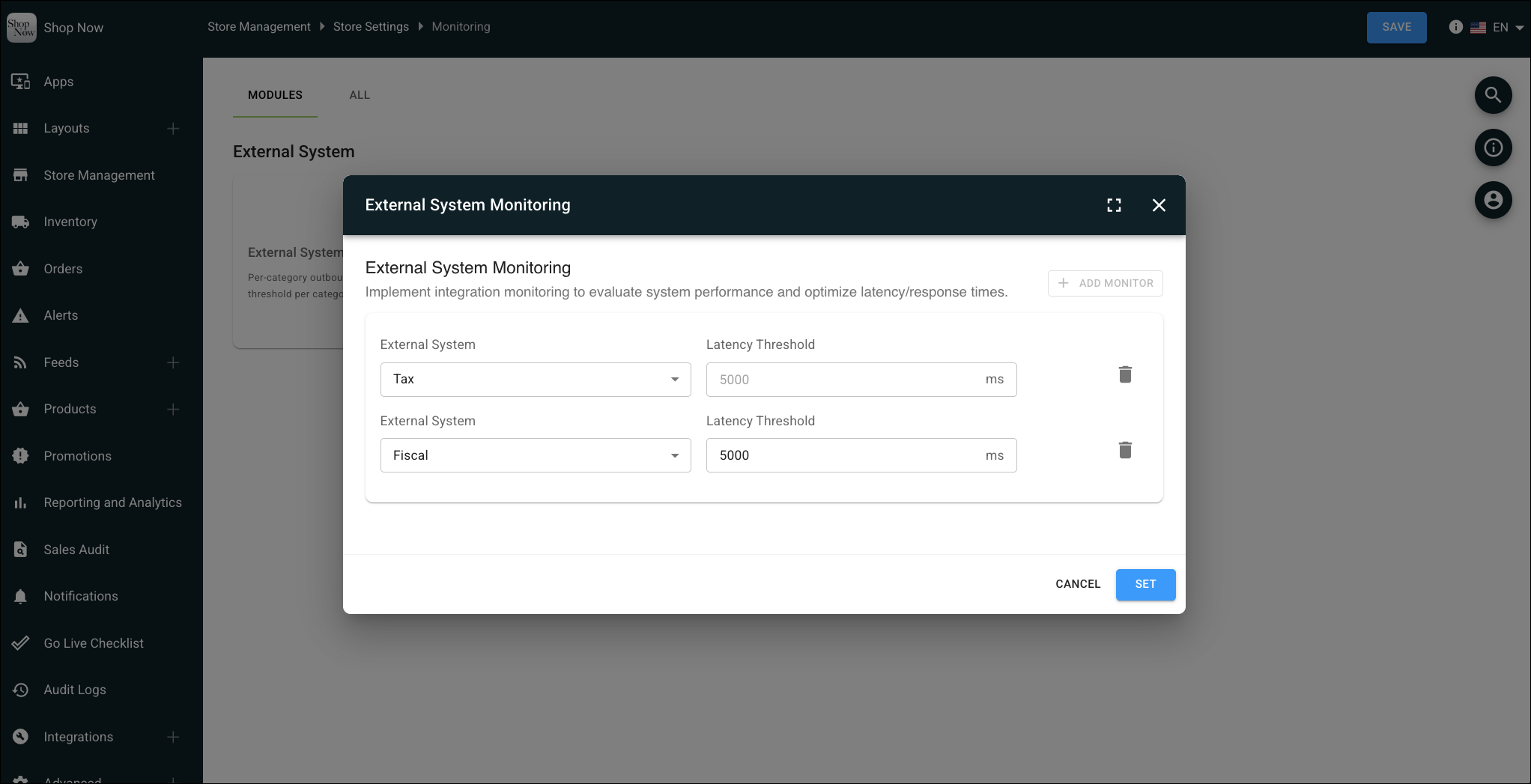
Identify integration issues that could impact checkout by monitoring tax and fiscalization services. When errors or high latency occur, the POS app sends monitoring events to your system.
Before you begin, configure the Monitoring Event webhook. See Webhook Monitoring Event Webhook.
- In CMS, go to .
- In the External System Monitoring section, click Edit.
- Click Add Monitor.
- Select the service to monitor: Tax Service or Fiscalization Service.
- Enter the latency threshold in milliseconds. The default is 5000.
- Save your changes.