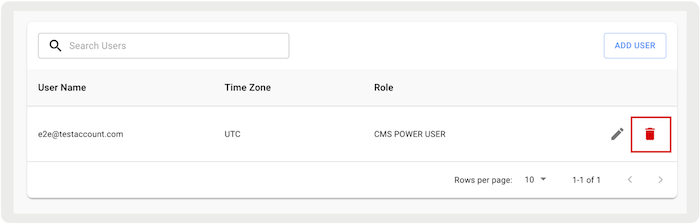
Manage access to the Content Management System (CMS) by adding or removing users.
Adding Users to Point of Sale CMS
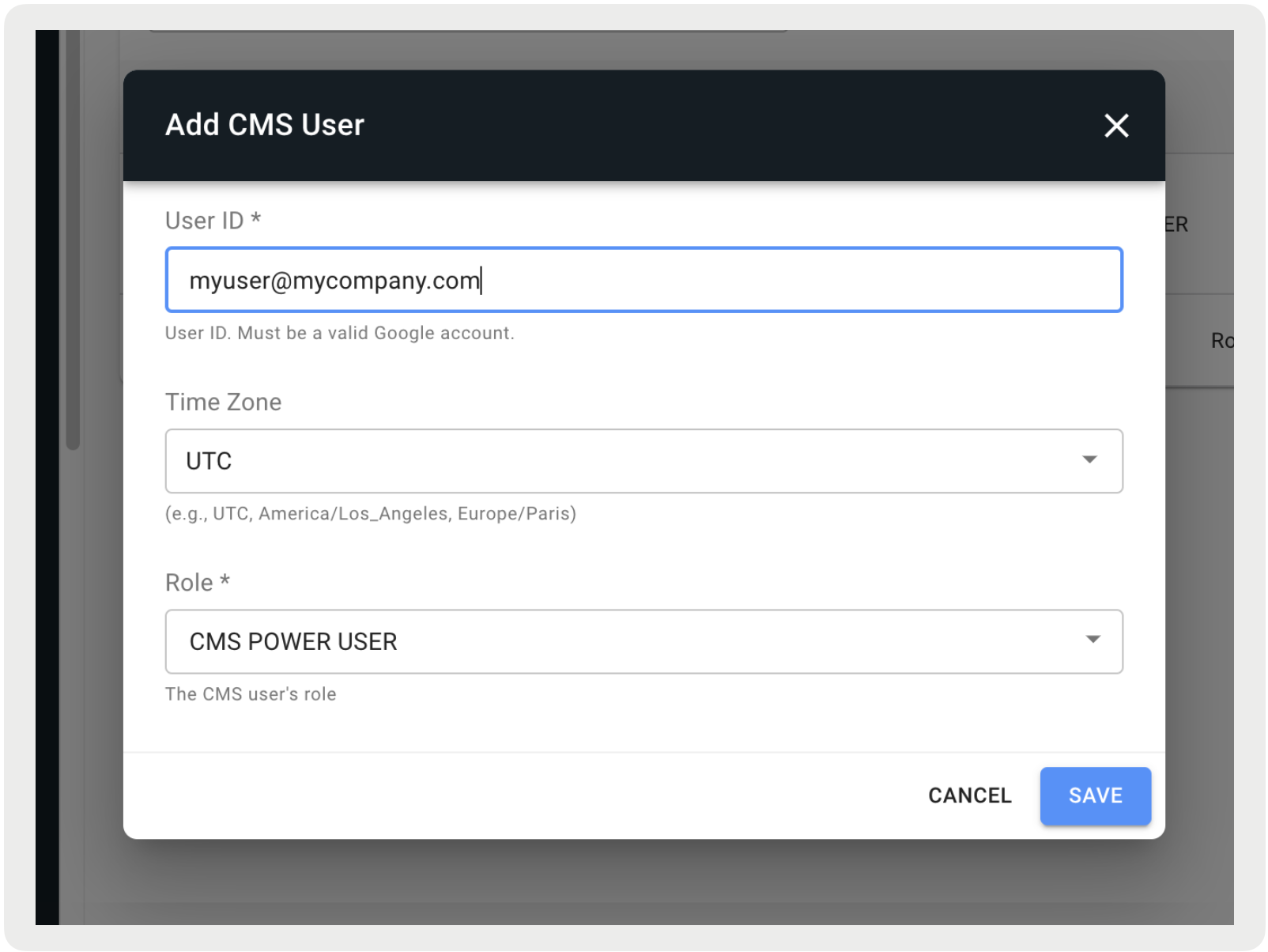
Create a corresponding user in the CMS for each user in Azure AD (that is, if the merchant creates user@example.com in Azure AD, add that same user to the CMS under the CMS Users section). For more information, seeAdd a Point of Sale CMS User .

Important Azure AD will only provide authentication and not
authorization. Any role and permission-based access is configured solely in the CMS. For
more information, see Point of Sale CMS Roles.
Removing Users in Point of Sale CMS
To remove access to the CMS, remove the user from the CMS.