
Implement a Point of Sale forgot password layout or use a mobile site to streamline the password recovery process. Users can easily reset their passwords, enhancing security and improving user experience.
Create a Forgot Password Layout
The Forgot Password Layout is created as a normal layout.
- Go to Layouts > All Layouts
- Click Add Blank Layout
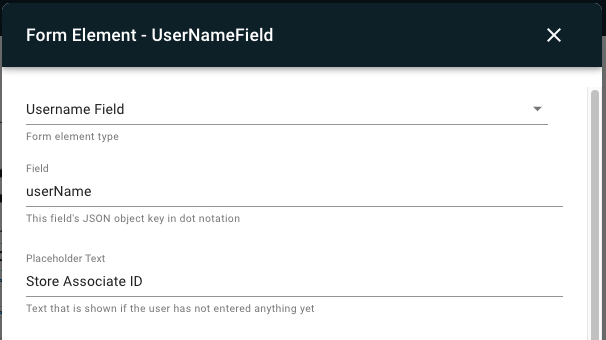
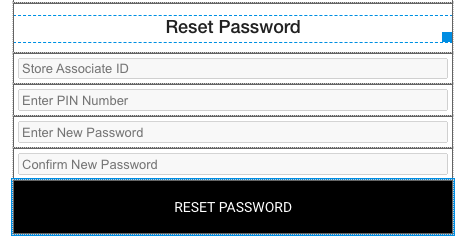
Associate ID / User Name field
Associate ID field is configured as a form element:
- Select a cell
- Select Cell Content > Form Element
- Configure the form element and click SET FIELD

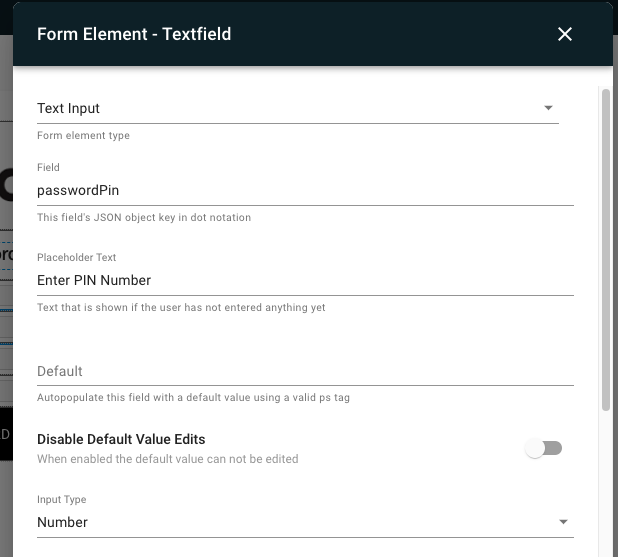
PIN
PIN is used to validate the user. PIN is setup in store associate creation form under Store Manager > Associates > Add.
Users will be able to reset their own password by entering the correct PIN. The setup for the PIN field on the Password reset layout like this:
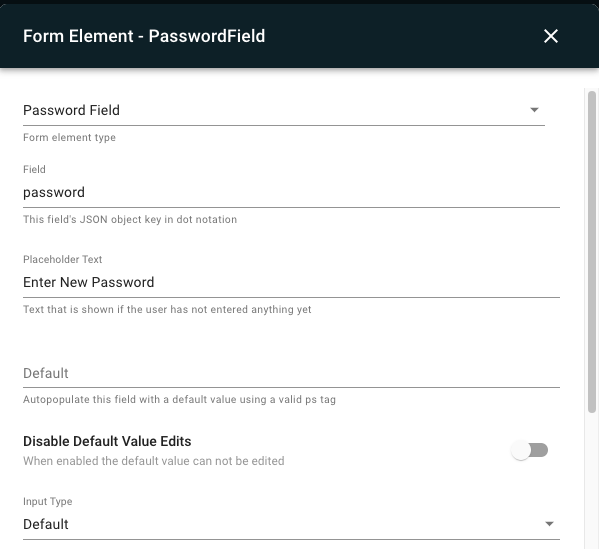
Enter New Password
Associates can add the new password. The password rules can be setup in input validation rules expression. This field can contain regex rules.
Confirm New Password
Associate should add the same password again for the system to reset their password
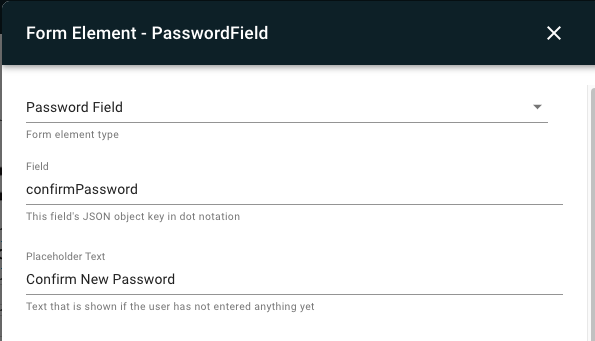
Both new password and Confirm Password should be made into hidden text.
Submit Button
The submit button is configured as a form element with a button action of "Forgot Password."
- Select a cell
- Select Cell Content > Form Element > Button
- Specify the button text (e.g., "SUBMIT")
- For the Button Action select Forgot Password
- Click SET FIELD

App Config Setting
To use a Forgot Password Layout:
- Click EDIT CONFIG
- Go to the ALL tab and search for "Forgot"
- Select the Forgot Password Layout from the dropdown
- Click SAVE
To use a mobile site for the forgot password workflow:
- Click EDIT CONFIG
- Go to the ALL tab and search for "Forgot"
- Enter the Forgot Password Url
- Click SAVE
Forgot Password Deeplink
The forgot password workflow can be launched from a hamburger menu or layout. The deeplink's behavior depends on whether a Forgot Password Layout or URL is assigned to the app config. In the deeplink picker select Deeplink Type > Account > Forgot Password