
Segmenting Point of Sale app configurations by app version ensures that newer versions can use advanced features unsupported by older versions. This approach allows for seamless updates and enhanced functionality, improving user experience and operational efficiency.

Note If your app has a layout segmentation or an app config segmentation this may not work
properly. Test thoroughly.
- In CMS, create an app configuration for the new version of the app and assign it an app config token.
-
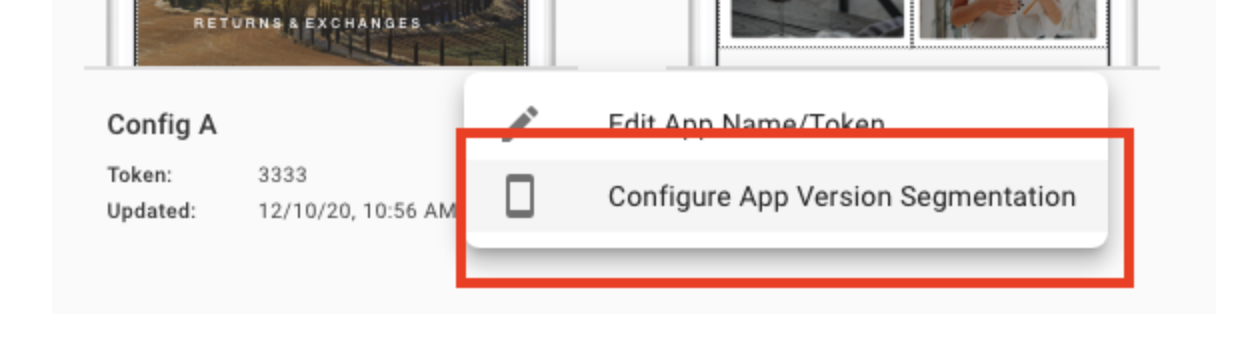
On the new app config, on the overflow menu click Configure App Version Segmentation.
- Set the new iOS on the newly configured app config. Any user with this app version or higher will receive this app config.
- Go to the default app config and set the All Platforms segment. Any user that has a lower app version will receive this app config.
If you encounter issues with your App Version Segmentation check:
- App version segmentation is not supported for POS apps.
- You must have at least one app config defined with a platform of "ALL".
- You can't save if you have multiple platform and app version combinations defined.