
Customize the look and feel of inline Point of Sale quiz deep links.
Create Quiz Styles
- In CMS, go to .
- Click CREATE NEW.
-
Configure the style options.
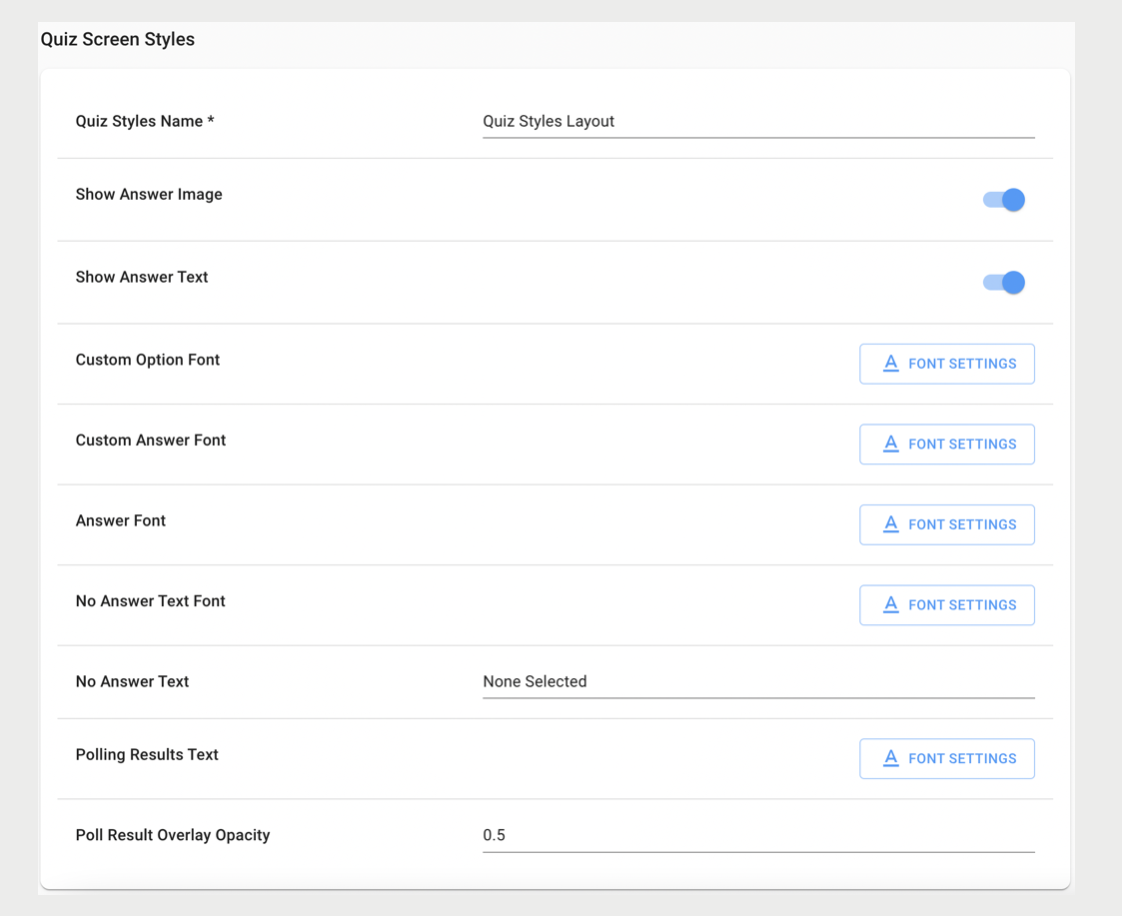
- Click SAVE.

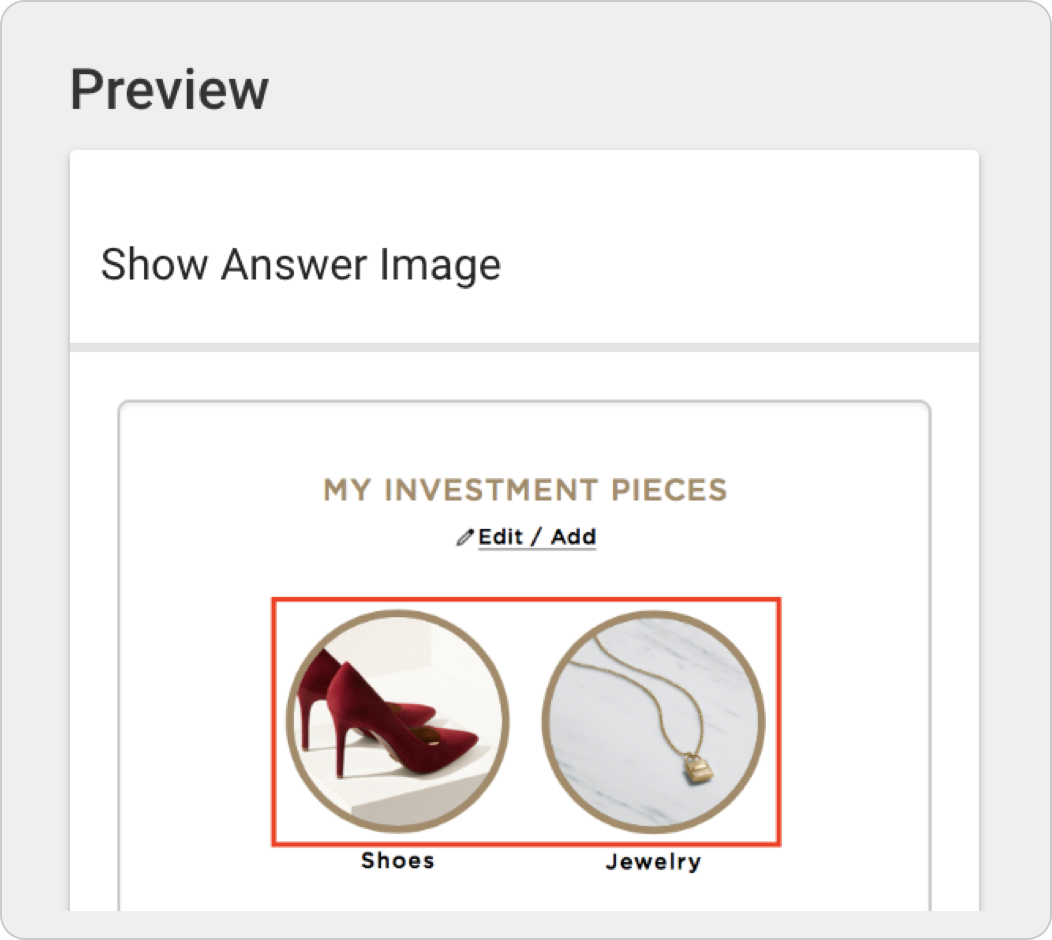
Tip When you hover over a setting you will see a preview of what the
setting does on the right side of the screen.
Assign Quiz Styles to App Config
After creating a Quiz Styles Layout, assign it to the app config:
- Go to your app config and click EDIT.
- Go to .
-
Select the Quiz Styles layout from the dropdown.
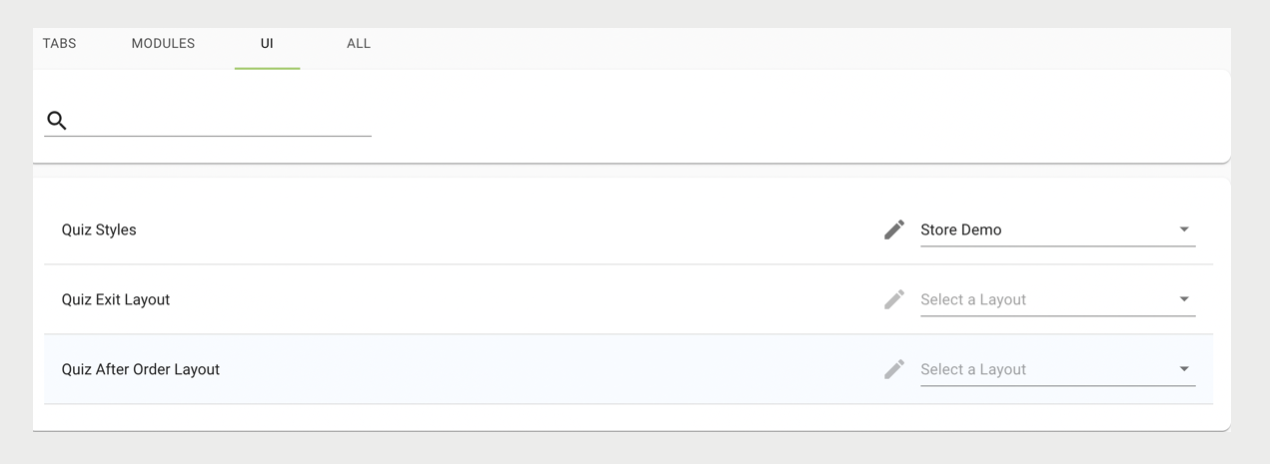
- Click SAVE.
Test Changes
After saving changes to the app config or Quiz Styles layout, the changes are visible after relaunching the app. To test changes without affecting production, use a test app config that is linked to a test Quiz Styles layout.
- Save an app config or Quiz Styles layout.
- Relaunch the app.
- Go to the profile screen that contains quiz answers.