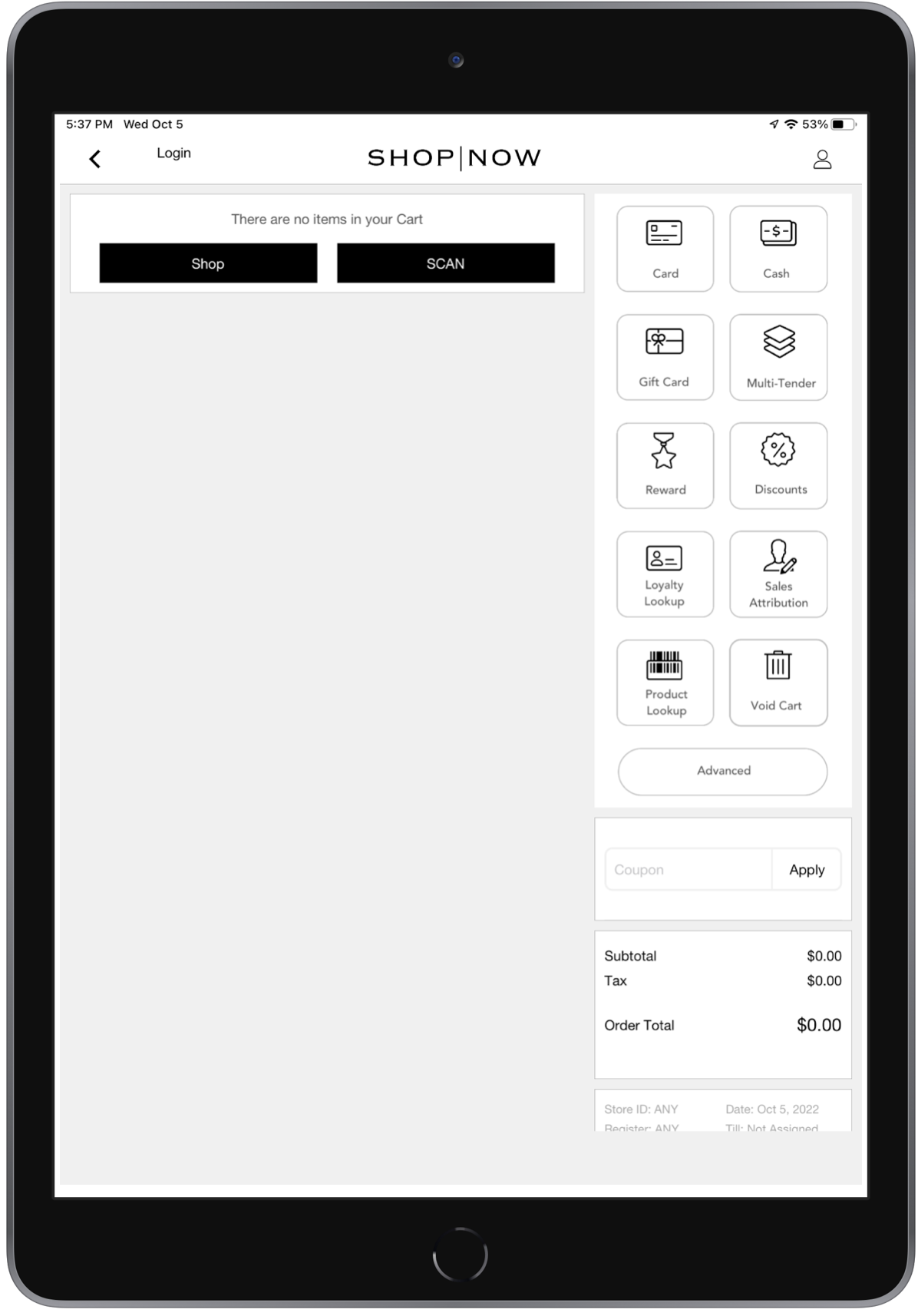
Use digital assets in layouts with the correct specifications for the POS app. Customize the app's flow by adding images, ensuring they meet the recommended specifications for optimal display. By adhering to these guidelines, you maintain the visual appeal and functionality of your POS app. Optimize your layouts with appropriately sized and formatted digital assets.
| POS App Screen | No. of Digital Assets | Specs |
|---|---|---|
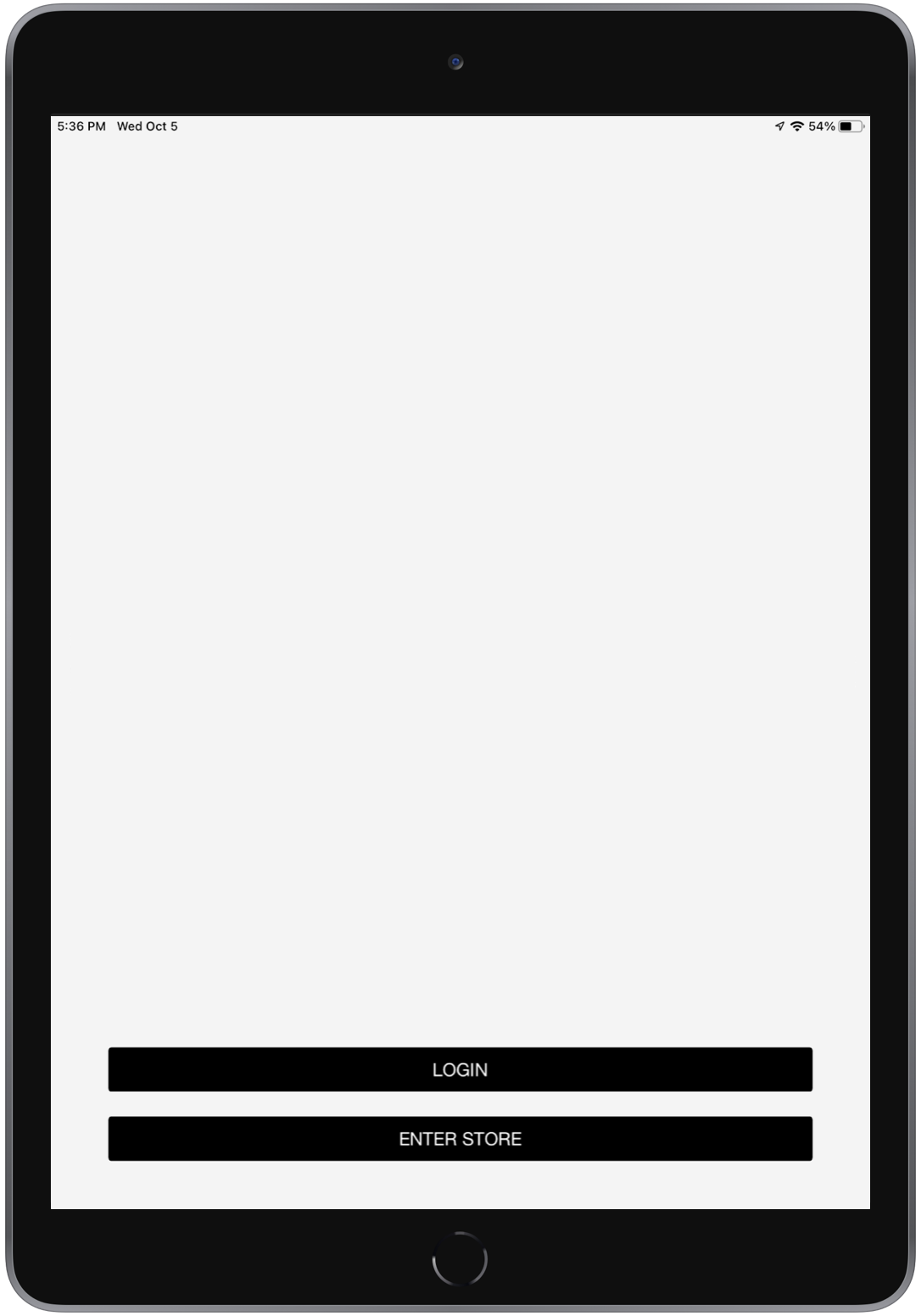
| Login | One login screenshot | 700x900 PNG |
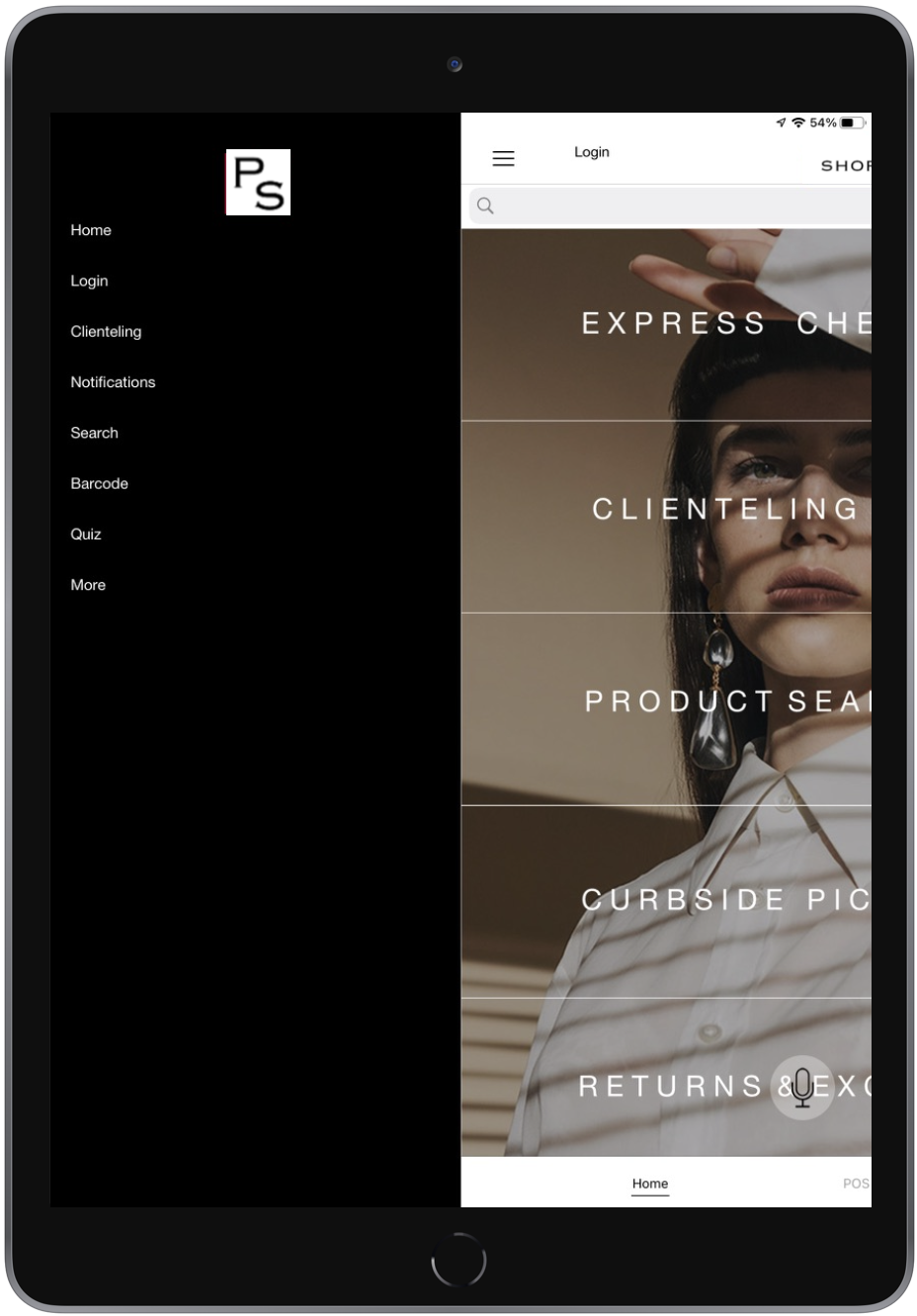
| Home Screen | One home logo | 500x300 PNG with a transparent background |
| Associate Tab | Five long rectangles or six boxes |
|
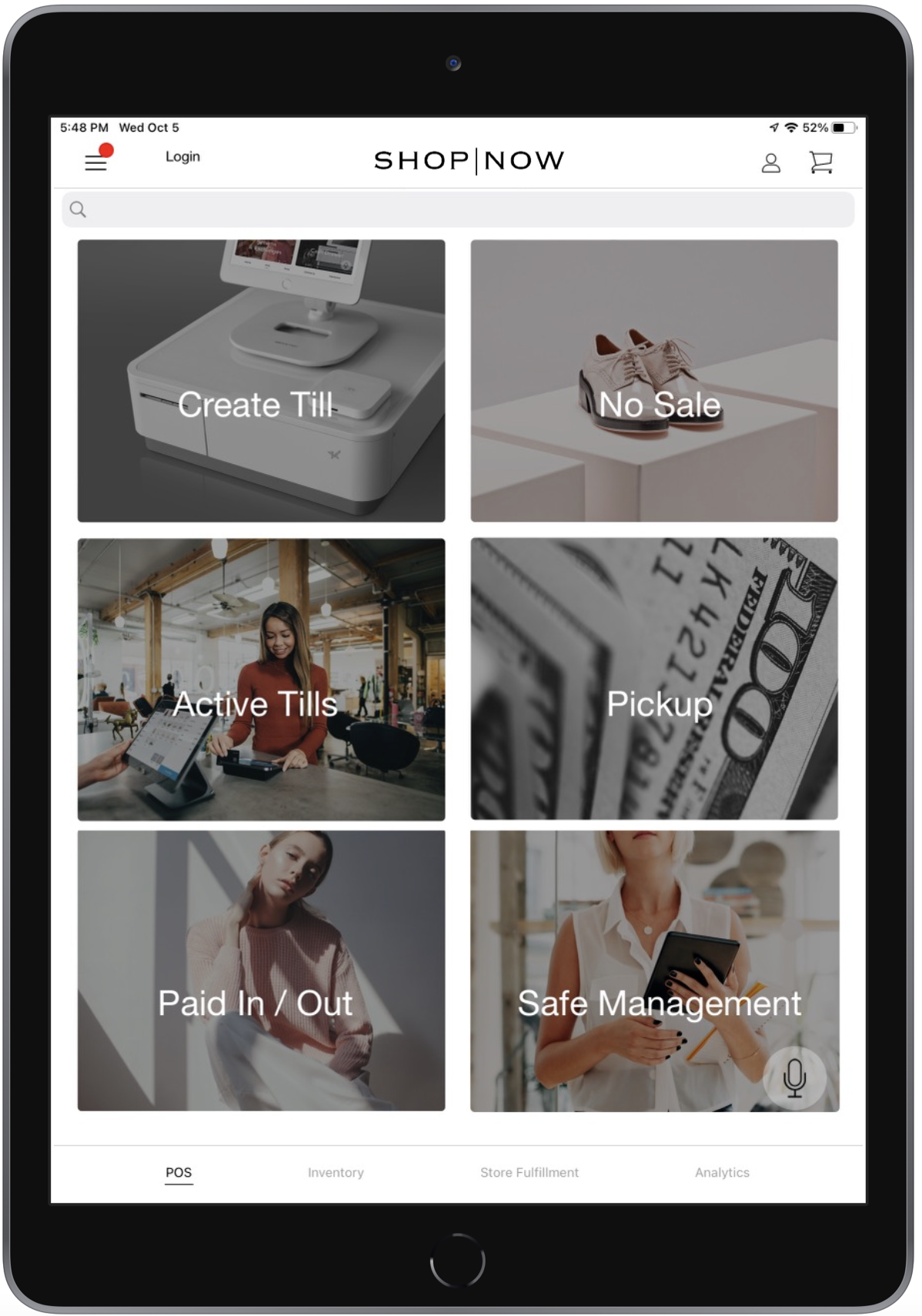
| Manager Tab | Five long rectangles or six boxes |
|
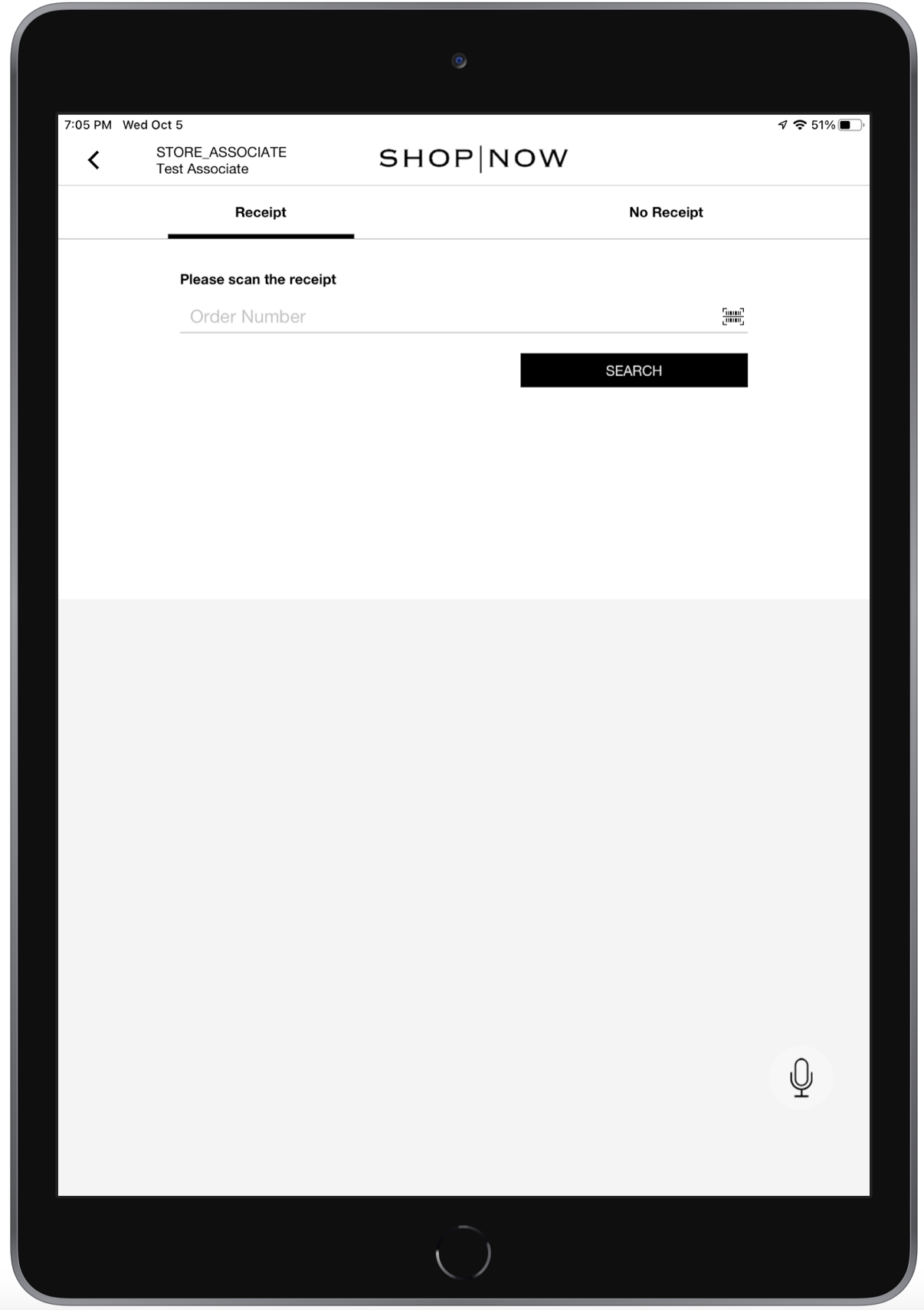
| Store Operations - Returns & Exchanges | One order search cover image | 700x700 JPEG |
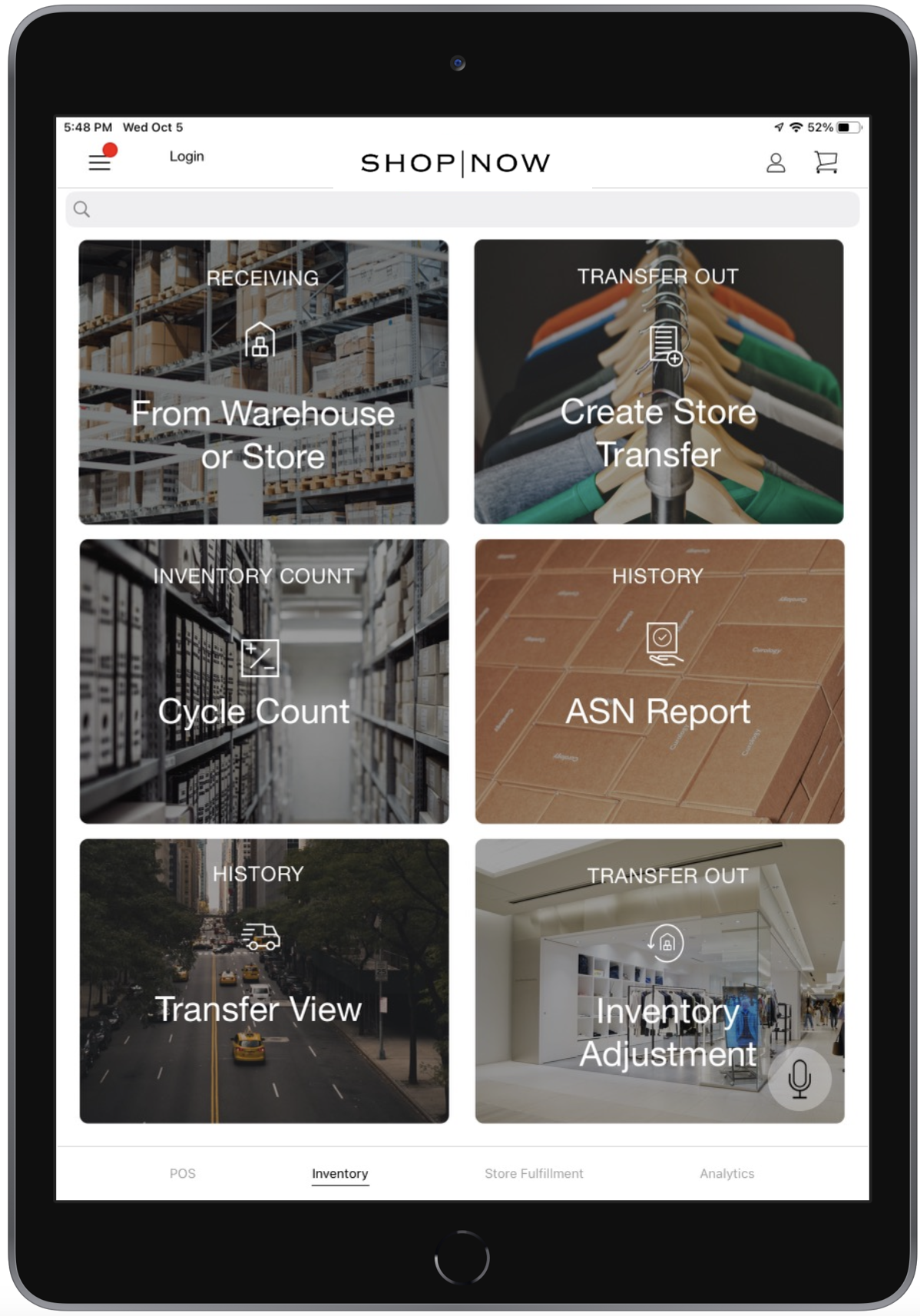
| Store Operations - Inventory | Five long rectangles or six boxes |
|
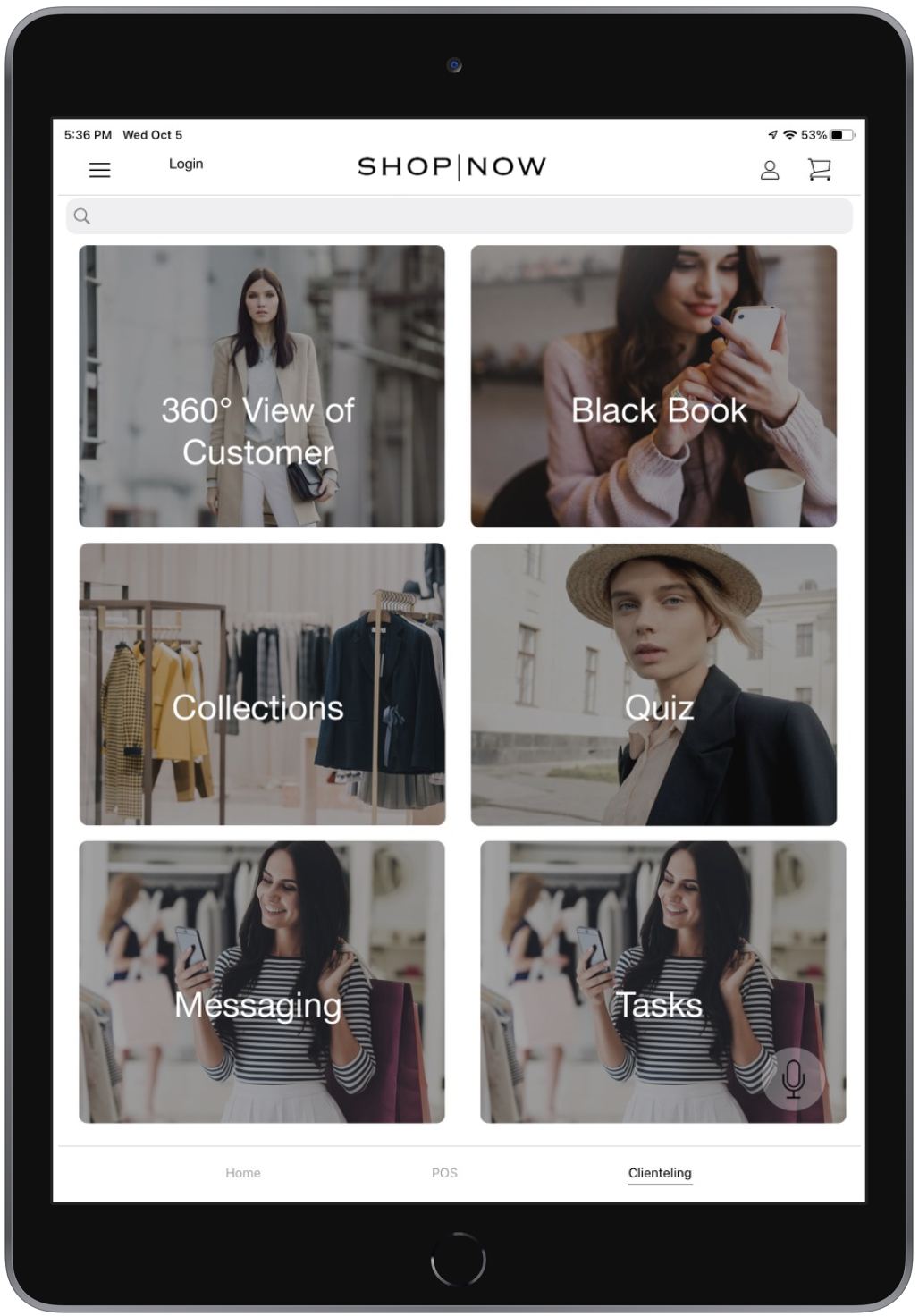
| Clienteling Tab | Five long rectangles or six boxes |
|
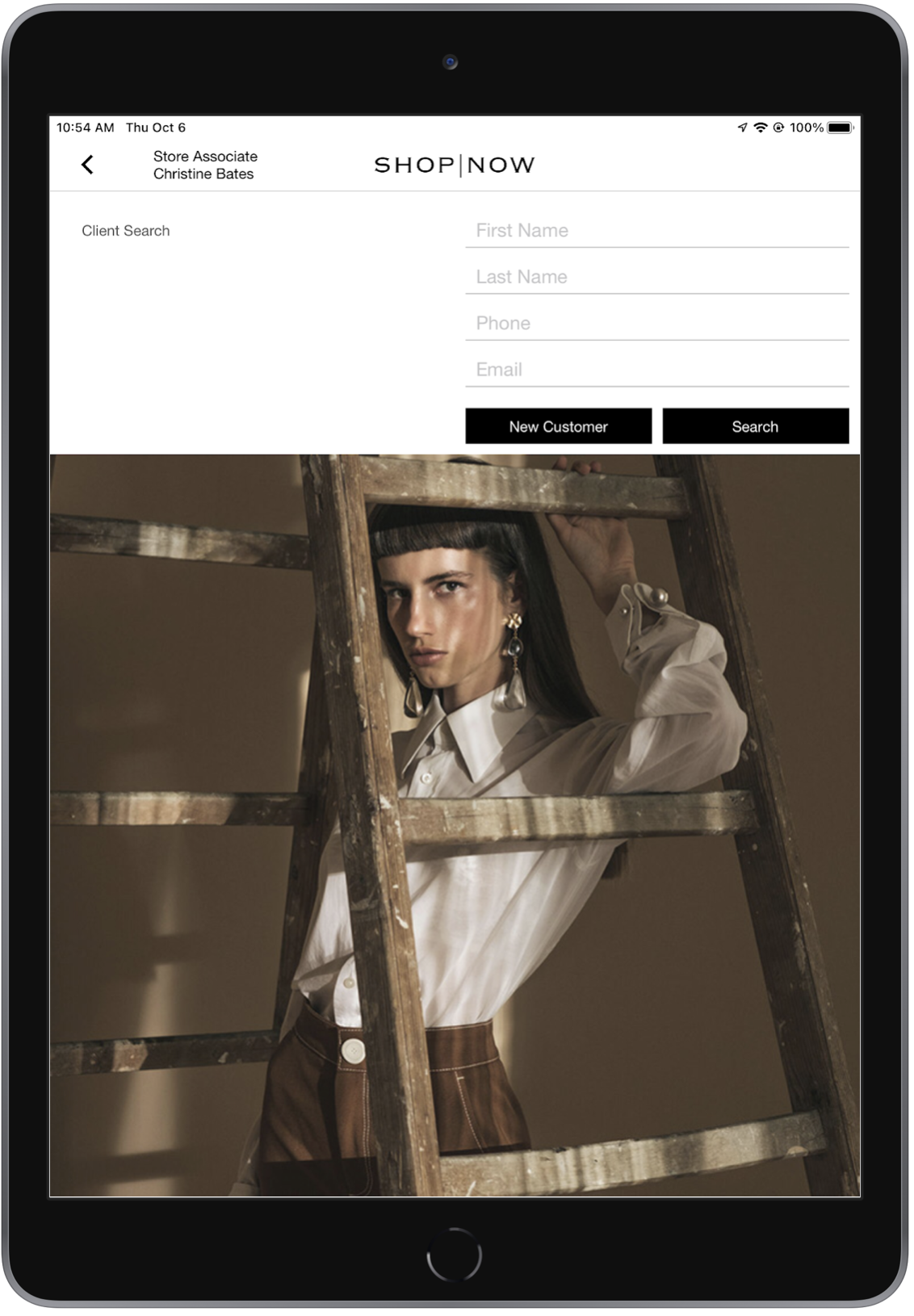
| Clienteling - Search Cover | One search cover image | 700x700 JPEG |
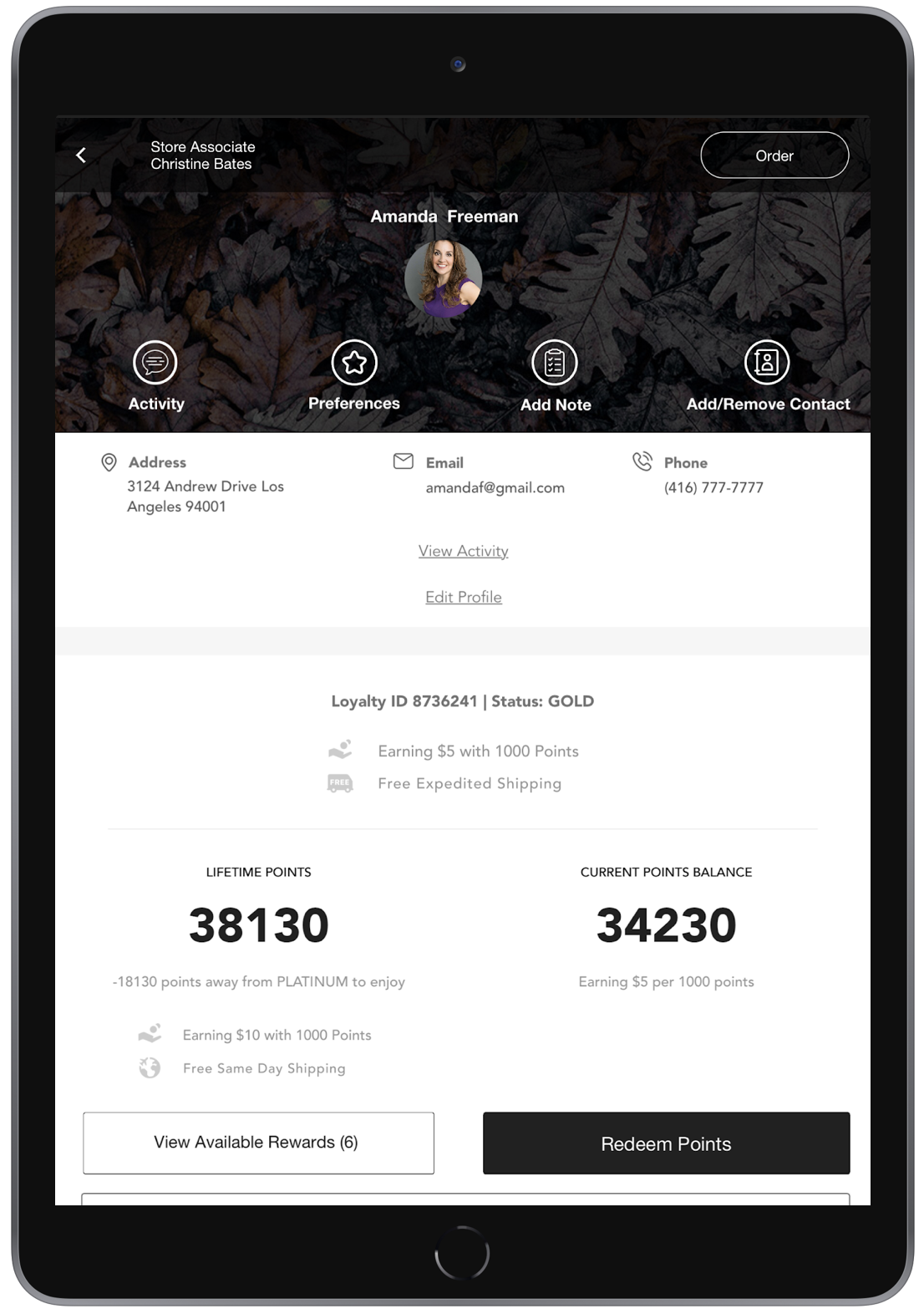
| Clienteling - Hero Image | One hero image | 700x300 JPEG |
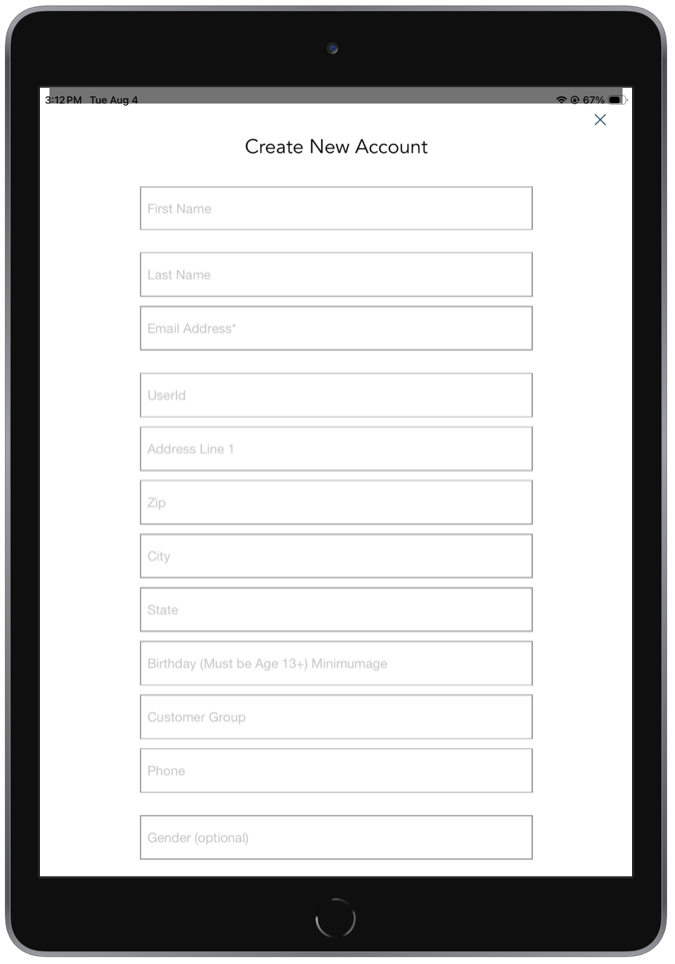
| Clienteling - Customer Signup | One customer signup image | 768x123 PNG |
| Omni / BOPIS / BOFIS | One title image and x individual tabs |
|
| Cart Options Tile Icons | Ten icons with a gray border and white background |
|
Associate Tab
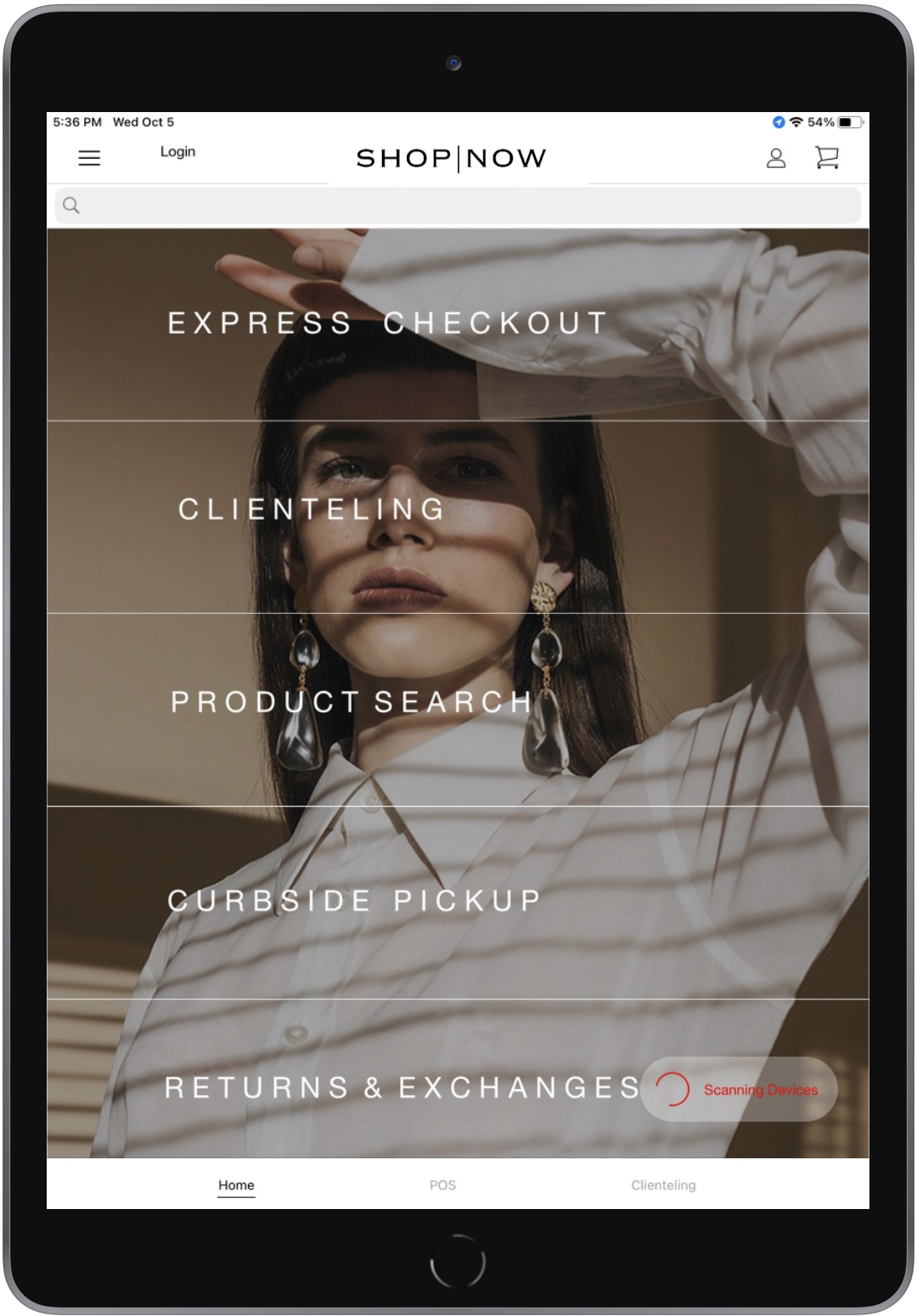
Five rectangles, each measuring 872x193 pixels, in PNG format.
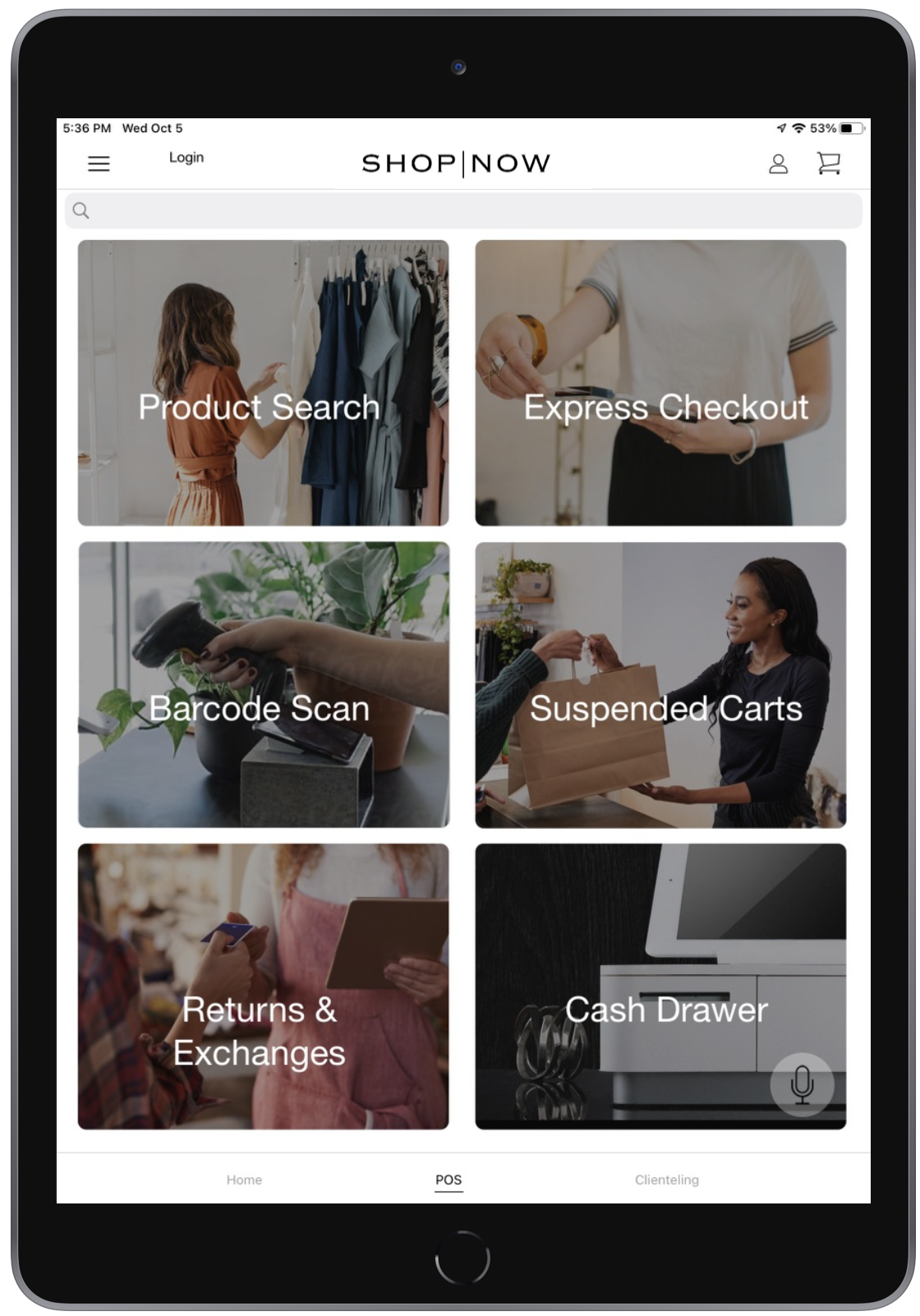
Six boxes, each measuring 768x602 pixels, in PNG format.
Omni / BOPIS / BOFIS
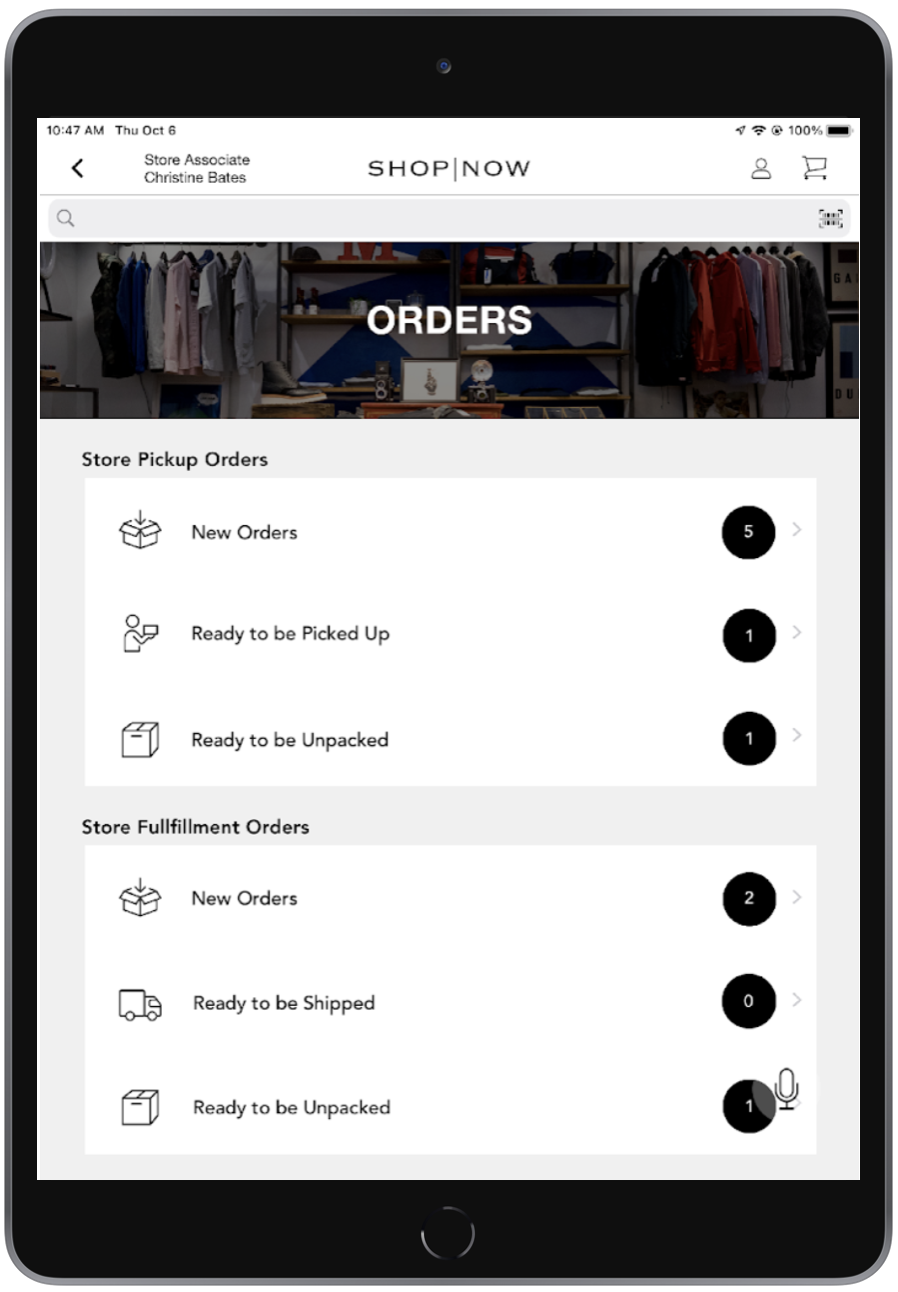
One title image, 1536x350 pixels in PNG format, and x individual tabs, each measuring 1377x194 pixels in PNG format.