
Multilanguage support allows users to import app configs, email templates, layouts, and reason codes in different languages, enhancing global brand consistency. Other artifacts default to the primary language, ensuring seamless integration.

Important It isn't recommended to use this feature between a merchant account
configured for one language and one configured for multilanguage. Such use may cause bugs and
unintended side effects.
Import a bundle in a different language
- In CMS, go to .
- Search for the exported bundle using the filters.
- Click Search.
- Select the bundle(s) you want to import.
-
Select the language you want to import the artifacts in using the language picker.
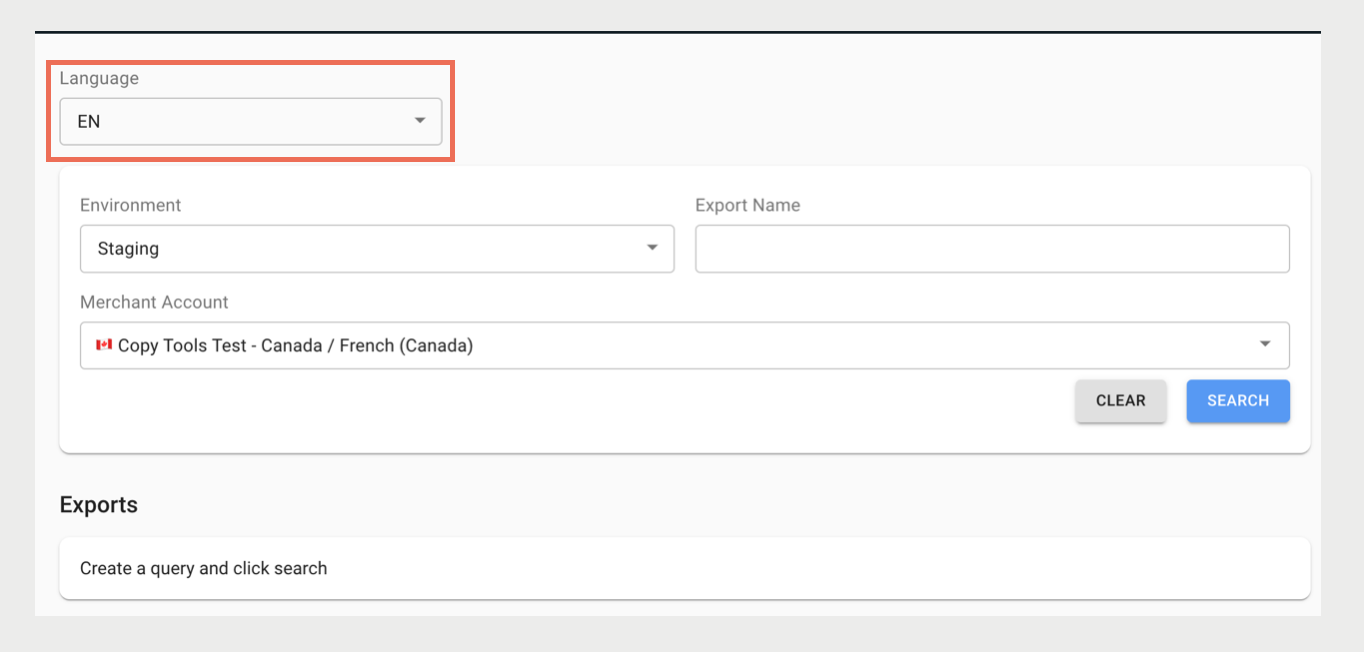
- Click Import.
View artifact(s) in a specified language
- In CMS, go to .
- Under Artifacts, click + Add and select a resource.
- Toggle the languages with the language picker. Selecting a language displays artifacts that are set in that language. For example, selecting French (FR) displays artifacts in the French language.