
The Point of Sale Copy Tools offer robust import and export capabilities, enabling users to efficiently manage and duplicate a wide range of artifacts. Users can easily create accurate copies, streamlining their workflow and ensuring consistency across projects.
Export
- Export Name
- The name of your export bundle. For example Receipt Layout Feature.
- Export Description
- The description of your export bundle. For example All the layouts and settings to enable receipt layouts.
- Artifacts
- The artifacts to be added to your export bundle.
Import
- Environment
- The environment of the export bundle.
- Export Name
- The name of the export bundle. This is case-sensitive.
- Locale/Region *
- The locale/region of the export bundle.

Artifacts That Can Be Copied
Find details of the artifacts that can be copied and information on how they are copied.
App Configs
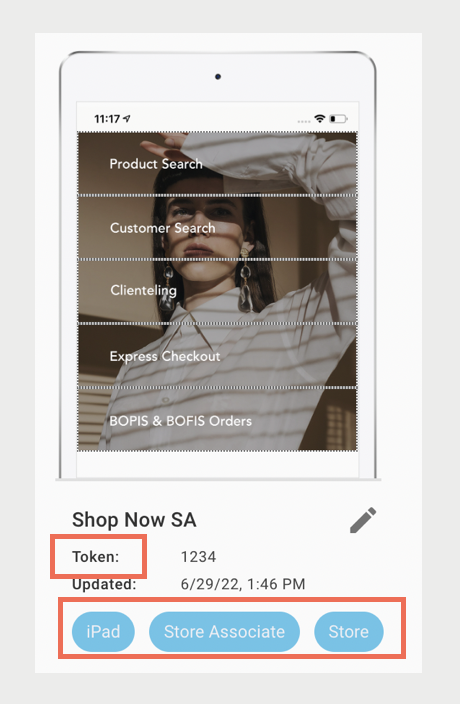
The Copy Tools create an app config. However, the token is removed and active platforms reset. This is to avoid confusion if you've an app config with the same token or an app config that's designated as the active one. To make the new config active, manually configure it.
Email Templates
The Copy Tools overwrites email templates with the same ID. Otherwise, it creates new ones.
Export Field Mappings / Field Mappings
The Copy Tools overwrites however, you won't see the changes until the next feed is run. To see the changes immediately, manually upload the feed. Otherwise, you see the changes on the next scheduled upload.
Layouts
The Copy Tools either creates or replaces a layout, depending on the layout ID.

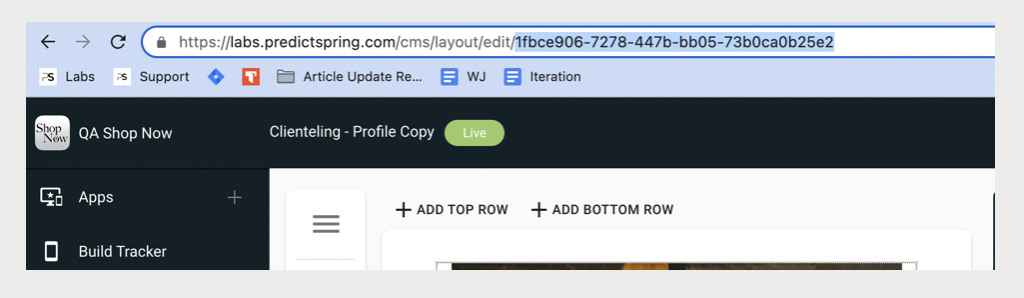
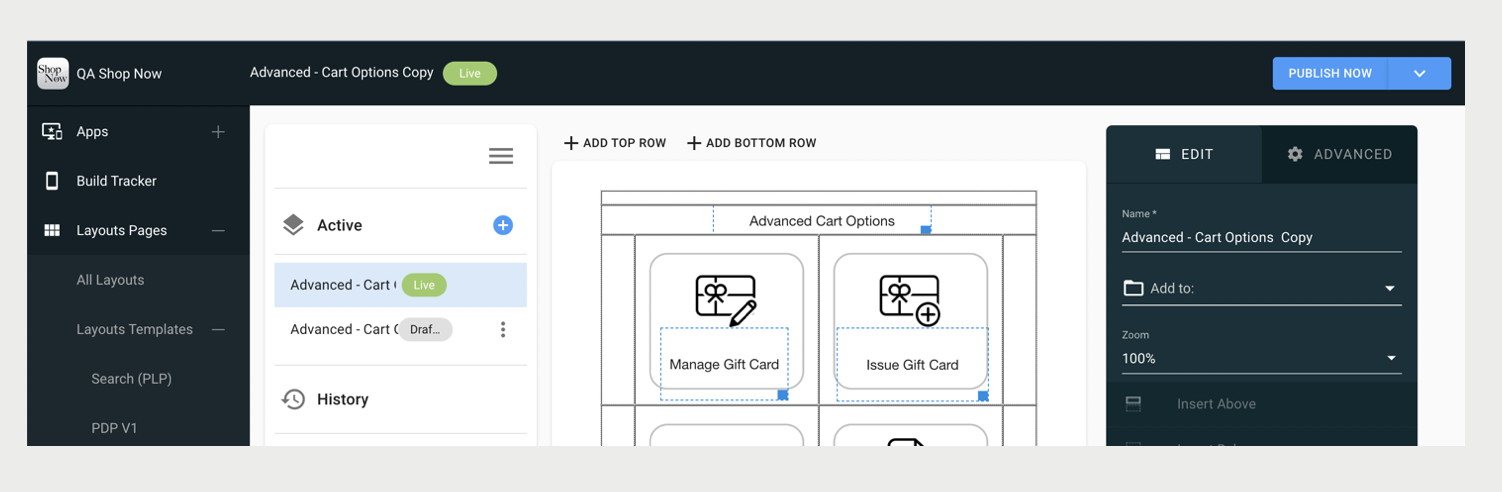
If you import a layout and the ID doesn't exist on your destination, a layout is created with that same ID. If you import a layout and the ID exists on your destination, then it overwrites it. However, for Content Layouts, it replaces it and creates a new draft and publishes it so that the imported layout is live immediately.
Offline Configurations
The Copy Tools replaces the settings.
Order Number Range Configurations
The Copy Tools replaces the settings.
Product Class
The Copy Tools replaces the settings.
Promotions
The Copy Tools creates promotions with new IDs.
Reason Codes
The Copy Tools overwrites reason codes with the same ID. Otherwise, it create new ones.
Return Policies
The Copy Tools overwrites return policies with the same ID. Otherwise, it creates new ones.
Scheduled Uploads
Using the Copy Tools overwrites the scheduled uploads with the same ID. Otherwise, it creates a new one.
Search Configs
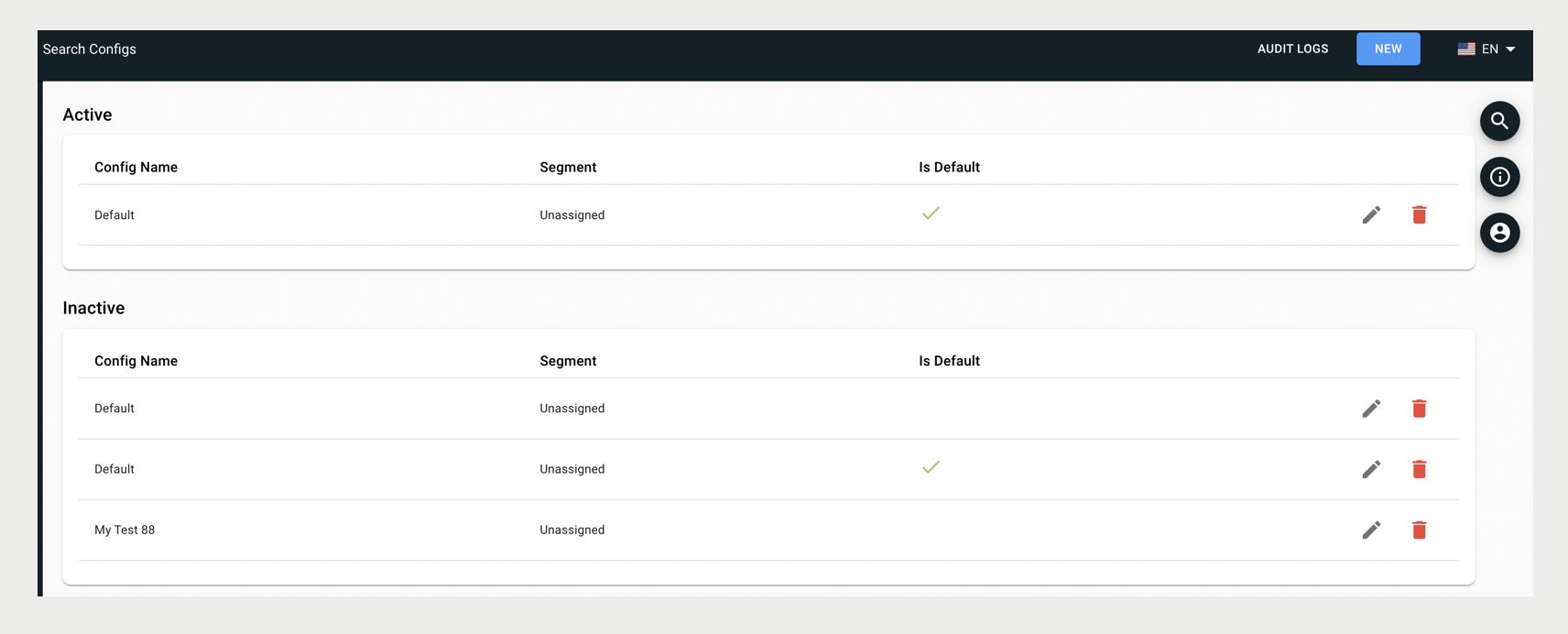
The Copy Tools creates a search config, however, it is set to inactive. Manually configure it to make it active.
Store Settings
The Copy Tools overwrites the store settings on import.