
Troubleshoot common misconfiguration errors to verify smooth gift card functionality. Correctly configure settings on Point of Sale CMS, Adyen terminal settings/payment methods, and gift card provider settings.
If any setting isn't configured correctly, there can be some unexpected behavior. This section can help you troubleshoot some common misconfiguration errors.
Gift card is already activated or not valid. Please use a new gift card.
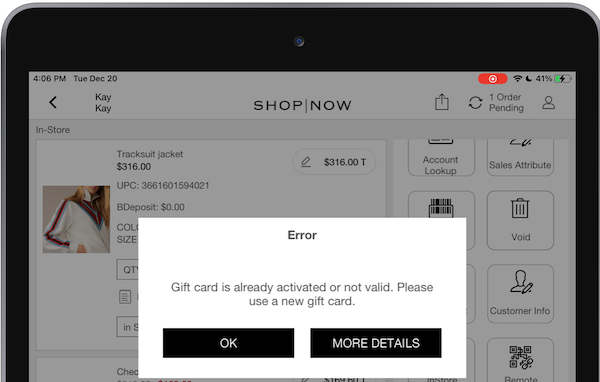
A gift card setting entry is configured in . This setting is for gift card integration via Point of Sale backend and not the payment terminal. You can see this error message in the POS app during a gift card activation if this is configured. To resolve this make sure that there are no gift card setting entries configured in .
Empty Error Message
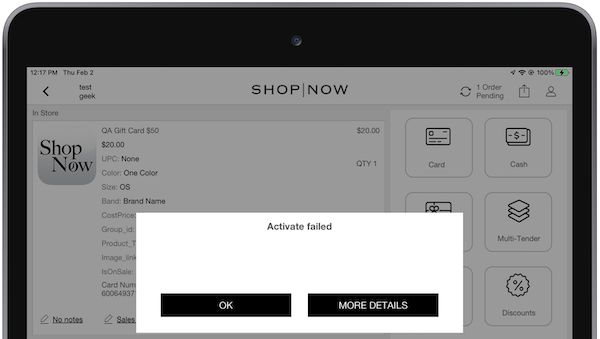
If an error message is empty, contact your Adyen POM to turn on sending in the . PS POS uses this value to show errors that come directly from Adyen or the gift card provider, which can be used for debugging.
116: Invalid channel : Invalid Channel
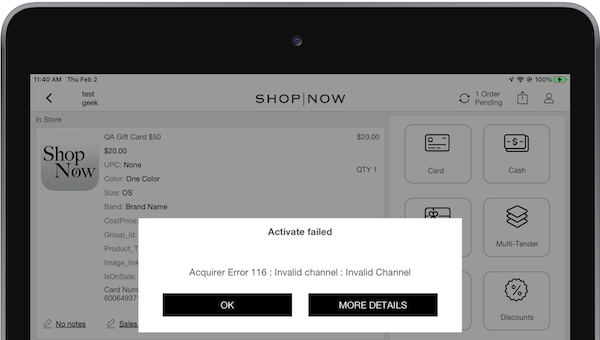
If your gift card provider is GiveX, it's possible they will have to allowlist communications from Adyen. If not configured correctly, the gift card operations performed on the terminal can't reach the gift card provider’s servers. Work with the gift card provider and Adyen POM to make sure that communication restrictions are set correctly.
Operation Not Permitted: Declined Transactions and Refusals
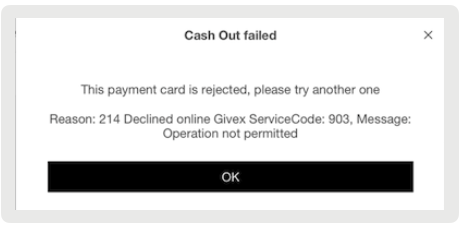
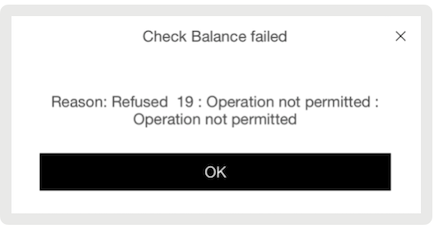
If you encounter the errors "214 Declined online Givex ServiceCode: 903, Message: Operation not permitted" or "Refused 19 : Operation not permitted : Operation not permitted," these issues are associated with the gift card provider GiveX. By default, not all POS-supported gift card operations can be enabled on the provider's account. Contact GiveX to confirm that all required operations are enabled.
Refused 04: Invalid transaction code - Transaction code is not in valid range
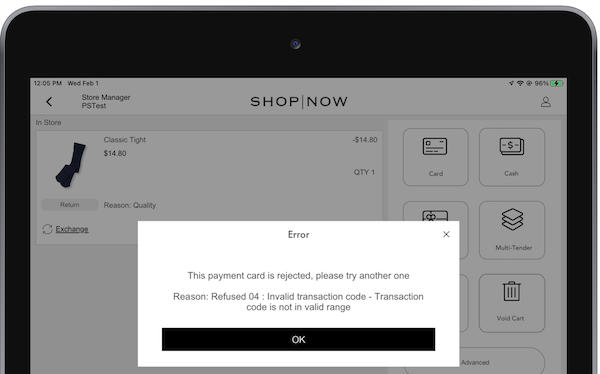
This error is known to appear for the gift card provider SVS. This is a generic error message and the troubleshooting steps forward depend on the transaction performed. See the breakdown:
- Activating a Gift Card
This error occurs for activation if the terminal incorrectly prompts for a PIN entry if activation is initiated. Reach out to your Adyen POM to configure the terminal to not prompt for PIN entry during "load" transaction types. This is a limitation on SVS's end, where PIN entry isn't allowed for "issue" requests.
There are Adyen-internal "gift card settings" that can be set to either prompt or not prompt for gift card pin per entry method (Manual Key Entry on Adyen Terminal, Card Swipe, "Scanned" by POS) and transaction types:
- "regular", "redeem", "load", "balance_inquiry", "wallet", "card_acquisition", "cancel_or_refund"
- Unreferenced Refund to a Gift Card
This error will occur if attempting to perform an unreferenced refund on a Gift Card. Refunds can only be performed on a dedicated SVS "Merchandise Refund" card. Reach out to your gift card provider for more information regarding Gift Cards vs Merchandise Refund cards.
- Activating a Merchandise Refund Card
This error will occur if attempting to turn on a "Merchandise Refund" card. Merchant Refund cards can only be issued using an unreferenced refund and can be used as a gift card payment for a follow-up order.
Could not find an acquirer account for the provided currency
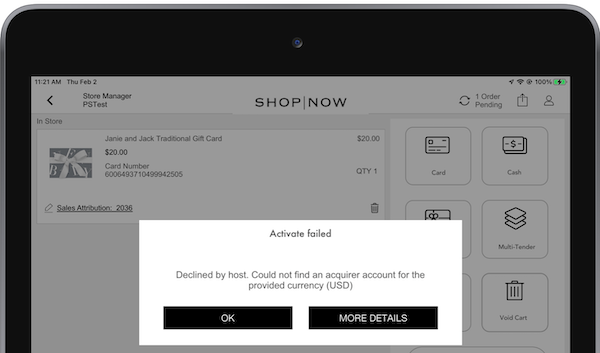
First, check if the currency of the POS app and the currency of the Adyen gift card payment method match.
If there are no issues with the currency, consult your Adyen POM to resolve this issue. The gift card payment method has been added with an action code (AUTHORIZE_ZERO) which prevents payments from going through.
Invalid Card Number 40: Cert not active: Certificate is not active
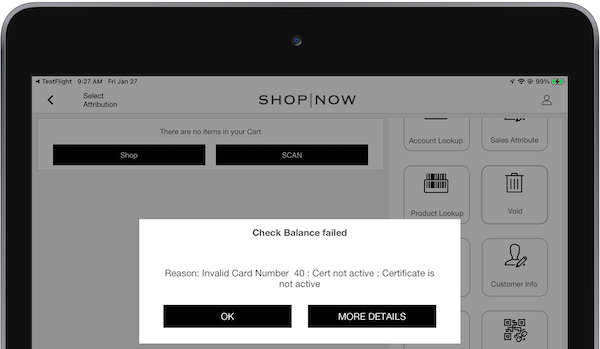
This error can appear for the gift card provider GiveX. If the gift card isn't active if attempting to check balance or make a payment it will return the error "Cert not active" or "Certificate is not active." Turn on the card to proceed.
Refused 2: Cert not exist: Cert not exist
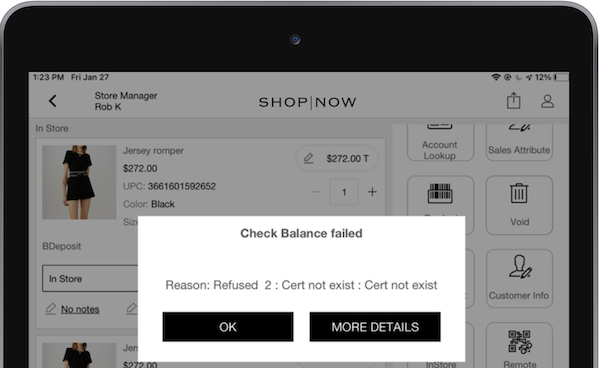
This error can appear for the gift card provider GiveX. In the case of order submission failures, the POS app deactivates cards that were activated during that order. If the cards are deactivated, the card exists in a "canceled" state ready to be discarded by the store associate. If you want to recover this gift card number, contact your gift card provider.
Invalid Amount 11: Invalid amount > max: Invalid amt > max Invalid Amount
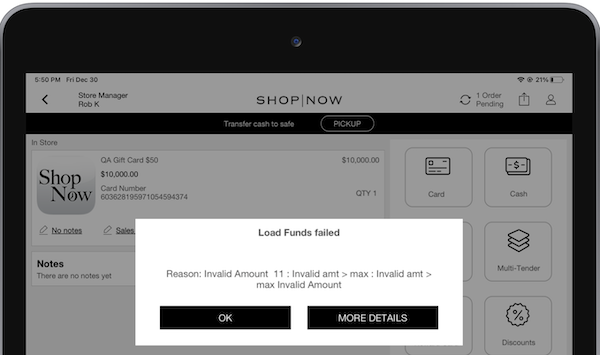
This error is known to appear for the gift card provider GiveX. Gift card providers can have a max load balance limit on a gift card. Contact the gift card provider to reconfigure these limits. The POS can throw this error on the limit reached.
Currency: NotAllowed. Value: ___, Reason: ___ isn't a supported currency. Supported currencies are: ___
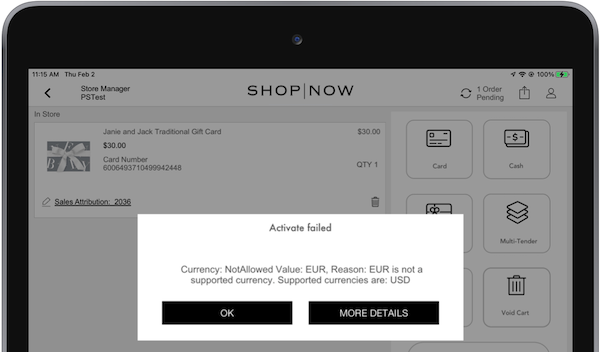
This error can occur for gift card provider SVS. If the POS is configured for a different currency then the currency on the gift card provider account, you can see this error. Reconfigure to use the matching currency to proceed.
Not supported (Currency of Givex transaction should be the same as currency set on acquirer's account)
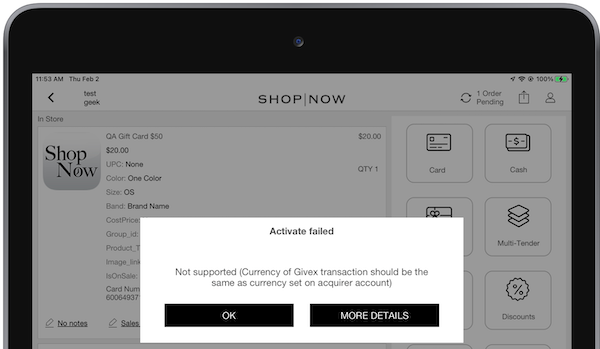
This error can occur for gift card provider GiveX. If the POS is configured for a different currency then the currency on the gift card provider account, you can see this error. Reconfigure to use the matching currency to proceed.
Could not find an acquirer account for the provided txvariant
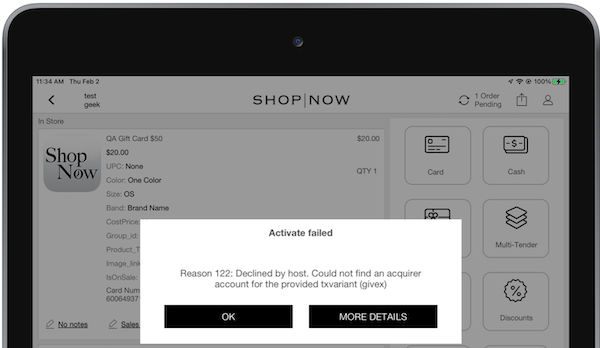
The POS app throws this error if the gift card provider configured in Point of Sale CMS doesn't match the gift card payment method configured in the Adyen console. Reconfigure the correct gift card provider in .
Refused 21: Card already issued - Issue Gift Card Transaction used on a card that has been reloaded Refused
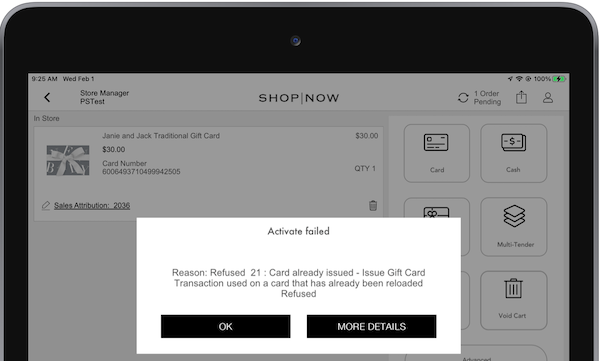
This error is known to appear for the gift card provider SVS. If this error is displayed, the gift card number entered has been activated. If the customer wants to add funds to an existing gift card, use the Load Balance functionality.
Reason: 122 declined by host Invalid card number
If attempting to issue a gift card with the wrong number, the activation process fails, resulting in this error. As a result, the POS app automatically clears the credit card tender and return the user to the cart screen. In the Failed Orders report, two transactions appear, indicating the failure to turn on the gift card and the subsequent refund of the credit card. Both transactions are labeled as 'gift card failure'.

Reason: 214 Declined online 02: Account closed
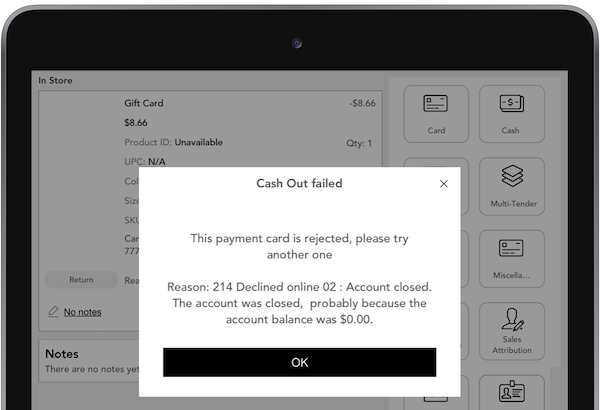
If a ValueLink account is closed or has a $0 balance, cashout reversals on gift cards fails. In this case, merchants shall manually fix the issue using the Failed Order Manual Reconciliation Report.
PaymentType: NotAllowed Value: Refund, Reason: Not Enabled
If you see an error during a refund processing to an SVS or Givex gift card, turn on unreferenced refunds in your Adyen terminal. This setting is under .