
Allow customers to provide tips during checkout using Adyen terminals in the Retail Cloud Point of Sale (POS) app, which enhances the payment experience.
During the payment process, the Adyen terminal will prompt the customer for a tip before presenting their card. Customers can enter a custom tip amount or select from predefined tip percentages. On order completion, the printed receipt will include a tip line item with the tip amount.
Prerequisites
- Modern POS App Build: 7.15.5 or greater*
- Platform Support: iPhone & iPad
- Offline Support: yes
- Payment Gateway: Adyen
* Adyen AMS1 and M450 terminals are supported for app builds 10.5.1 or greater.
Support Tipping - Configure Ayden
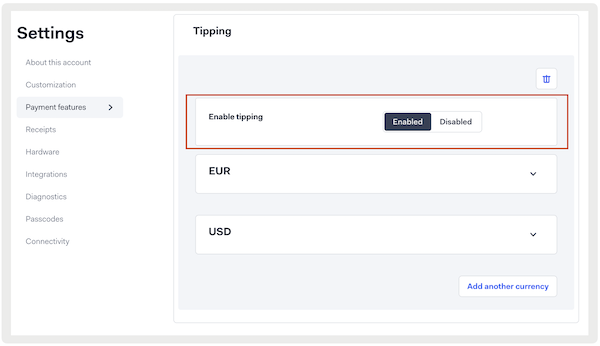
Configure tipping on the Adyen console to allow in-person payment customers to easily add a tip when paying at the terminal.
Configure Terminal Tipping
- Log in to your Customer Area with your brand-level account.
- Go to .
- Go to .
- Under , select .
-
Under , select the tipping screen you want to show to your customers:
- Shopper enters tip amount: shows the screen for tipping without options.
- Shopper selects a predefined option: shows the screen for tipping with predefined options.
- You can define different options for different currencies, except at the store or terminal level where only one currency applies.
- Per currency, you can define a maximum of four options. We automatically add an option to skip giving a tip.
- An option can be for a specific amount, for a percentage of the purchase (the terminal shows the percentage plus the calculated amount), or for a custom tip (this leads the customer to a screen where they can enter a tip amount).
- Select the currency that the settings apply to.
- If applicable, select , select a currency, and configure tipping for that currency.
-
Save your changes.
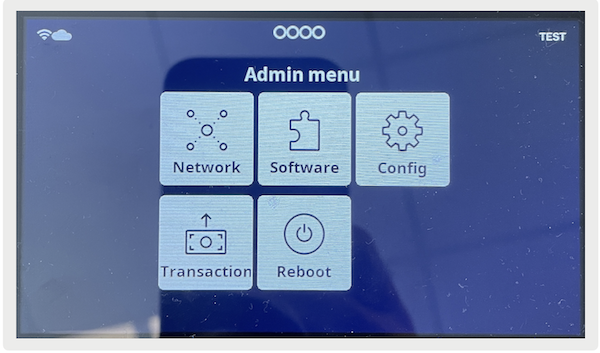
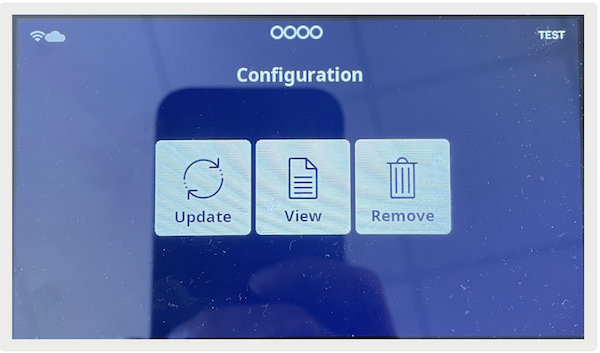
Support Tipping - Configure Point of Sale CMS
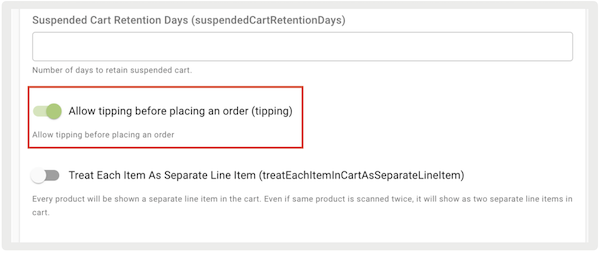
Allow customers to tip before they complete checkout in Point of Sale CMS.
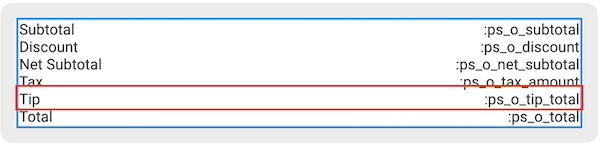
Support Tipping - POS App Flow
Add a tip to an order if you pay with a card in the Point of Sale (POS) app at the payment terminal. The tip is shown on both the terminal and the printed receipt.
Sales Flow
If a customer opts to complete their checkout with a card on
the POS app, they are prompted to follow instructions on the payment terminal.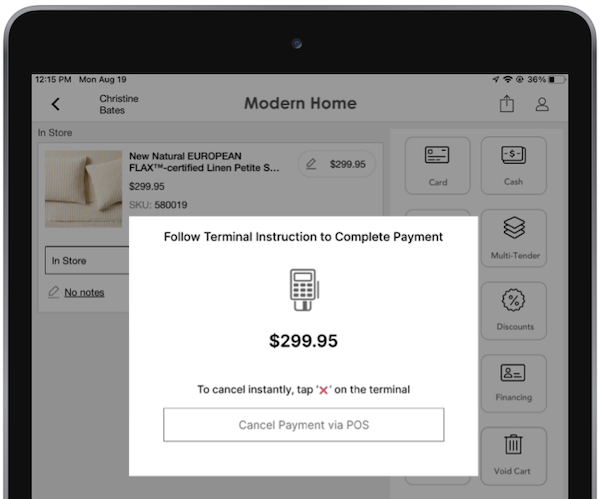
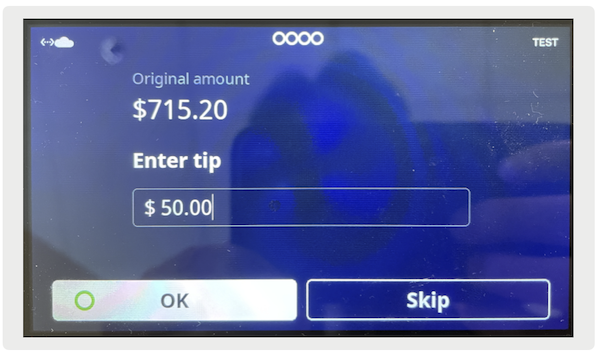
The transaction will be initiated on the Adyen payment terminal. The customer will then be prompted with a tipping interface to enter or select their desired tip amount.
- Tipping interface to enter desired tip amount
- Tipping interface to select a desired tip amount
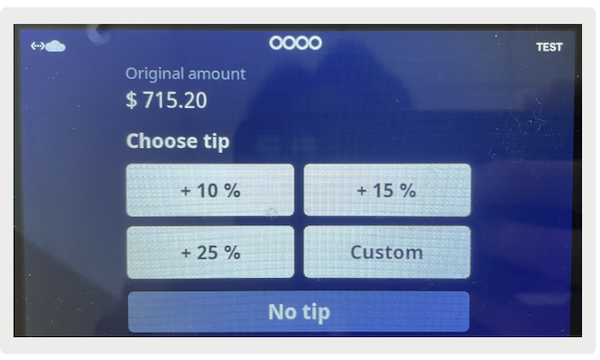
After the total is set, it’s updated with the tip on the terminal.
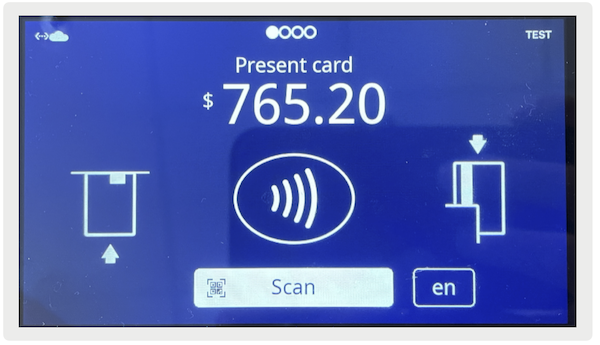
After the customer pays, the order is completed on the POS app.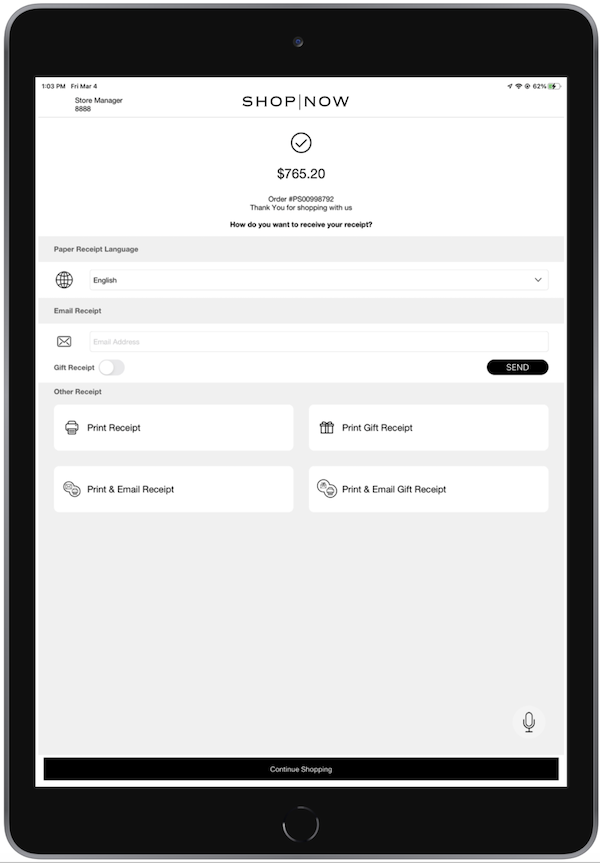
The printed receipt includes a line item detailing the tip amount.
Returns Flow
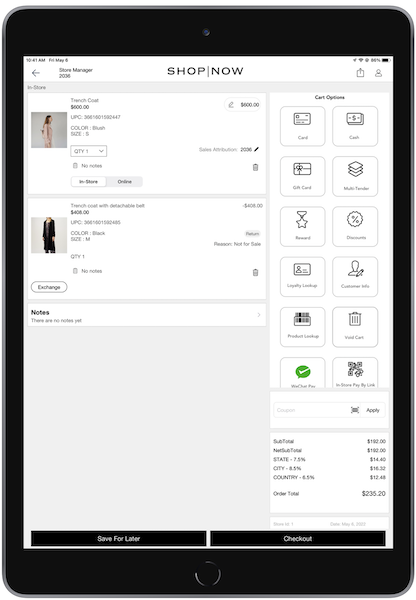
If processing a receipt return, the app will indicate if a tip was applied to the return
order. For app builds earlier than version 10.0.1, the final refund amount won't include the
tip, as it's nonrefundable. However, for app builds 10.0.1 or later, tips are refundable. The
total refund will include the tip.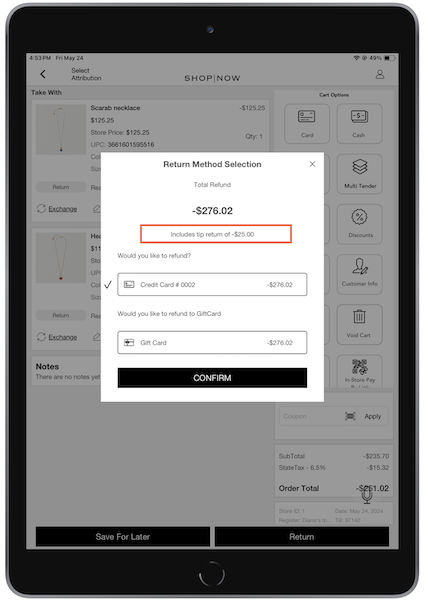

The printed receipt includes a line item detailing the tip amount.
The refunded tip is also reported in TLogs under the attribute,
refundPaymentDetails.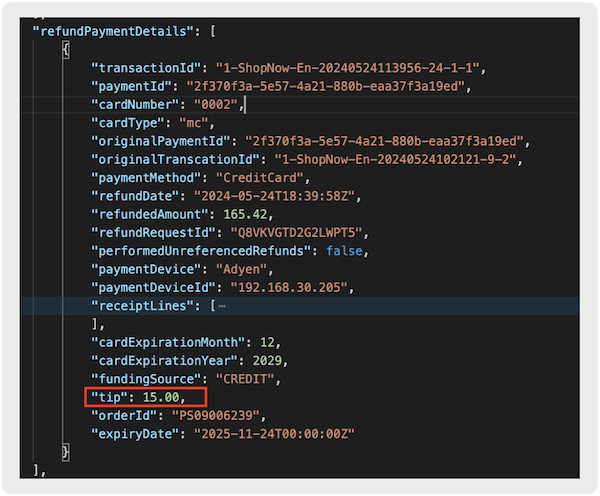
Exchanges Flow
Tipping on the terminal is not supported in exchange flows. If completing a net-positive exchange order, the terminal won’t prompt the customer for a tip if completing a card payment.
Tipping Report
You can view the total tips an associate has received by store using Point of Sale's Tipping
Report. To access this report, go to the CMS and go to Store Management > Reporting and Analytics > Order Reports > Tipping
Report.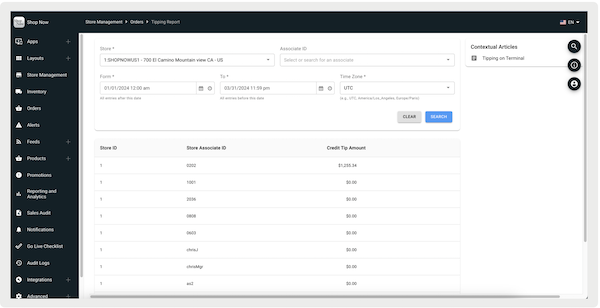
Known Issues & Restrictions
Tip amounts aren’t included in the transaction amount limits if offline.