
Enter credit card information manually via Adyen, Elavon and Verifone payment terminals using the Point of Sale (POS) app.
In the payment process, the terminal presents the option to enter the credit card number and expiry date. The user then enters the details to complete the transaction.

Prerequisites
- Modern POS App Builds:
- Adyen: 6.4.2 or later
- Elavon: 7.10.5 or later
- Verifone Payments: 9.3.1
- Platform Support: iPhone & iPad
- Offline Support: yes
- Payment Gateway: integration with Adyen to accept a payment
Configure Payment Terminals and Point of Sale CMS for Manual Key Entry
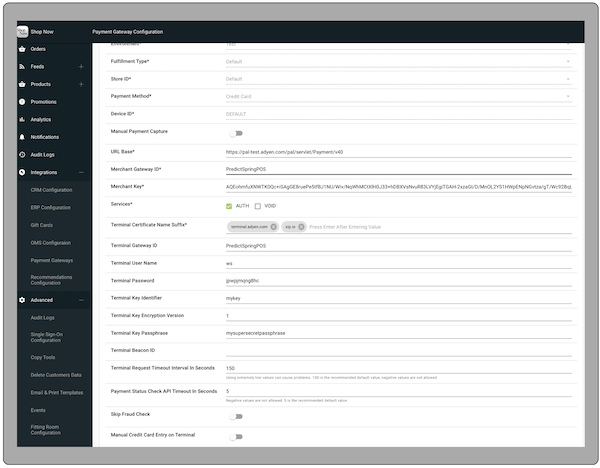
Turn on manual credit card entry in payment gateway settings so users can enter credit card information directly.
Configure Ayden for Manual Key Entry
The Adyen support team can assist you in enabling the manual key entry feature at the store and terminal levels. Then, you'll need to update the configuration on the terminal
- Enter "" and “”.
- Enter the admin key for the terminal.
- Select .
- Select .
For Elavon and Verifone payments, no configuration changes are needed in the terminals.
Manually Enter a Credit Card in the POS App
Use the Point of Sale (POS) app during checkout whenever the payment terminal fails to obtain the card details from the card's chip or magnetic stripe. In that case, users can enter the credit card details manually on the terminal.
Checkout
If the store associate adds a credit card tender on the multitender screen, they can turn on
the switch for manual credit card entry. It initiates the transaction on the payment terminal
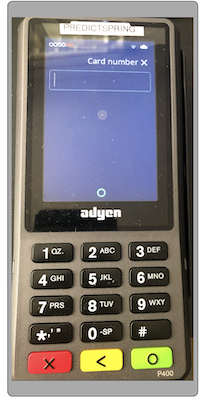
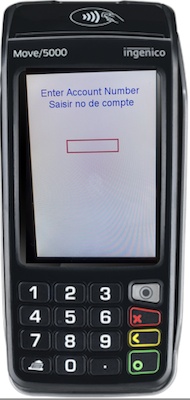
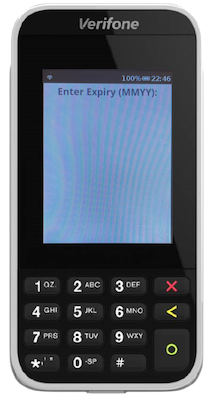
and the customer sees an option to enter a credit card number. After the customer enters the
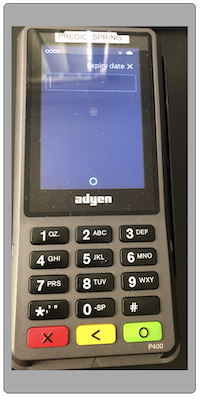
card number and expiry date, the terminal asks for a signature. After the customer completes the
signature, the terminal authorizes the transaction and the order is placed.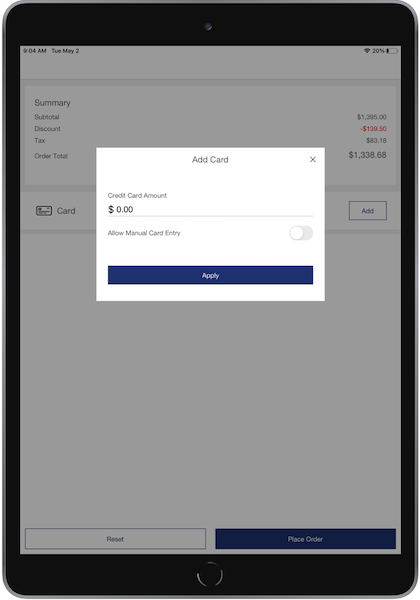
Adyen Terminal Screens
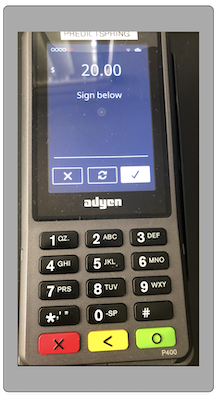
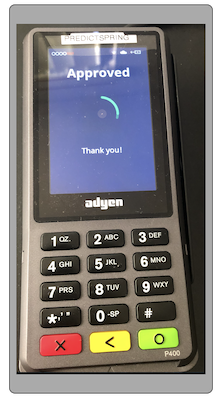
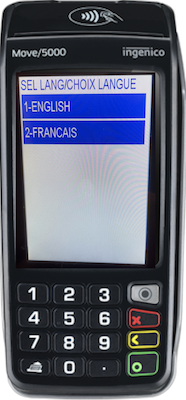
Elavon Terminal Screens
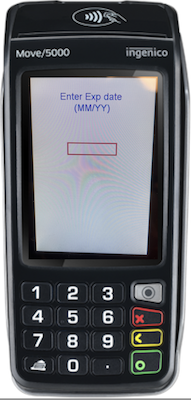
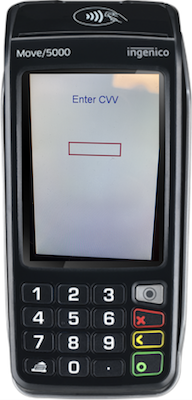
Verifone Terminals Screens
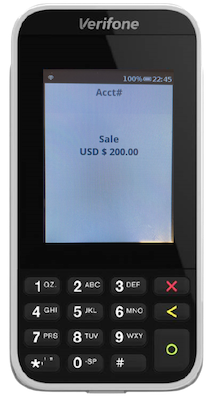
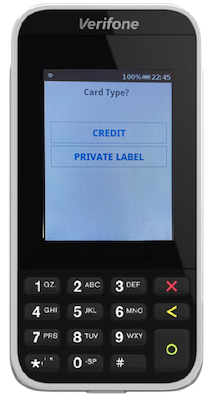
Additional Manual Key Entry Information
Learn additional information about Manual Credit Card Key Entry and how it interacts with Point of Sale.
Verifone Payment Terminals
Turning on CVV prompting is configurable for SCA devices. The requirement for CVV or a signature depends on the processor. Verifone terminals don't enforce it, as transactions pass through Verifone's gateway, which doesn't provide approval based on this.