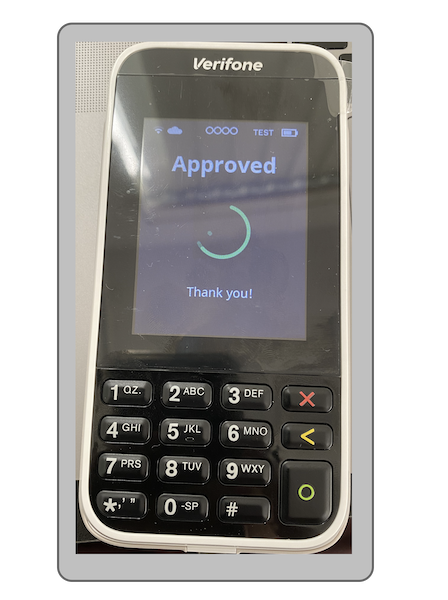
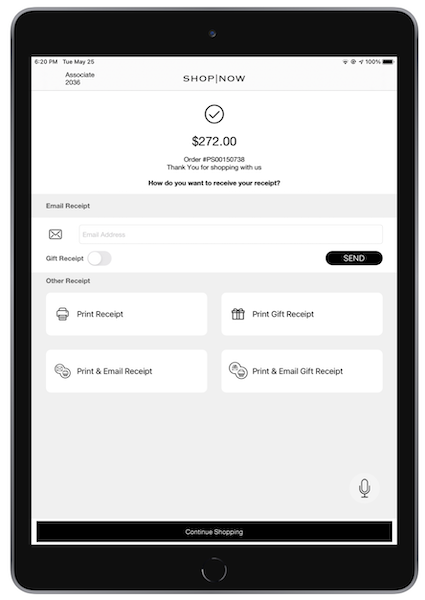
Process mail and telephone orders with the Point of Sale (POS) app and Adyen terminals.
Prerequisites:
- Modern POS App Build: 6.5.3 or later*
- Platform Support: iPhone & iPad
- Offline Support: yes
- Payment Gateway: Integration with Adyen to accept a payment
Employees enter card information manually on Adyen payment terminals. To pay, enter your credit card number, expiry date, and CVV in the Ayden terminal. The associate then enters the information to finish the transaction.
Update the Ayden Configuration on the Terminal
The Adyen support team needs to assist you in enabling MOTO at both store and terminal levels. After it's enabled, you can update the configuration on the terminal.
- Enter "" and “.”
- Enter the admin key for the terminal.
- Select .
- Select .
Turn on Payment Gateway Settings in Point of Sale CMS
- Go to
- Select the previously created Adyen payment gateway or create an Adyen payment gateway.
-
Turn on the checkbox.
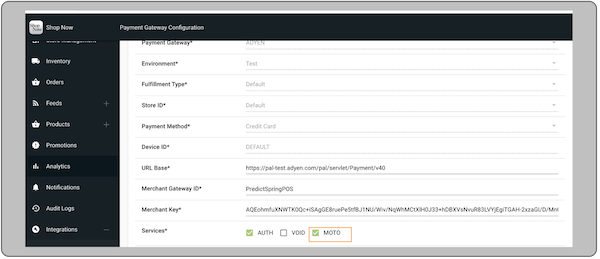
- Select in the top right corner.
Known Issues and Restrictions
This feature can only be enabled from a multi tender flow. See this article for how to turn on multi tender in the POS app.
POS App Flow
This feature allows a store associate to manually enter a customer's credit card details on the Adyen terminal during checkout if those details are provided over the phone or via email.
Checkout
If an associate adds a credit card payment on the multitender screen, they can turn on
the switch for remote sales. This will start the transaction on the Adyen payment terminal,
allowing the associate to enter the credit card number, expiration date, and CVV.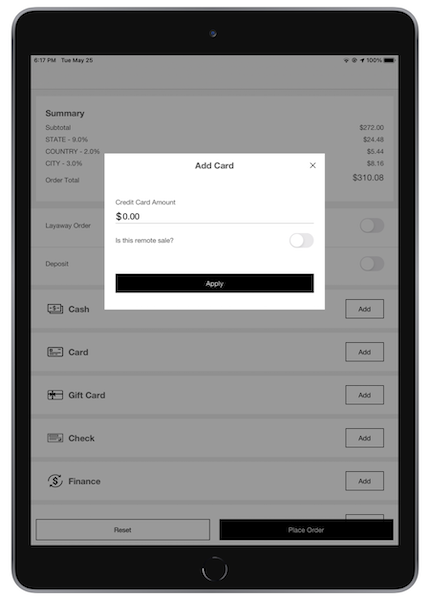
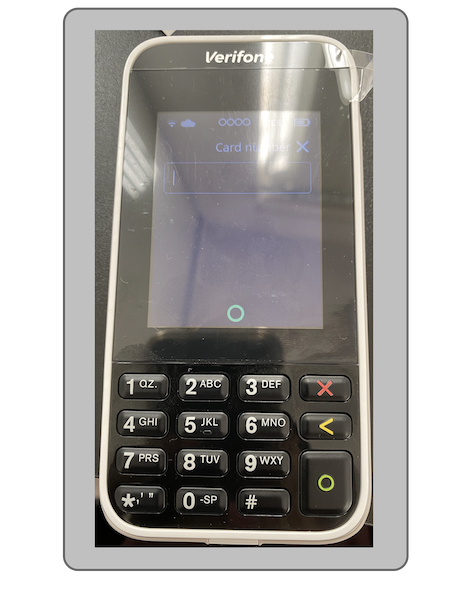
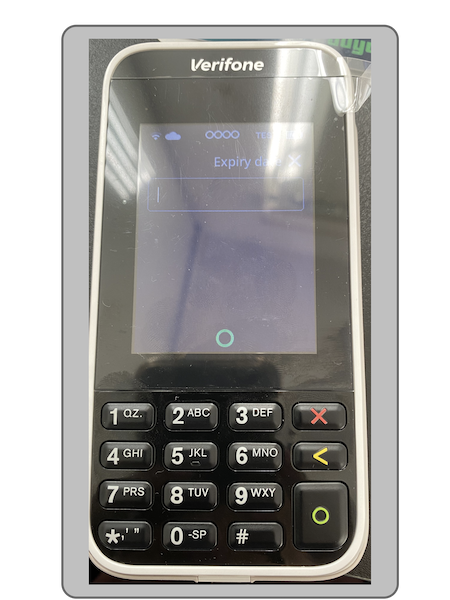
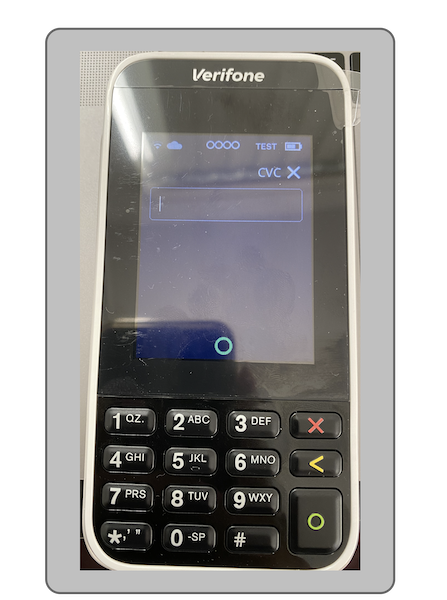
If the associate enters all details, the terminal authorizes the transaction and
order is placed.