
After enabling franchises, create franchise groups in Point of Sale CMS to represent distinct franchise entities.
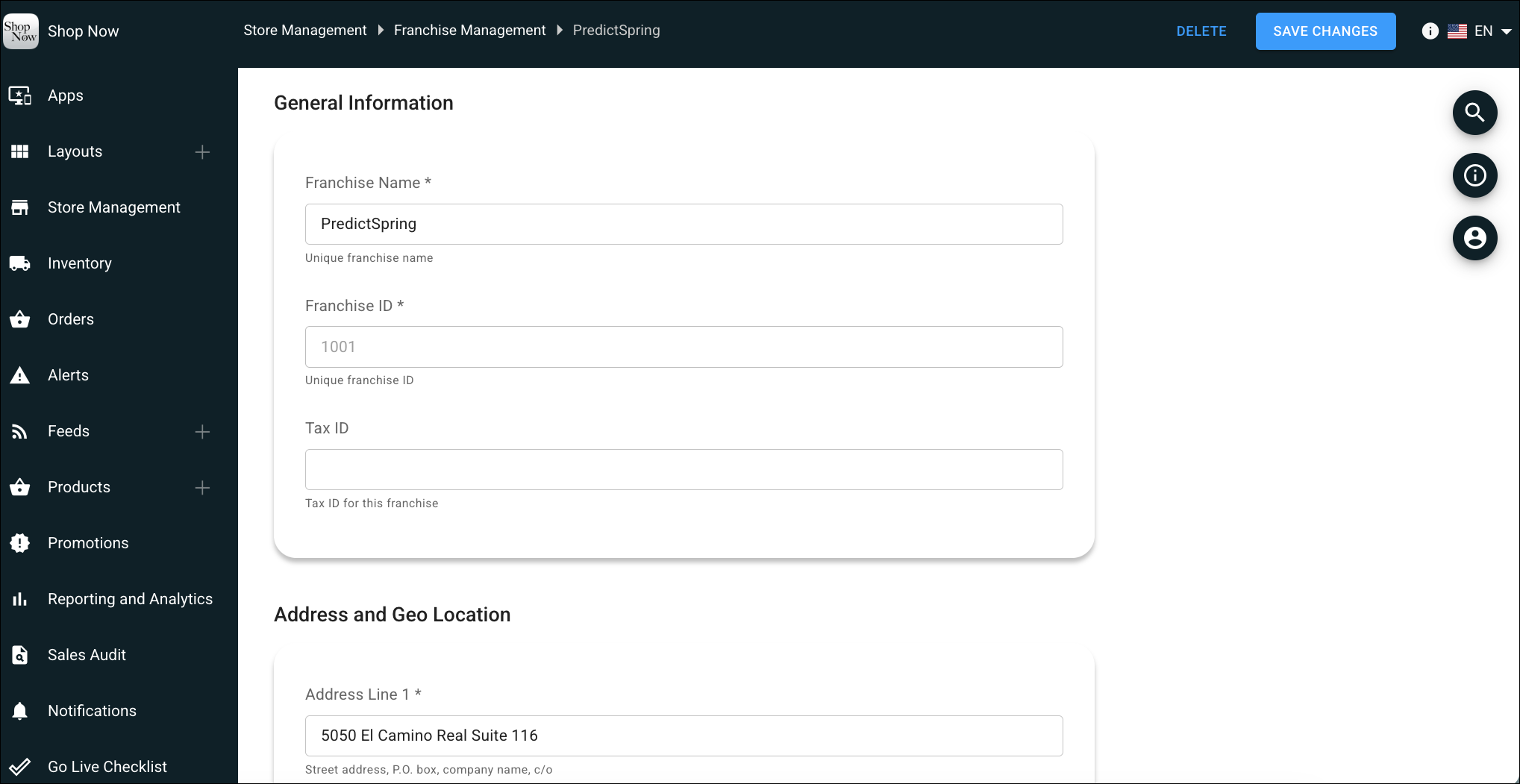
- In CMS, go to Store Management | Franchise Management.
- Click Create.
-
Enter the following information:
Field Required Description Franchise ID Yes Unique identifier for the franchise Franchise Name Yes Display name for the franchise group Address Yes Primary address for the franchise Tax ID No Tax identification number for the franchise - Save your changes.

Note Each franchise group represents a distinct franchise entity. Create one group per franchise operator.