
After creating franchise groups, associate stores with the appropriate franchise in Point of Sale CMS.
- In CMS, go to Store Management | Stores.
- Create a store or edit an existing store.
- For Franchise, select the appropriate franchise group.
- Complete the remaining store details and save your changes.
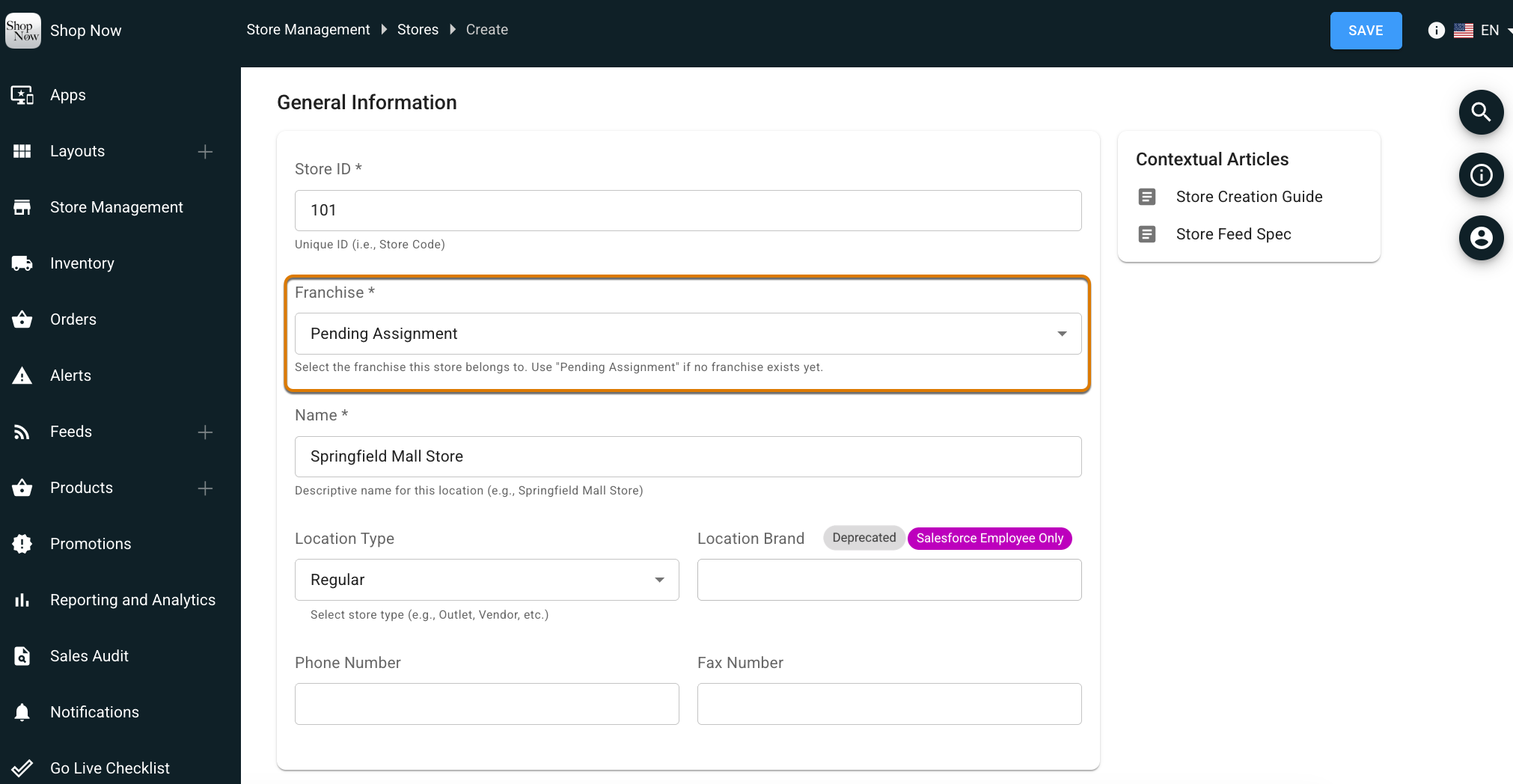

Important All stores must link to a franchise group when enabling franchise management. The store listing page shows the franchise ID associated with each store. Merchants can also create an owned and operated franchise group for corporate owned stores.