
Merchants in the CMS have key properties such as their name, locale, region, and currency support. Using Cloud configuration details, Point of Sale connects to the merchant's e-commerce platform. View the merchant's developer credentials, API keys, and related API usage details for efficient API management. You can also determine if the environment is active and if it's a store merchant.
Merchant Configuration Fields
Admins can refer to the Merchant Configuration page in Point of Sale CMS to review general, checkout, and region settings for a merchant.
Access Merchant Configuration in CMS by going to Advanced > Merchant Configuration.
General Settings
The General Settings fields define core merchant environment settings, including merchant activation and currency code.
| Field | Description |
|---|---|
| Merchant Name | Name of the merchant |
| Is Active | Activates the merchant account |
| Logo Image URL | URL of the merchant’s logo |
| Currency Code | Merchant's currency code |
| Deeplink URL Scheme | Merchant's deep link URL scheme |
| PS API Key | Point of Sale API key of the merchant |
| Default Merchant | Toggle to set current merchant's locale and region as the merchant default. Otherwise, en_US/US will be used as the default. |
| Has Pagerduty Check | Point of Sale backend enables this toggle only if the merchant is going live, sending PageDuty alerts |
| Parent Group | Merchant parent name for merchants belonging to a parent group |
| APNS_PRODUCTION_ARN | Merchant production notification Amazon Resource Name (ARN), used to uniquely identify AWS resources |
| FCM_PRODUCTION_ARN | Firebase Cloud Management production notification ARN |
Checkout Settings
The Checkout Settings fields cover security settings, API configurations, custom implementations, and the automation of various parameters, including API paths and content types.
| Field | Description |
|---|---|
| Add to Cart | Request path, toggled on if the path is secure |
| Add to Cart Request Parameters | Cart Request parameters, if applicable, configuration is to be done by Point of Sale backend |
| Response Cookie List | List of cookie names expected in the merchant backend API responses, if applicable, configuration is to be done by Point of Sale backend |
| Response Header List | An array of header keys expected in the merchant backend API responses, if applicable, configuration is to be done by Point of Sale backend |
| customCartImplClass |
The classpath for the merchant custom cart implementation is automatically populated by the Point of Sale backend. If you are integrating with NetSuite, you will need to update the URL accordingly. Below is an example of the URL format for a NetSuite integration: NetSuite: com.predictspring.integration.netsuite.NetSuiteCartService |
| customOrderImplClass |
The classpath for the merchant custom order implementation is automatically populated by the Point of Sale backend. If you are integrating with NetSuite, you will need to update the URL accordingly. Below is an example of the URL format for a NetSuite integration: NetSuite: com.predictspring.integration.netsuite.NetSuiteOrderService |
| customAccountDataImplClass |
The classpath for the merchant custom account data implementation is automatically populated by the Point of Sale backend. If you are integrating with NetSuite, Salesforce, or SPIs, you will need to update the URL accordingly. Below are examples:
|
| customAccountImplClass |
The classpath for the merchant custom account implementation is automatically populated by the Point of Sale backend. If you are integrating with NetSuite, Salesforce, or SPIs, you will need to update the URL accordingly. Below are examples:
|
| API Root Path | API root path, if applicable, Point of Sale backend will auto-populate this field |
| Request Content Type | Request content type, if applicable, Point of Sale backend will auto-populate this field |
| Referer | Referer, if applicable, Point of Sale backend will auto-populate this field |
| Multi Locale Support | Multi-locate support, if applicable, Point of Sale backend will auto-populate this field |
| Store URL | Store's website URL, if applicable, Point of Sale backend will auto-populate this field |
| oAuth Host | oAuth hostname, if applicable, Point of Sale backend will auto-populate this field |
| Client Secret | Client secret, if applicable, Point of Sale backend will auto-populate this field |
| Partner ID | Partner ID, if applicable, Point of Sale backend will auto-populate this field |
| Custom Attributes Json | Custom attributes JSON, if applicable, Point of Sale backend will auto-populate this field |
Merchant Region Configuration
The Merchant Region Config settings cover region creation and management, including locale, currency, and language configurations.

| Field | Description |
|---|---|
| Region | For a new MLR, two-letter country code for the region |
| Currency | For a new MLR, three-letter currency code for the region |
| Default Language | For a new MLR, primary language code for the region |
| Multi-Language Support | For a new MLR, enable if the region supports multiple languages |
| Additional Language(s) | For a new MLR with multi-language support enabled, list of additional supported language codes |
API Integration Fields
Discover details of the developer credentials and API usage settings for a merchant configuration in the CMS.
Access API Integrations in CMS by going to Advanced > API Integrations.
Developer Credentials
The Developer Credentials fields are auto-generated when a merchant is provisioned. They are not editable and are used as part of the Point of Sale API Developer Guide.
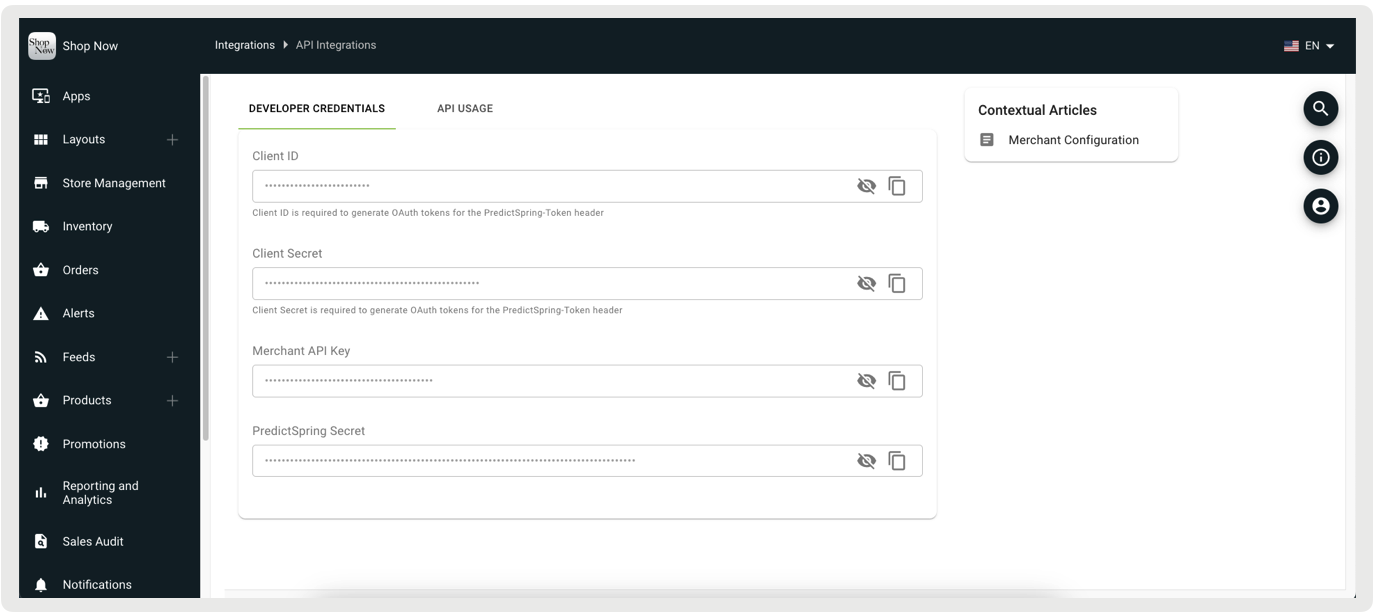
| Field | Description |
|---|---|
| Client ID | Required to generate OAuth tokens for the PredictSpring-Token header |
| Client Secret | Required to generate OAuth tokens for the PredictSpring-Token header |
| Merchant API Key | Merchant API key |
| PredictSpring Secret | Point of Sale API secret |
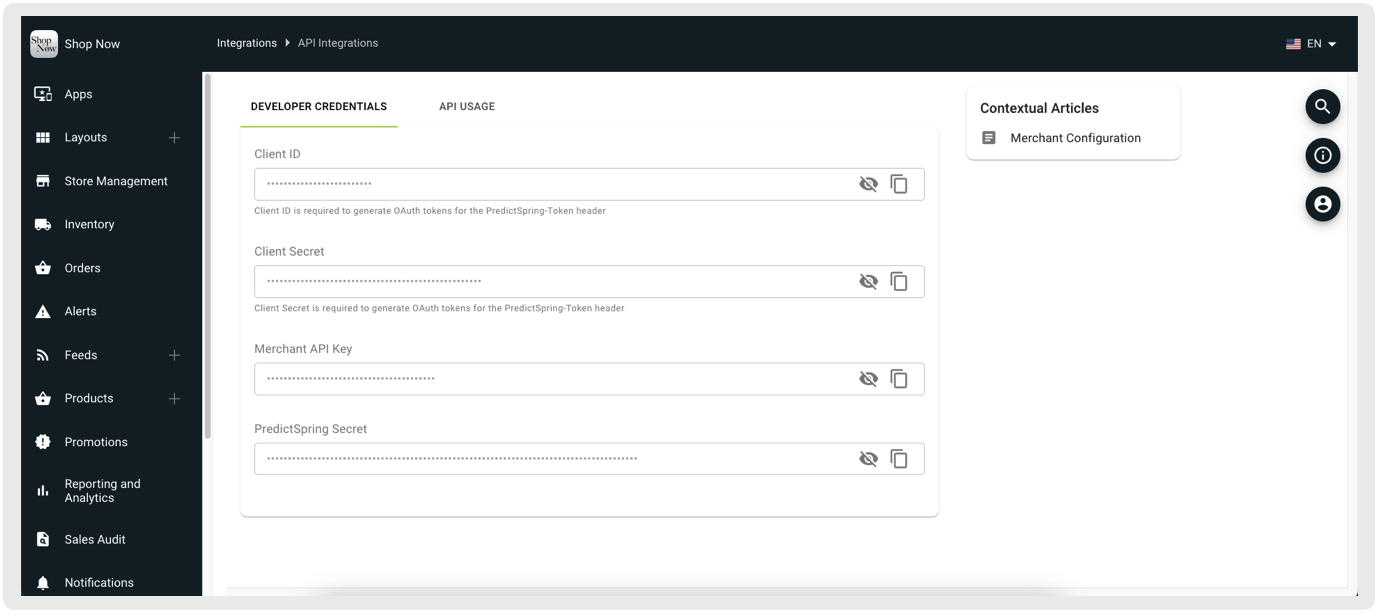
API Usage
The API Usage Settings fields aren't editable and are used for API management. They encompass the monthly request limit, usage tracking, rate regulation per second, and burst handling for unexpected surges for a merchant environment.
| Field | Description |
|---|---|
| Quote | Maximum number of permitted API requests per month |
| Remaining Quota | Number of API requests remaining for current month |
| Rate Limit | Maximum number of API requests allowed per second |
| Burst Rate Limit | Maximum number of API requests allowed in a burst that exceeds API rate limit |