
Schedule export jobs for Point of Sale Electronic Journal data to extract and analyze transaction records. Exporting data regularly helps you gain insights into sales trends, customer behavior, and operational performance. You can then use these insights to optimize your retail strategies and improve decision-making. Schedule these jobs to automate the process and ensure that you always have access to the latest data.
For more information on Electronic Journals and their capabilities, refer to View and Edit Electronic Journal Reports.
Scheduling export jobs is similar to scheduling feeds. For the basics of creating scheduled jobs in the CMS refer to the article on Schedule Feed Runs in Point of Sale CMS.
- In CMS, go to .
- Click the plus (+) icon.
- Select Electronic Journal.
-
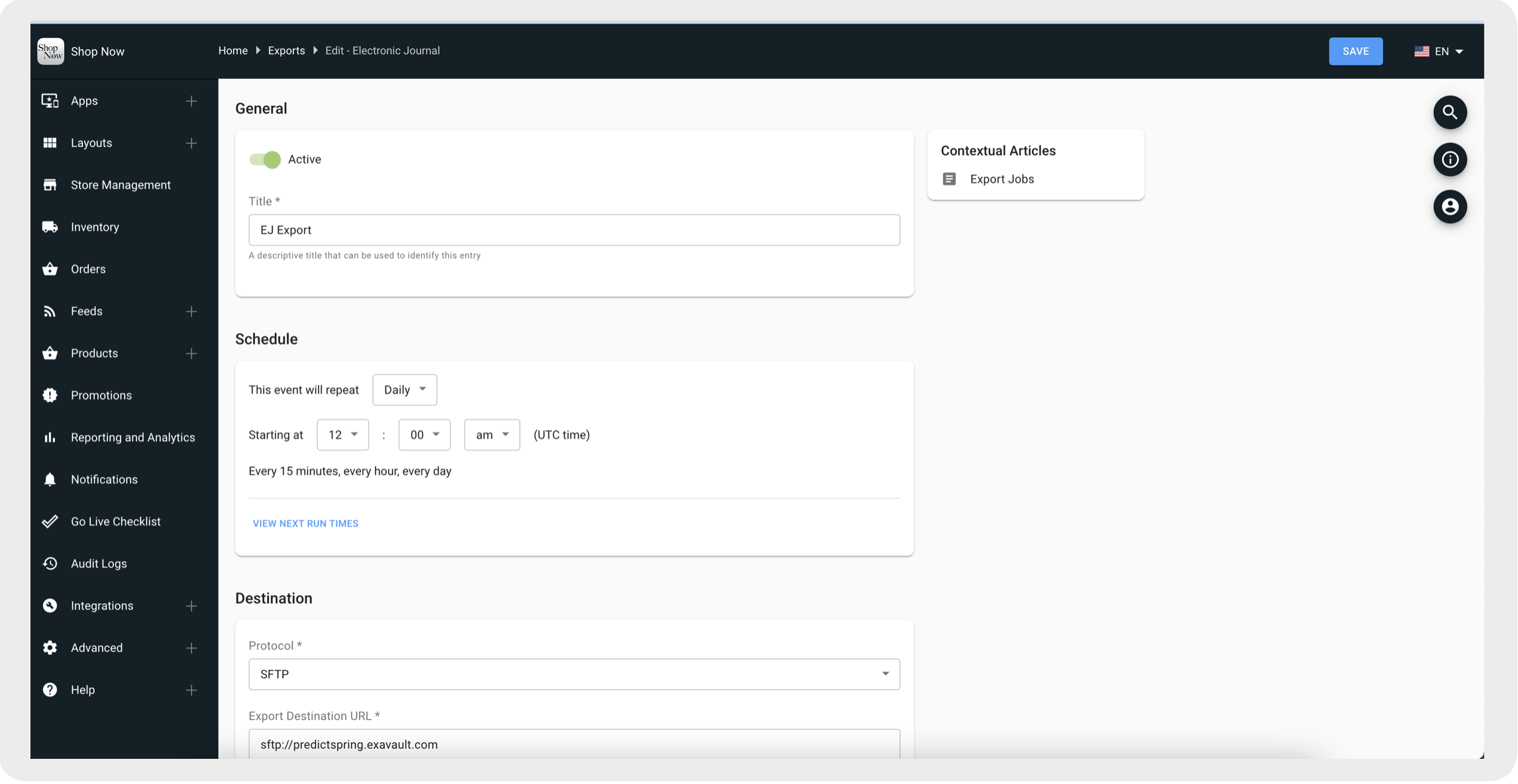
Complete the required fields and save your changes.

Note There is no option to delete an export job, instead you can deactivate it by toggling the
Active flag off.