
Import a scheduled Point of Sale data feed immediately with the Import Now feature. The Import Now functionality allows you to force a scheduled feed to run when you need the most up-to-date information. Ensure that your data is current and drive timely decision-making.
- In CMS, go to .
- Hover over the feed you want to run and click EDIT.
-
Complete all required fields. For the basics of creating scheduled jobs in the CMS refer to
Schedule Feed Runs in Point of Sale CMS .
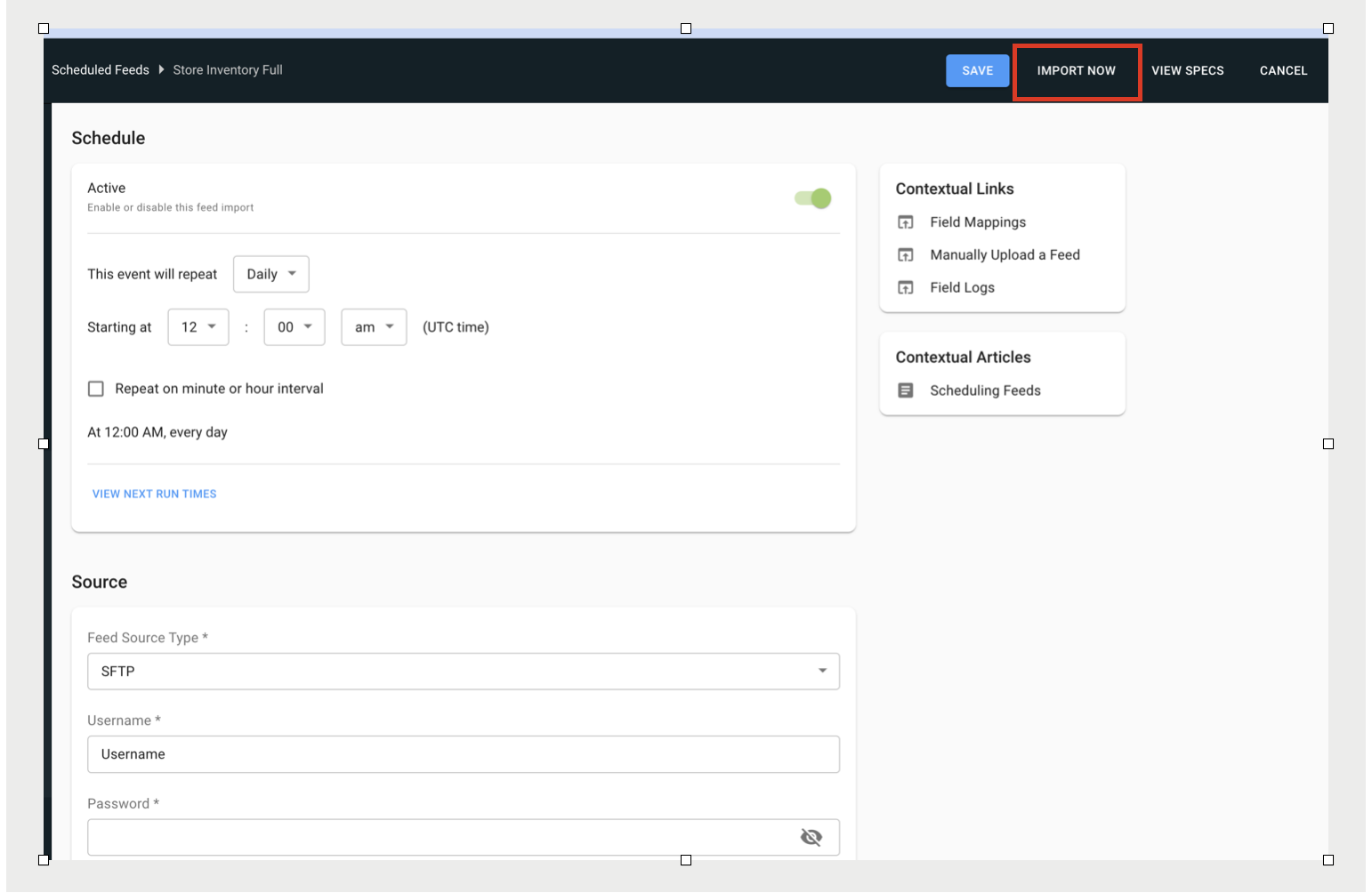
- Click IMPORT NOW.

Note Changes to the scheduled feed are not saved after clicking Import
Now.