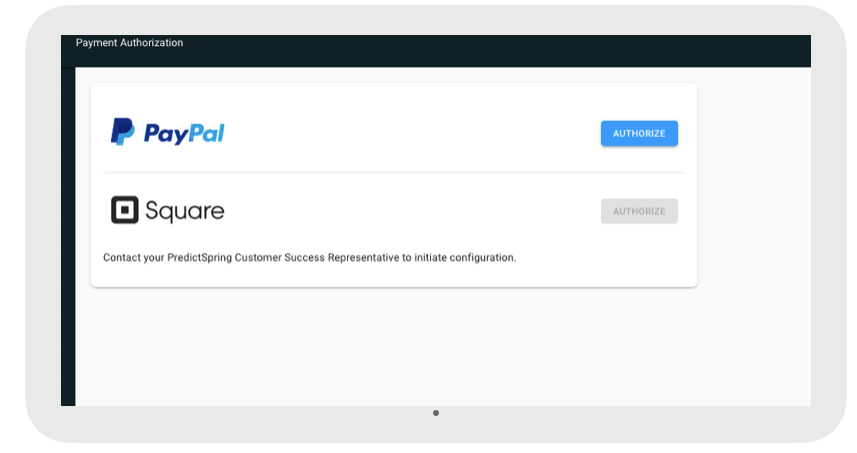
Discover the process of setting up an OAuth token for a Paypal Here device and Square for use in Point of Sale. For these card readers to work, after merchants have provided initial keys, the user needs to login to CMS and invoke the Paypal and Square buttons to generate a secure token that will be used for checkout.
- Paypal Here
- Technical Prerequisites
- This feature does not require a 3rd party integration.
- This feature does not require a new build
- This feature does require a change in the CMS
-
In CMS, go to and create a payment gateway for Paypal Here.
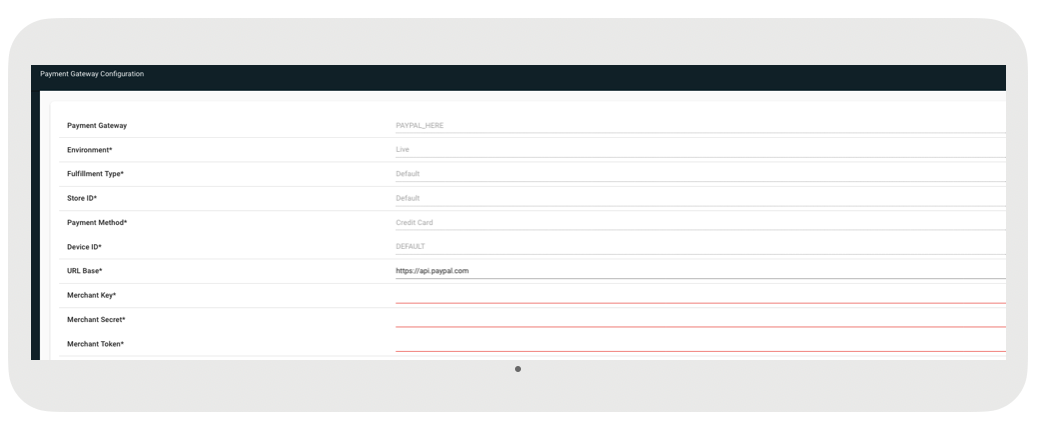
Fields marked in red are mandatory and can be retrieved from the Paypal Developer portal.
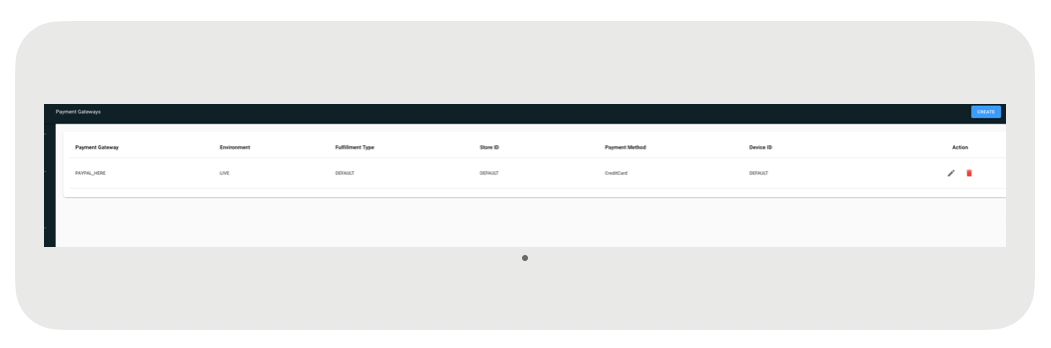
Once this setup you see a new payment gateway setup.
-
Once Paypal has been setup, now navigate to . You will see PayPal enabled. Click on Authorize. This will open a new window
where you will enter your paypal credentials to login and that will authorize Point of Sale to
accept payment on Paypal Reader for the merchant.