
Quickly view your identity verification status within Point of Sale CMS. Find domain verification details, including TXT and CNAME records, directly in the Email Integration settings. Copy these values and publish them to your domain's DNS provider within 72 hours to verify your domain and ensure seamless email integration. Email verifications do not require further action.
Check your identity verification status in Point of Sale CMS.
- Go to .
- Tap View under Verification Info.
-
The window displays the verification status. For domain verifications, the window also
displays the text (TXT) and canonical name (CNAME) records. Copy the values and publish them to
your domain’s Domain Name System (DNS) provider to verify your domain. No further action is
needed for email verifications.
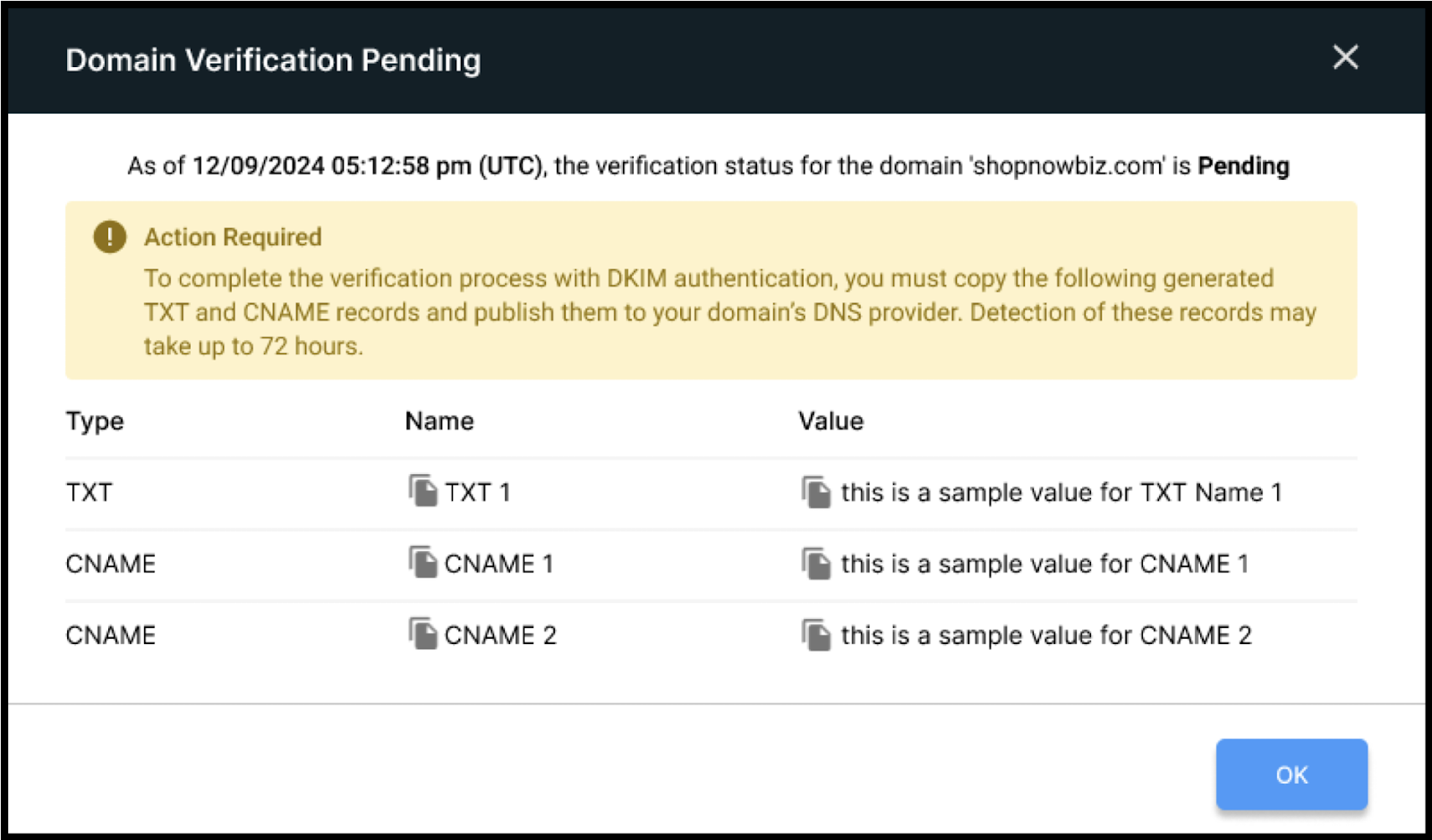

Important For domain verification, you have up to 72 hours to publish the TXT and
CNAME values to your DNS provider.