
Verify your domain or email address in Point of Sale CMS to begin the verification process. Verifying domains and email addresses confirms that you own them for secure, reliable communication.
Verify a domain, email address, or both in Point of Sale CMS to start your verification process.
- Go to .
- Tap + Add New Identity.
-
In the window, select the Identity Type and enter the Identity Details.
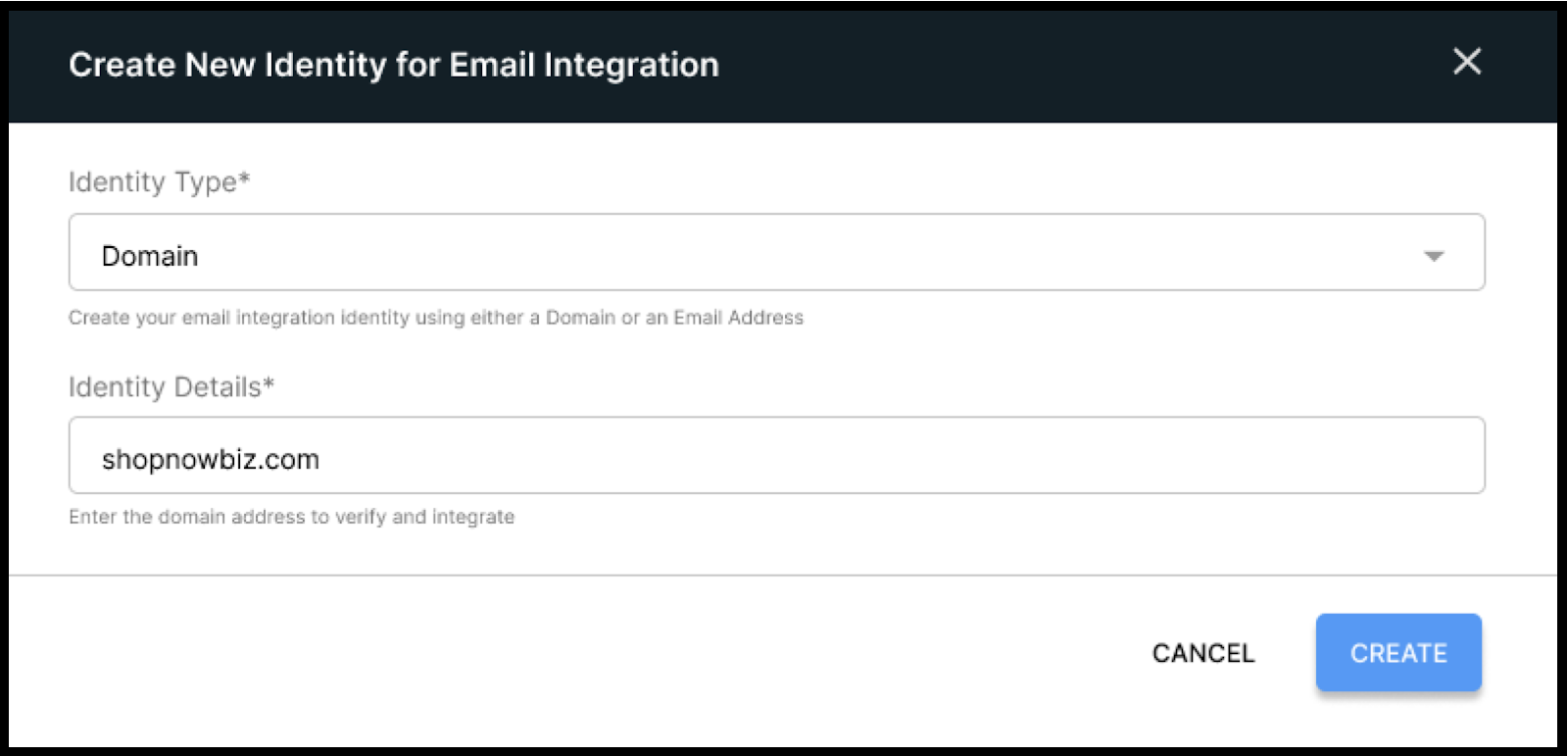
- Tap Create. Creating the identity starts the verification process.

Note You can't edit identities after creation. If you make a mistake, then delete the identity
and create it again.