Salesforce B2C Commerce On-Demand Sandbox (ODS) logs are now available in Log Center. This enhancement eliminates the need to use a separate URL to access ODS logs for the first-party instance of Log Center.
With this update, the Log Center experience now includes:
- A single URL access point for all realms
- Extended log retention of up to 14 days
- Advanced search capabilities
How: To access the ODS Logs within Log Center:
- Start Log Center.
- Select a region.
- select a realm. If you're unsure of your realm ID, ask your Account Executive (AE) or Customer Service Manager (CMS) for assistance.
- Click Show filtered results.
- Select .
- Under Service Type, select ecom or jwa.
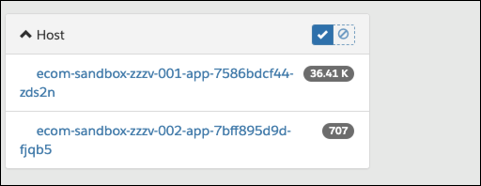
- To view the ODS logs, select host.