To view payment activity related to your merchant account, Salesforce Payments
provides reports. You can examine payment data in various combinations and share financial
insights with others. You can choose which reports to display on the Payments app Home page.
All reports are localized so that labels show in your org’s language. To automate payment
operations, configure notifications for specific payments events.
Required Editions
Payment transactions can generate report entries in the millions, which can exceed
report limits. To limit the number of entries, create a custom report with filters. For
example, you can filter by date, payment method, or status. For more information about
creating reports and optimizing report performance, see Reports and Dashboards.
-
To choose which reports appear on the Home page, click the gear icon and select
Edit Page.
Add, remove, or replace a report component and save your changes.
-
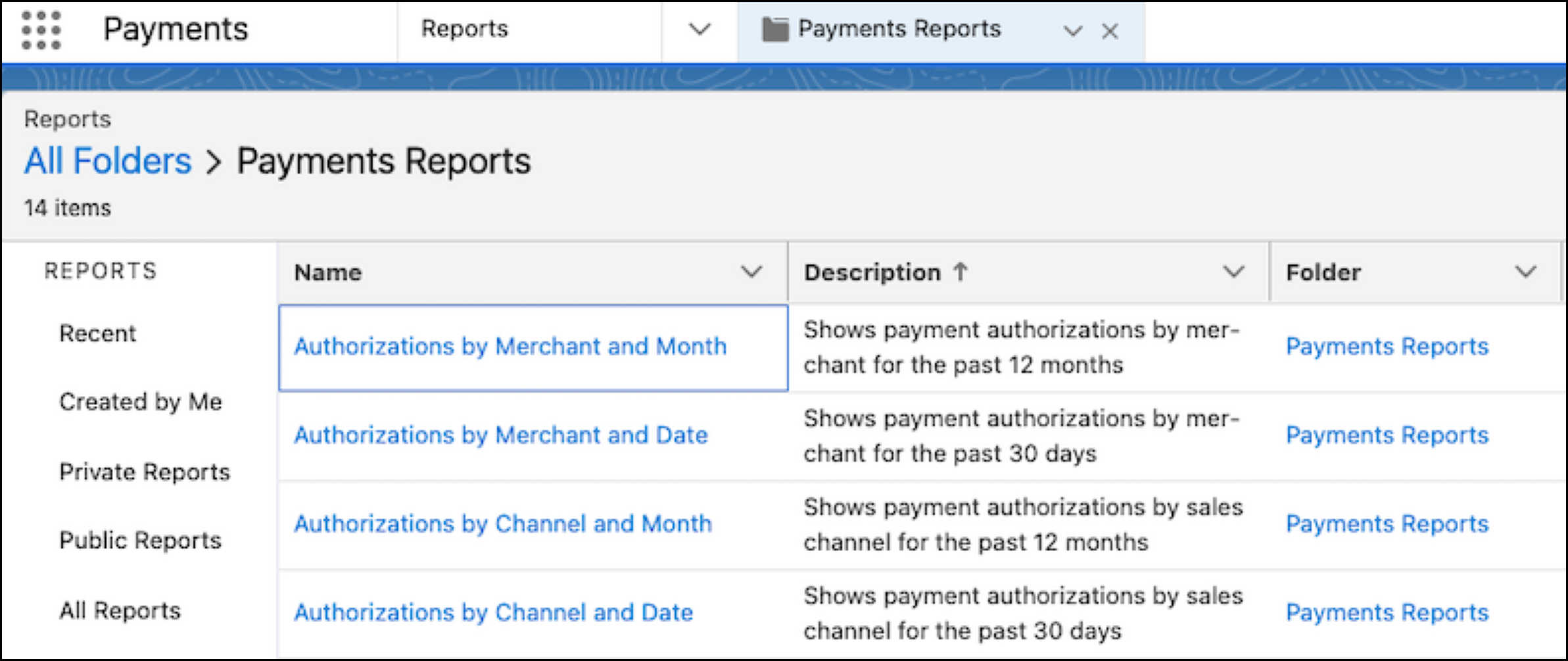
To access only the Payments reports, select Reports
dropdown menu from the Payments app, then open the Payments Reports folder. You
can modify or copy and customize each report.
To view reports based on sales channel activity, Order Management must be
installed and configured on the same org as Payments.