
The final step in configuring Return Insights is to add classifiers to flow.
Required Editions
- From Setup, in the Quick Find box, find and select Flows.
- Select Analyze Returns.
-
Click the Add Classifier component.
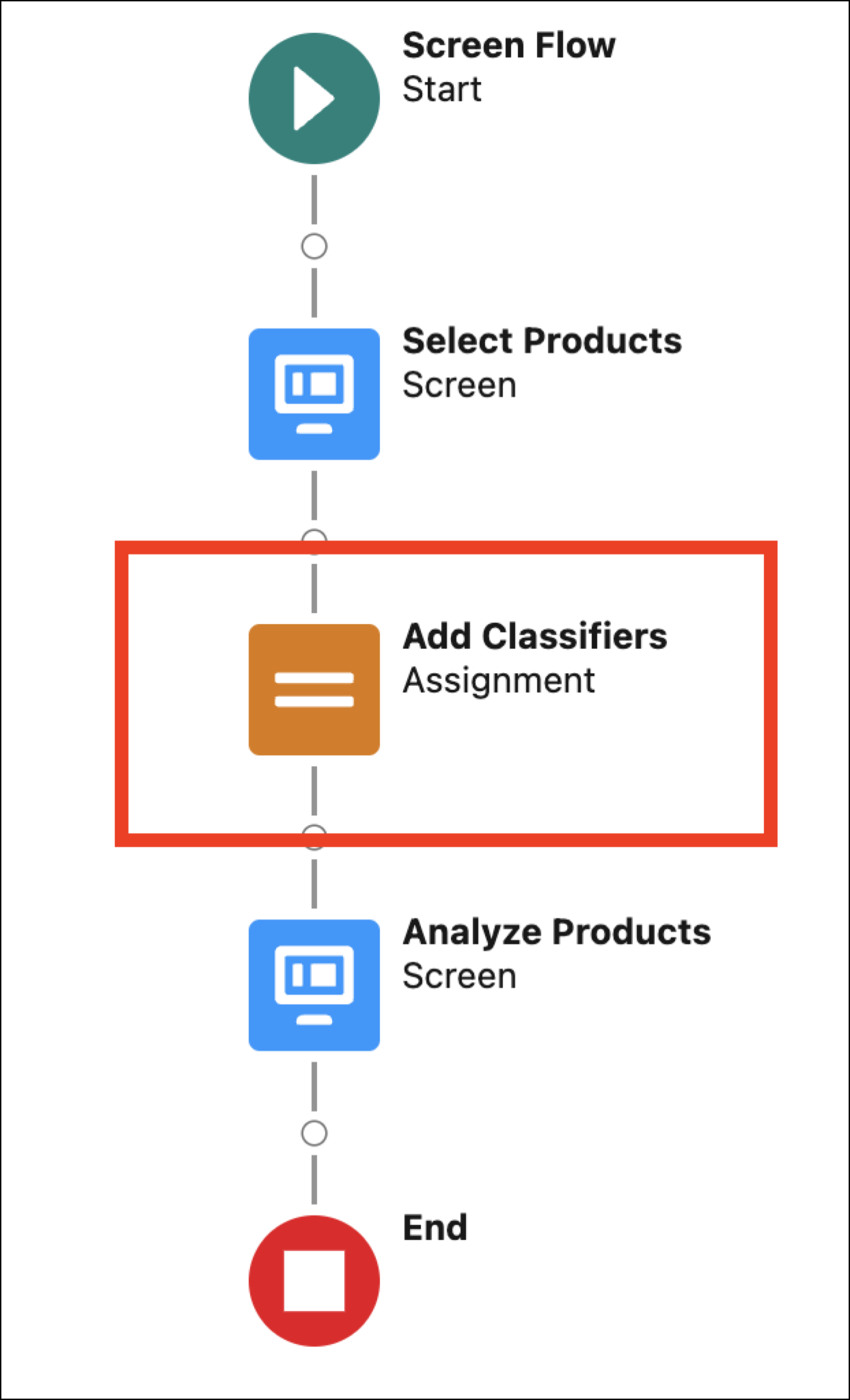
- Click + Add assignment.
- Select Classifier for the Variable and Add for the Operator.
-
For Value, add the classifier text. For example, damaged or too small.
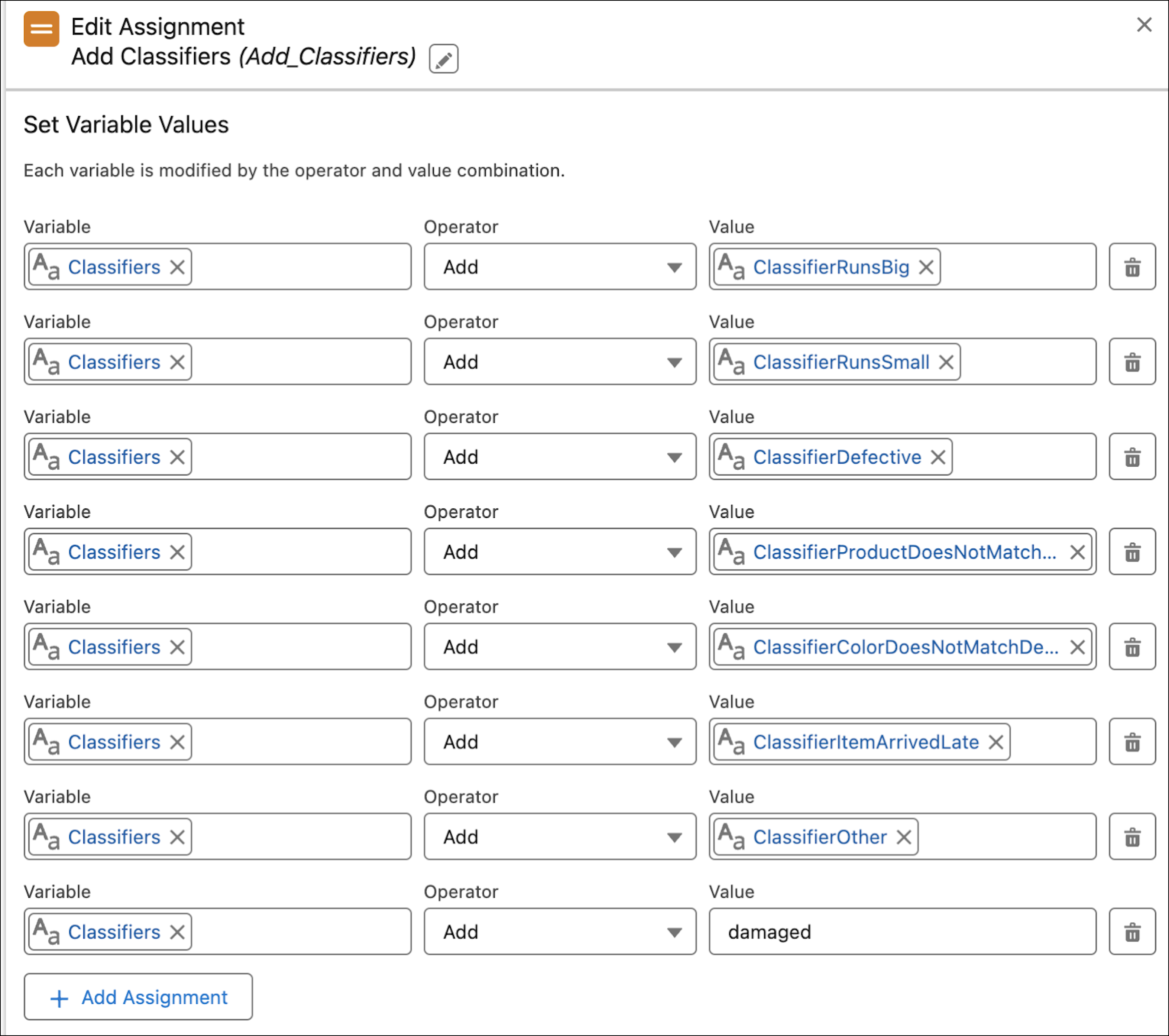
- Click Done.
- Click Save As, and then click Save.
- Click Activate.