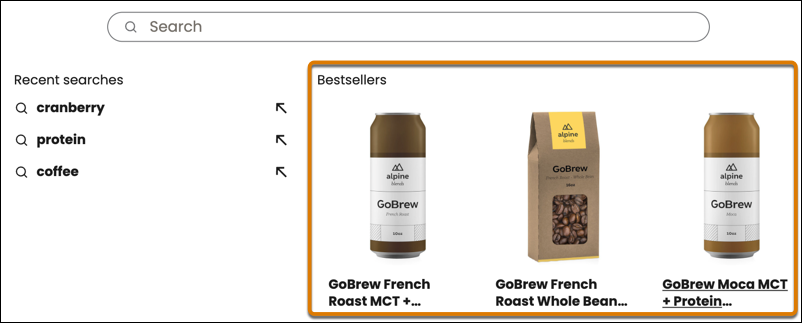
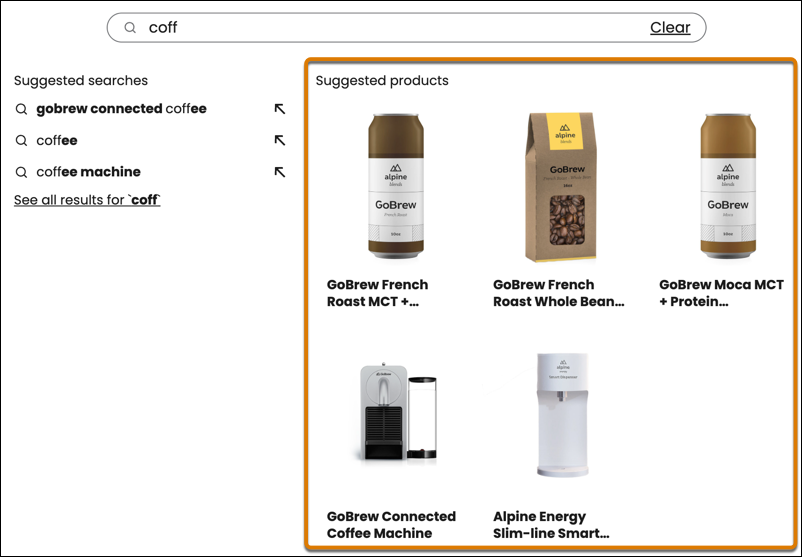
Search suggestions offer term and product suggestions, making it easier and faster for buyers to find relevant items.
Required Editions
| View supported editions. |
Term Suggestions
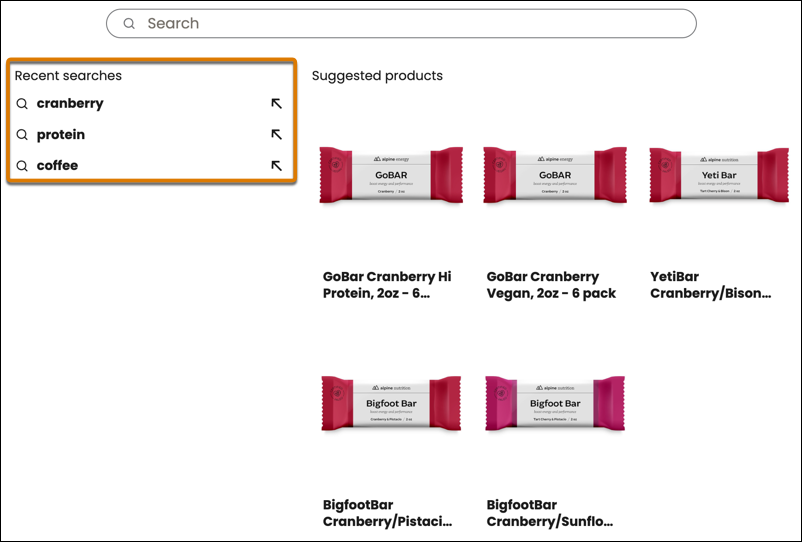
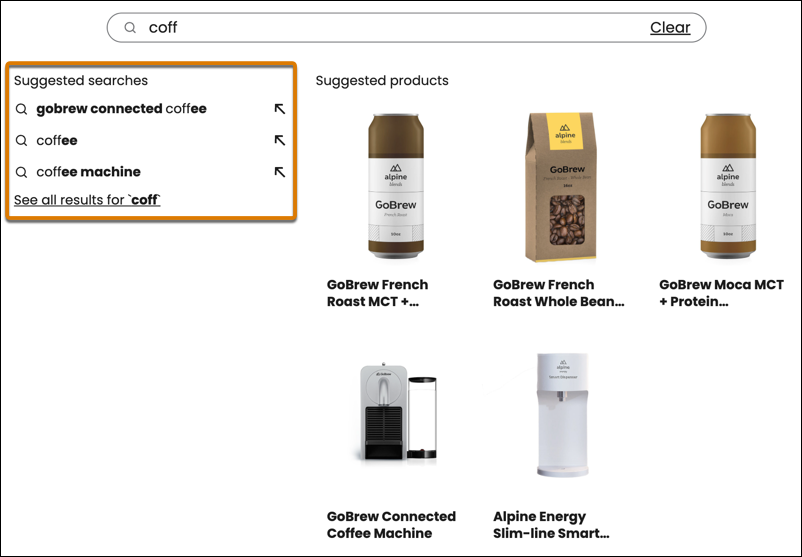
Recent search terms appear before the buyer begins typing, and term suggestions appear under the search bar as the buyer types.
| Feature | Description |
|---|---|
| Recent Suggestions | Terms that the buyer recently searched for appear under an empty search bar for logged-in buyers. Buyers don’t need to reenter the terms to see them. This feature is available when Commerce Einstein and Storefront Activity Tracking are enabled. See Set Up Search Suggestions. |
| Suggested Terms | Search terms appear under the search bar when the buyer types at least three characters. The terms can match the content of the products fields in the catalog or terms the buyer has searched for before. |
Product Suggestions
Bestselling products appear before the buyer begins typing, and product suggestions appear under the search bar as the buyer types.
| Feature | Description |
|---|---|
| Bestseller Products | Bestseller products appear before the buyer enters search terms. You assign bestseller products to a special category and then enter the ID of that category in the Search Box component. See Set Up Search Suggestions. |
| Suggested Products | Suggested products appear under the search bar when the buyer types at least three characters. |