
If your B2B store allows guests to purchase products, you can configure whether to create a person or business account for the guest upon checkout. As of Winter ’25, person accounts don’t need to be enabled for B2B store guest checkout.
Required Editions
| View supported editions. |
Which Salesforce Commerce Product Do I Have?
Whether B2B store guest checkout creates a person or business account depends upon your checkout configuration and if it supports self-registration.
Self-registration supported
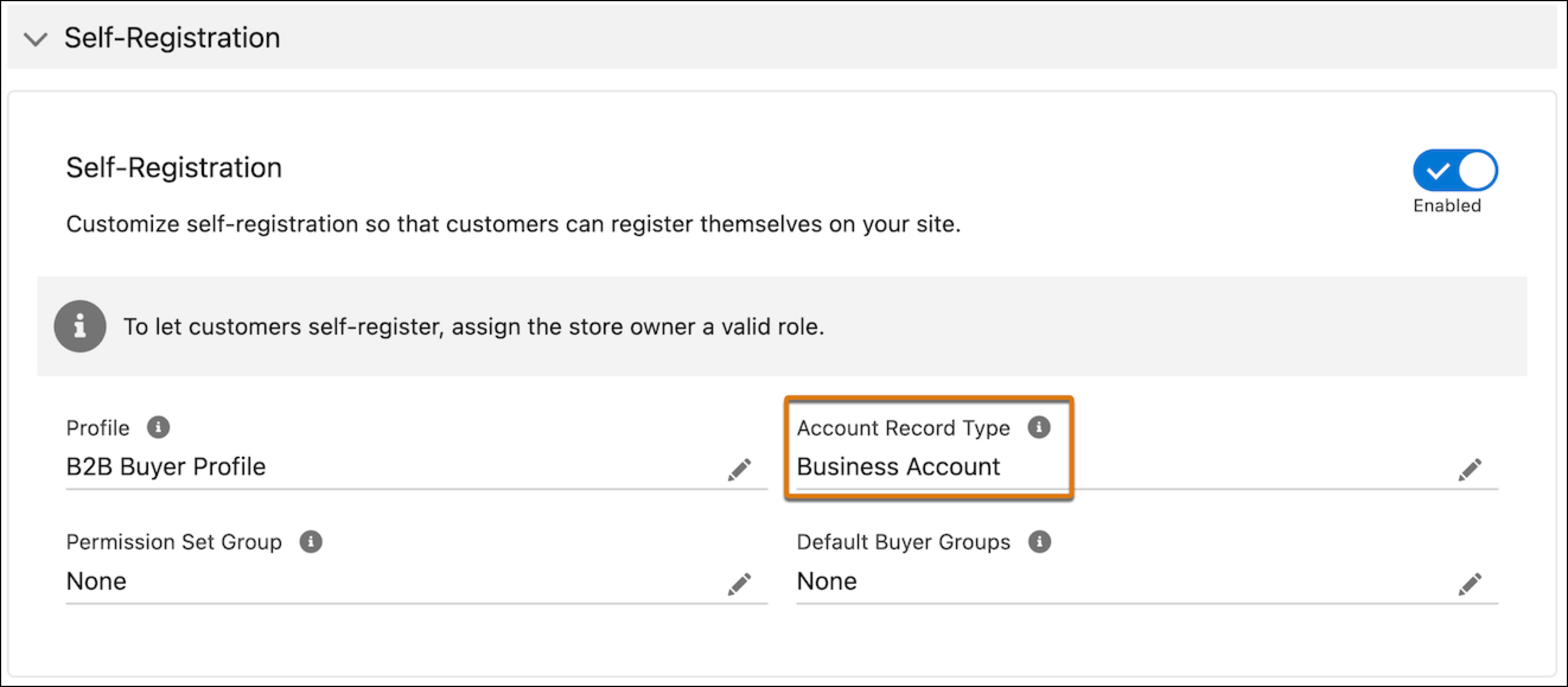
If your store allows self-registration, you can specify which account type to create upon registration. See Allow Self-Registration and Guest Access to the Pay Now Site.
- Business account creation: When the account record type for self-registration is set to Business Account.
- Person account creation: When the account record type for self-registration is set to Person Account.
Self-registration not supported
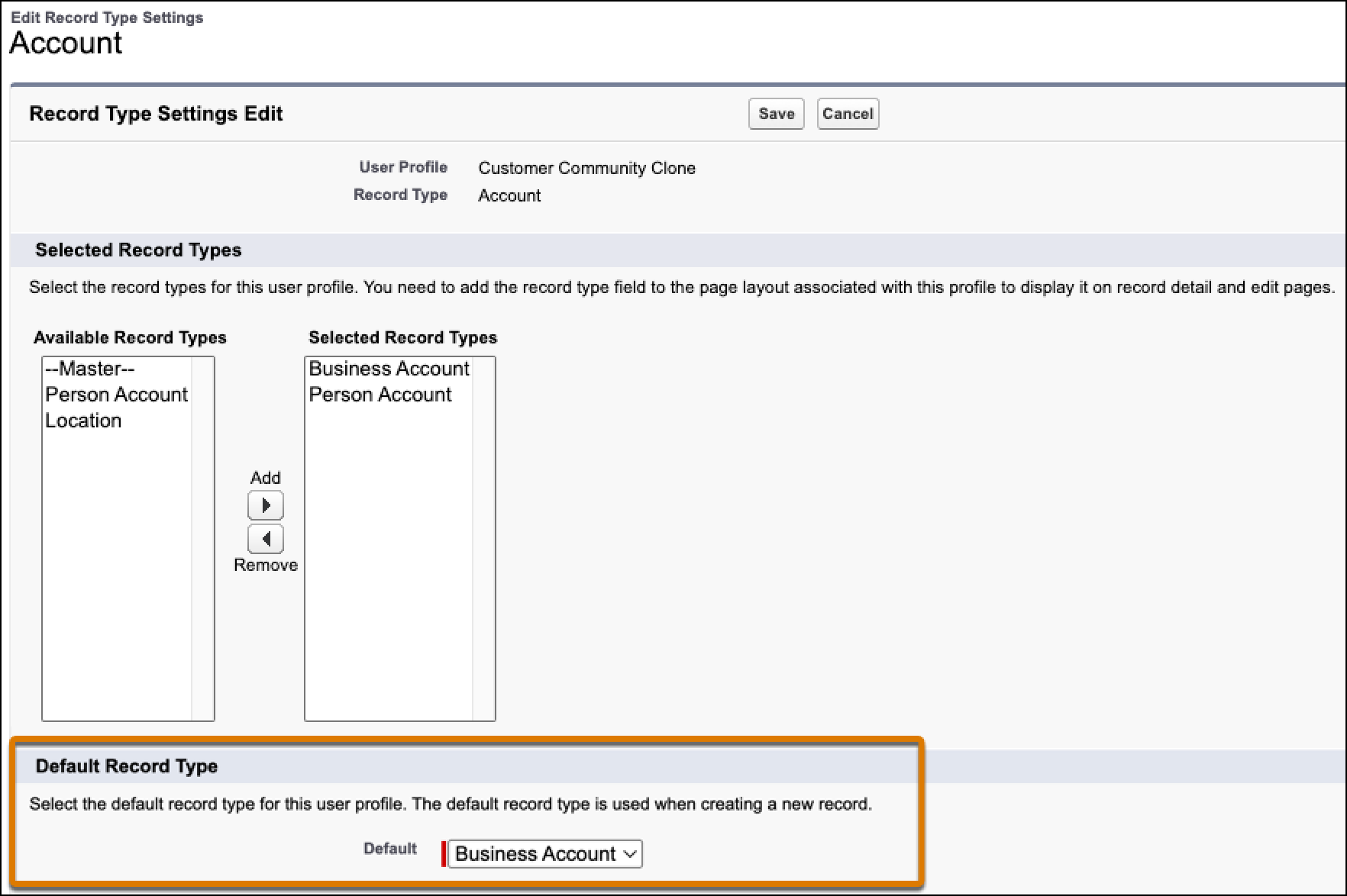
If your store doesn’t allow self-registration, you can specify which account type to create by setting the guest buyer profile’s account record type defaults. See Assign Record Types and Page Layouts in Profiles. If you don’t specify an account type in the guest buyer profile, the account created depends upon whether your store supports person accounts.
- Business account creation: When either the guest buyer profile has a business account, or the store doesn’t have person accounts enabled.
- Person account creation: When the guest buyer profile doesn’t have a business account and the store has person accounts enabled.
Considerations for high-scale orders
If your store has high-scale orders enabled, you can use duplicate rules to handle any potential duplication of accounts. A duplicate rule defines whether to create a record or update an existing record. Salesforce provides standard duplicate rules for business and person accounts, contacts, and leads. You can also create custom duplicate rules. Any active duplicate rules in your org are considered during the guest checkout account creation process.