Configure Displayable Fields in Commerce (Beta)

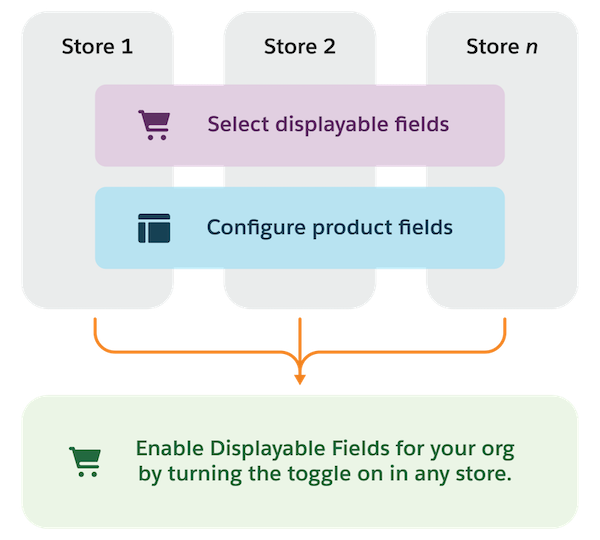
Before you enable displayable fields for your B2B Commerce org, you must set up displayable fields in the Commerce App and configure product fields in Experience Builder for all of your stores. You can complete steps 1 and 2 in either order, but the product fields that you configure in Experience Builder must be set up as displayable before you enable displayable fields to see improvements on your search, product, cart and checkout pages.

Required Editions

Note
Note Displayable Fields is a pilot or beta service that is subject to the Beta Services Terms at Agreements - Salesforce.com or a written Unified Pilot Agreement if executed by Customer, and applicable terms in the Product Terms Directory. Use of this pilot or beta service is at the Customer's sole discretion.
Configure displayable fields in Commerce.

Set Up Displayable Fields

In the Commerce App, select displayable fields.

Configure Product Fields

In Experience Builder, configure product fields.
Important
Important Repeat steps 1 and 2 for all of your stores before completing the next step.

Enable Displayable Fields

In the Commerce App, enable displayable fields.