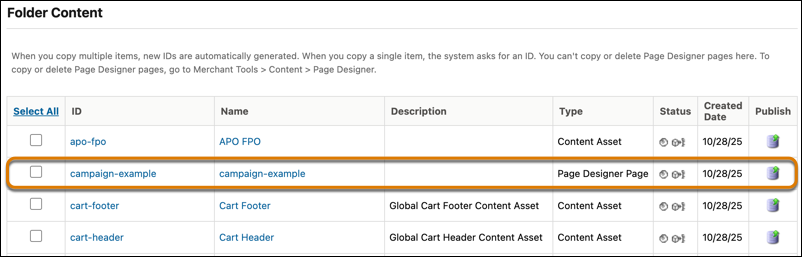
Replicate specific Page Designer pages instead of an entire library. Push critical content updates to production faster by running smaller, more targeted replications multiple times a day without the expense and complexity of a full data replication.
Where: This change applies to B2C Commerce.
How: In Business Manager, click App Launcher, and then select . Select the folder that you assigned the Page Designer pages to, find the Page Designer pages, and publish your changes.