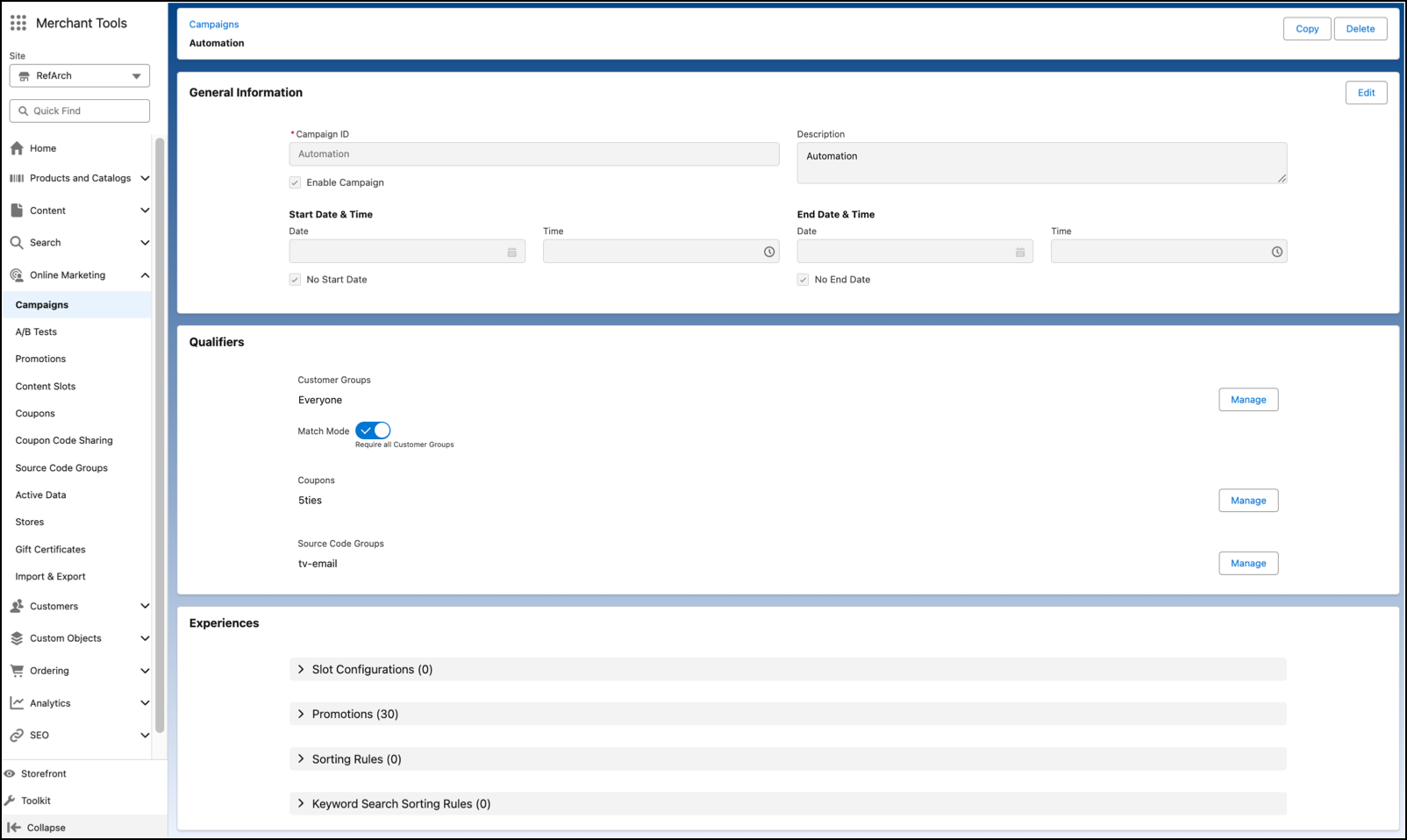
Create and update campaigns using the new Campaigns Detail screen. The new screen includes updated default values, saving you time while you create a campaign.
Where: This change applies to B2C Commerce.
How: In Business Manager, click the App Launcher, and then select . The new screen can be enabled by going to .