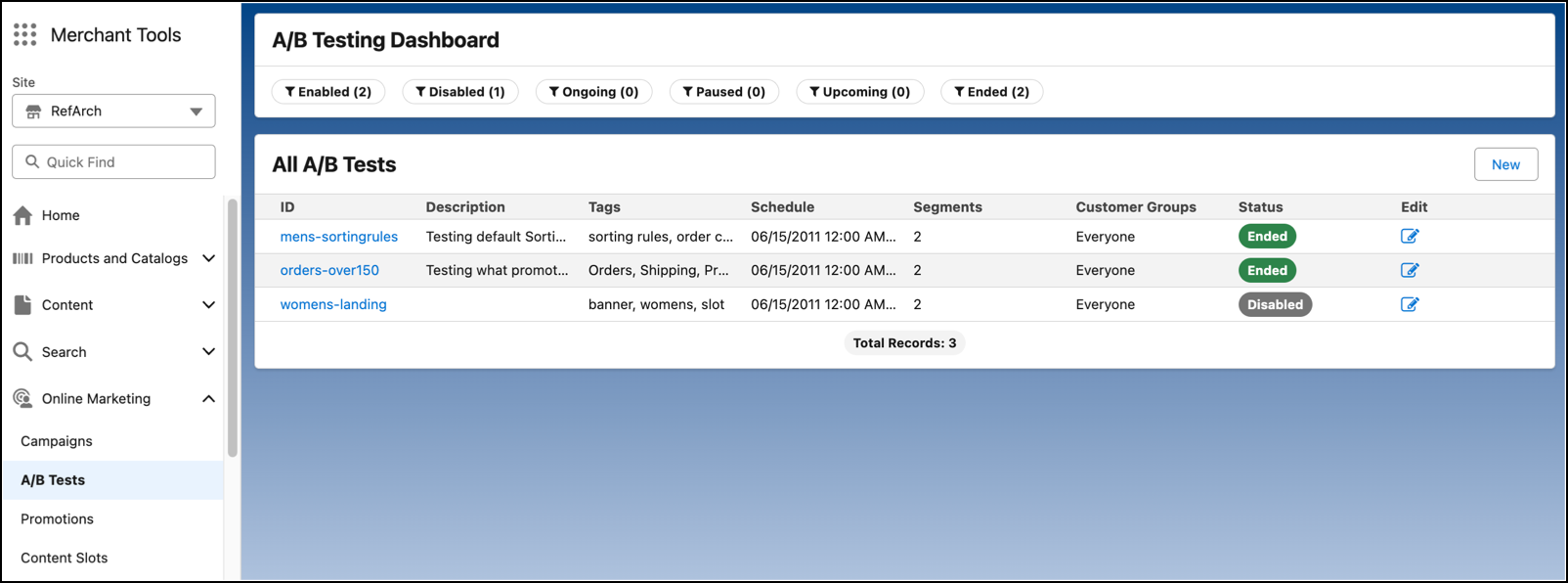
Use the quick filters in the new A/B test interface to sort and manage A/B tests. Find the best- performing segments by scanning visual indicators. The new interface also includes clipboard functionality so that you can copy test results for further analysis. Test data is displayed if at least one data point is available in every test segment.
Where: This change applies to B2C Commerce.
How: In Business Manager, click the App Launcher, and then select . The new screen can be enabled by going to .