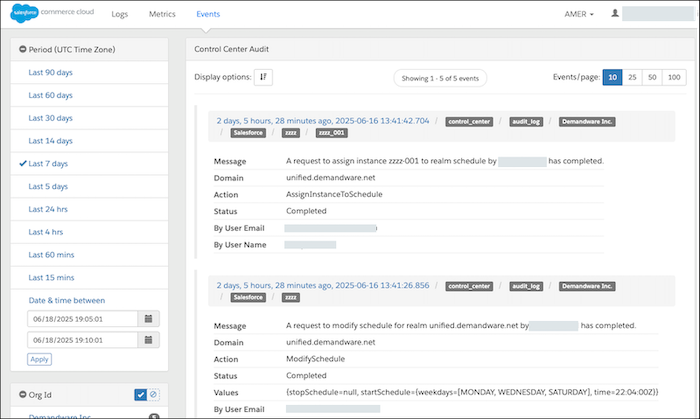
As of June 2025, you can view Control Center audit events in Log Center, which offers a centralized location for log management. Access to audit events directly from Control Center will be phased out, but for backward compatibility, it will remain available until February 2026. After this date, the Audit Logs button in the Control Center UI will be removed, and Log Center will be the sole location to access these events.
Where: This change applies to the Control Center UI in all editions.
When: Starting in February 2026, the Audit Logs button in the Control Center UI will be removed, and the Control Center audit events will be available only in Log Center.
Who: Only users with the Log Center External Admin or the Log Center User role can view the audit events. These users must be assigned specific instances or the sandbox filter realm (realm_sbx) by applying tenant filters. Administrators apply these roles and filters in Account Manager.
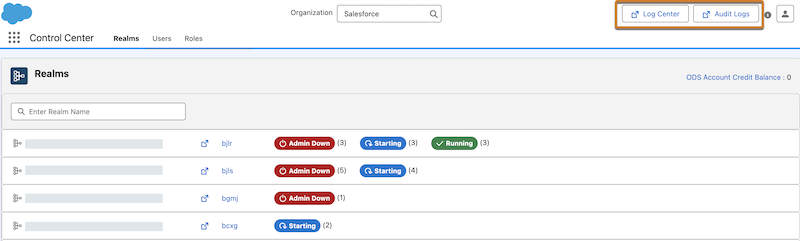
How: To access the audit events in Log Center, click Log Center at the top of the Control Center UI. You can also access Log Center from a browser or from Business Manager. To see the view that is being deprecated, click Audit Logs.

Here's an example of audit events shown in Log Center.