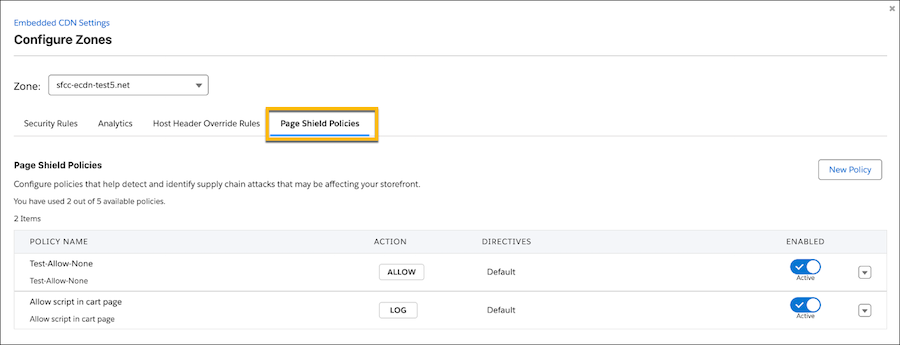
Page Shield policies make PCI 4.0 compliance easier and ensure that only trusted scripts run on sensitive pages, such as cart and checkout. Previously, you could configure the policies only with the Content Delivery Network (CDN) Zones API.
Where: This change applies to B2C Commerce.
How: In Business Manager, go to . Select a zone and click the Page Shield Policies tab.