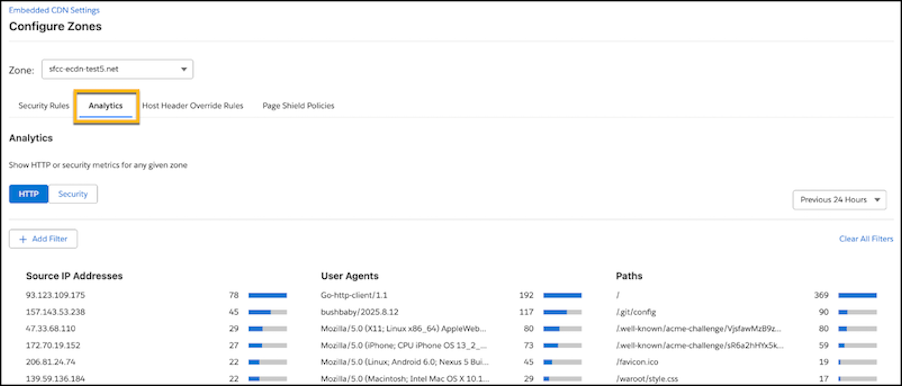
Get insights into HTTP traffic and security data using the new analytics overview in Business Manager. To control incoming traffic, you can also create firewall rules.
Where: This change applies to B2C Commerce.
How: In Business Manager, go to . To view HTTP and security metrics, click the Analytics tab. To configure firewall rules, click the Security Rules tab.