
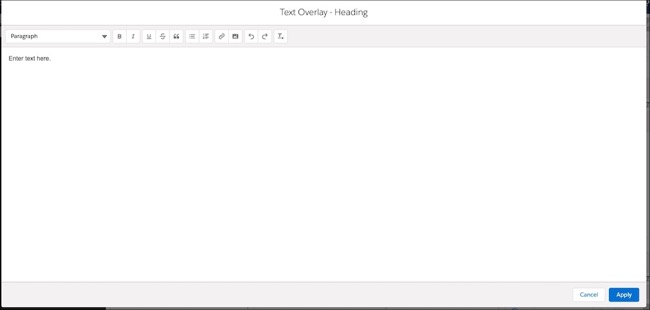
The Rich Text Editor (RTE) window where you enter text to configure component attributes is larger now. If you need even more room, you can expand the RTE window to full size.
Why: More space to enter text gives you the flexibility to paste or edit long text entries and more easily format the text.
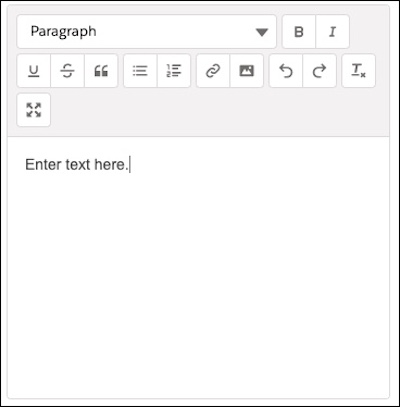
How: To expand the window to full size, click the icon. 
For details about creating pages and configuring component attributes, see Create a Page Using the Page Designer Visual Editor.